RealPresence Collaboration Server (RMX) 1500/1800/2000/4000 Getting Started Guide
Polycom®, Inc. 166
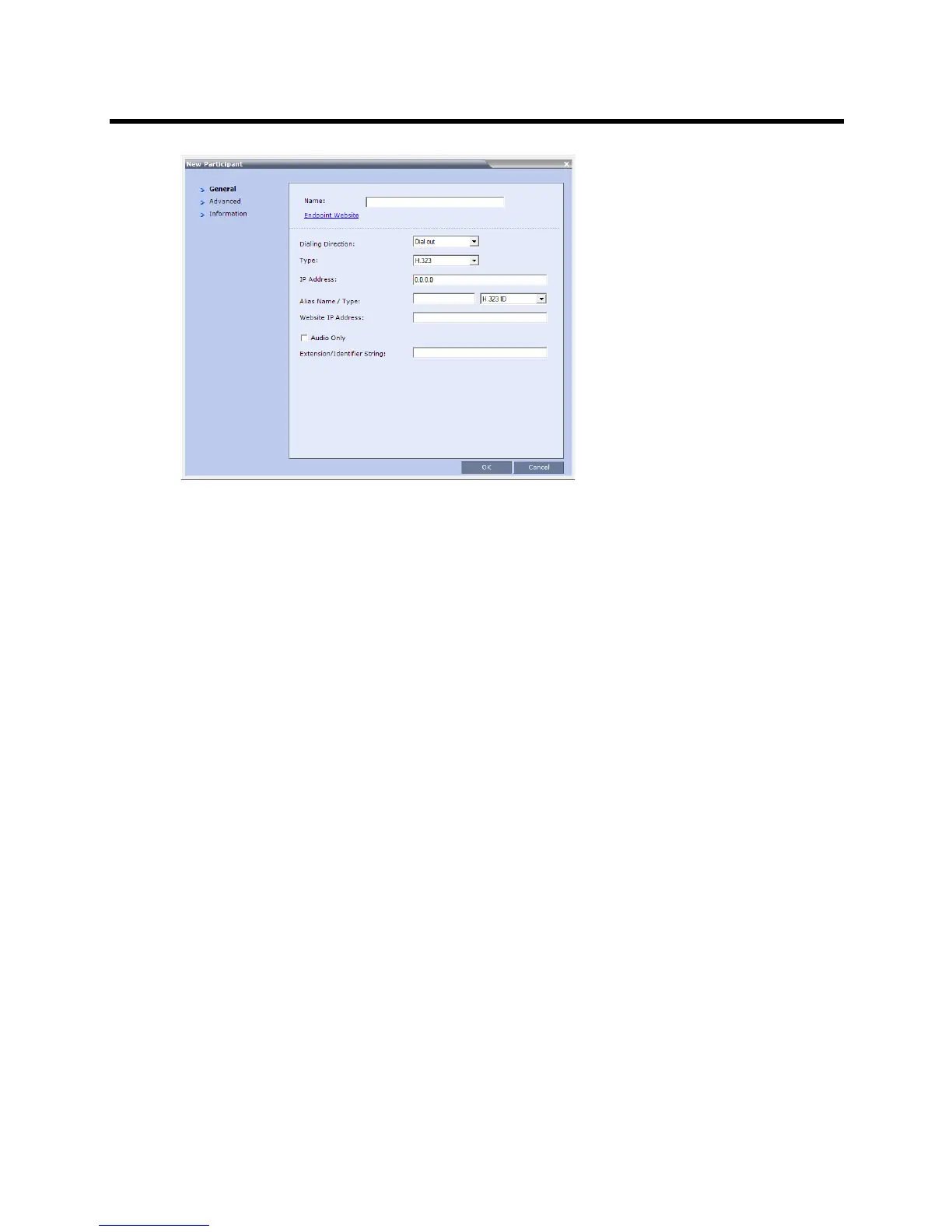
2 Modify the participant information as required. For more information see the
Polycom® RealPresence Collaboration Server (RMX) 1500/1800/2000/4000 Administrator’s Guide,
Modifying Participants in the Address Book.
Optional. If not already in the Address Book, the copied/cut participant can be added to the Address
Book.
Optional. The new participant can be added to the Address Book.
3 Click the OK button to connect the new participant to the selected conference.
Sending Messages to Selected Participants Using Message Overlay (AVC-based
Conferences)
During an ongoing conference, text messages can be sent to selected participants (a single participant or a
number of participants) using the Send Text Message to Participant right-click menu option.
To send text to selected participants:
1 In the Participant List pane, choose a participant or a number of participants.
2 In the Participant List pane, right-click a participant or a number of participants and then select Send
Text Message to Participant.














 To Next Page