RealPresence Collaboration Server (RMX) 1500/1800/2000/4000 Getting Started Guide
Polycom®, Inc. 198
Procedure 4: Add the Collaboration Server to the Internet Explorer Trusted Sites
List
In some cases, local security settings may prevent Internet Explorer from accessing the Collaboration
Server.
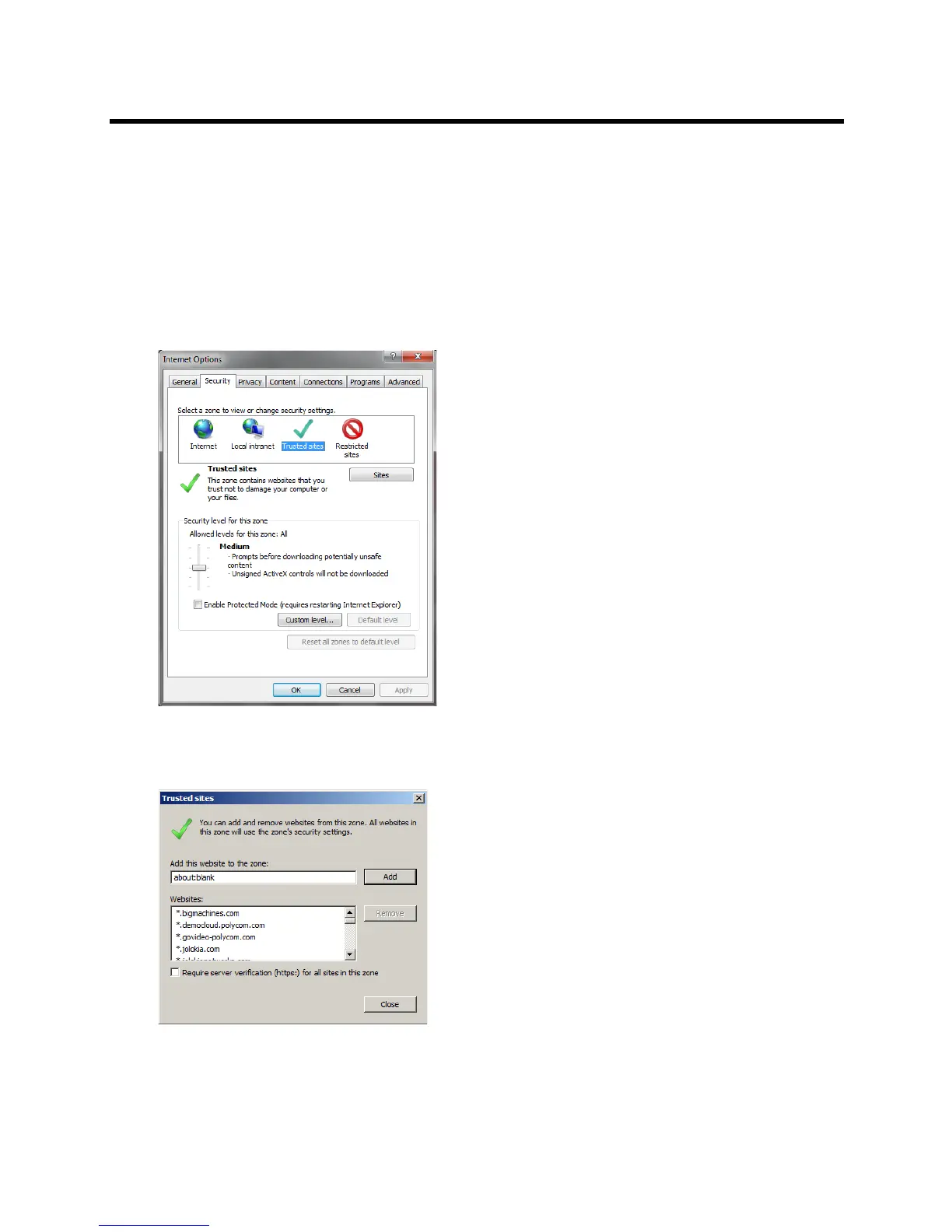
To add the Collaboration Server to the Internet Explorer Trusted Sites list:
1 In the Internet Options dialog box, click the Security tab.
The Security tab is displayed.
2 Click the Trusted Sites tab.
3 Click the Sites button.
The Trusted sites dialog is displayed.
4 If the Collaboration Server is using Secure Mode:
a In the Add this website to the zone: field, enter, “https://” followed by the IP address or the DNS
name of the Collaboration Server.














 To Next Page