RealPresence Collaboration Server (RMX) 1500/1800/2000/4000 Getting Started Guide
Polycom®, Inc. 111
Information Tab
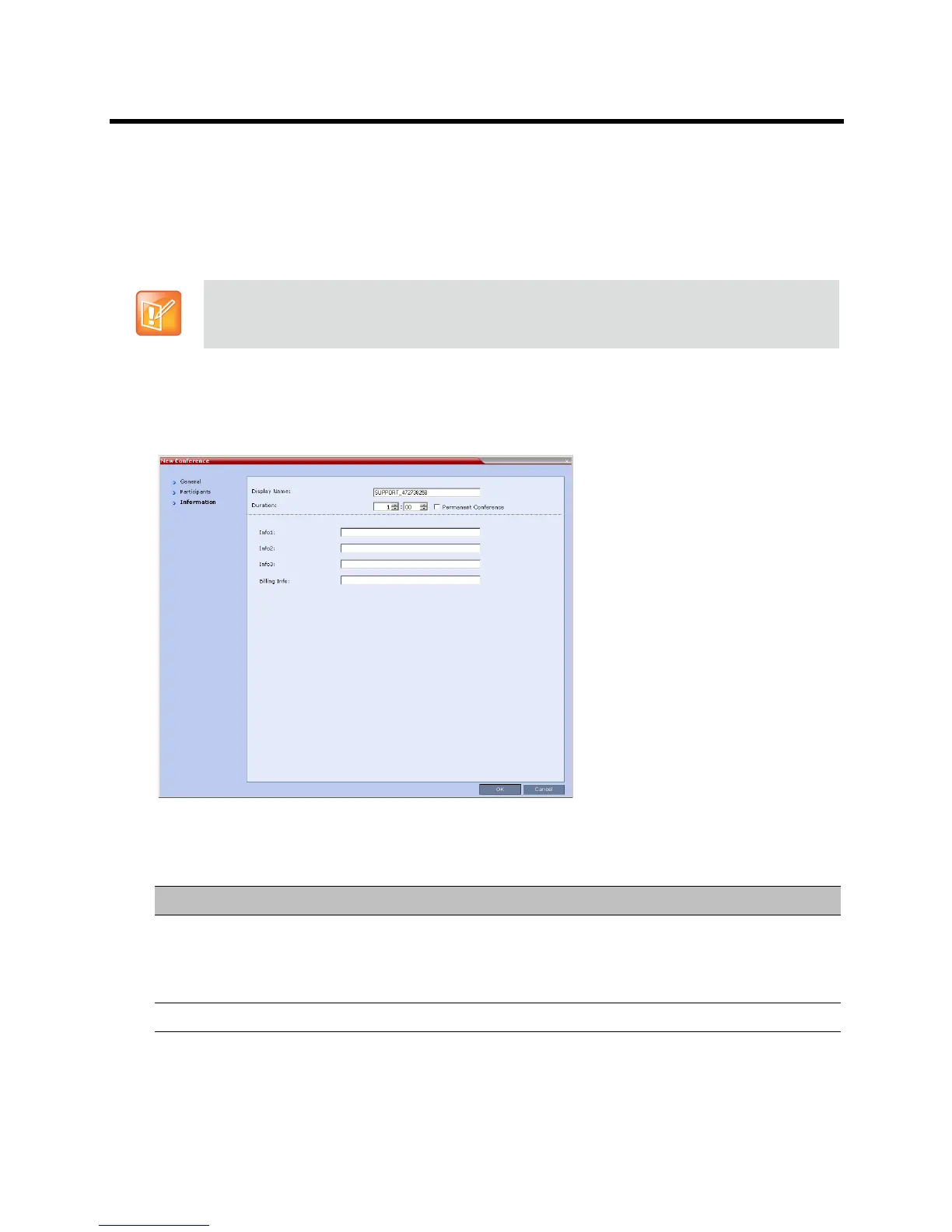
In the Info fields, you can add general information about the conference, such as contact person name,
company name, billing code, etc.
This information is written to the Call Detail Record (CDR) when the conference is launched.
Changes made to this information once the conference is running are not saved to the CDR.
To add information to the conference:
1 Click the Information tab.
The Information tab opens.
2 Enter the following information:
This procedure is optional.
The information entered into these fields does not affect the conference.
New Conference – Info Options
Field Description
Info1, 2, 3 There are three information fields that allow you to enter general information for
the conference such as company name, contact person etc.
Unicode can be used in these fields.
The maximum length of each field is 80 characters.
Billing Enter the conference billing code if applicable.














 To Next Page