RealPresence Collaboration Server (RMX) 1500/1800/2000/4000 Getting Started Guide
Polycom®, Inc. 183
To pause recording:
» While recording is in progress, use the Up/Down arrow keys to select Pause and then press the
Right arrow or # key to confirm your selection.
or
Press the 2 key on the Remote Device.
To resume recording:
» While recording is paused, use the Up/Down arrow keys to select Resume and then press the Right
arrow or # key to confirm your selection.
or
Press the 2 key on the Remote Device.
To stop recording:
» While recording is in progress, use the Up/Down arrow keys to select Stop Recording and then
press the Right arrow or # key to confirm your selection.
or
Press the 3 key on the Remote Device.
PCM Main Menu - Level 2
Drop Participant
To disconnect a participant from the conference:
1 Use the Up/Down arrow keys to navigate to the second page of the Main Menu.
2 Use the Up/Down arrow keys to select Drop Participant and then press the Right arrow or # key to
confirm your selection.
or
Press the 7 key on the Remote Device.
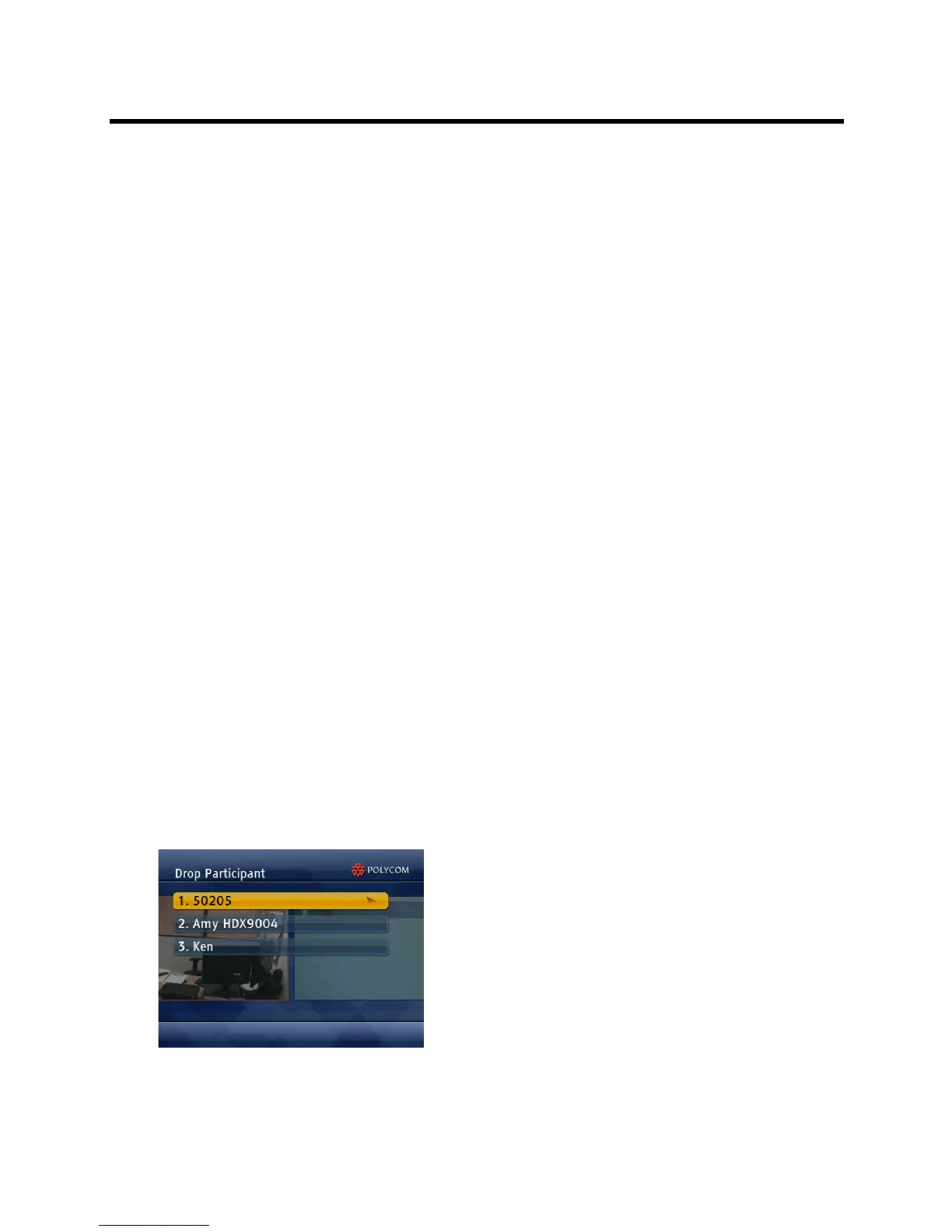
The Drop Participant sub menu is displayed.














 To Next Page