RealPresence Collaboration Server (RMX) 1500/1800/2000/4000 Getting Started Guide
Polycom®, Inc. 145
Video Preview (AVC-based Connection)
Video Preview enables the system users to monitor the quality of the video sent and received by the
participant and identify possible quality degradation.
Guidelines
● Video preview is supported with both MPMx and MPMRx cards.
● Only one preview window can be displayed for each Collaboration Server Web Client connection
(workstation).
● Only one preview window can be displayed for a single conference and up to four preview windows
can be displayed for each media card on different workstations (one per workstation and one per
conference).
For more information see the Polycom® RealPresence Collaboration Server (RMX) 1500/1800/2000/4000
Administrator’s Guide, Video Preview (AVC Participants Only).
To preview the participant video:
1 List the conference participants in the Participants pane.
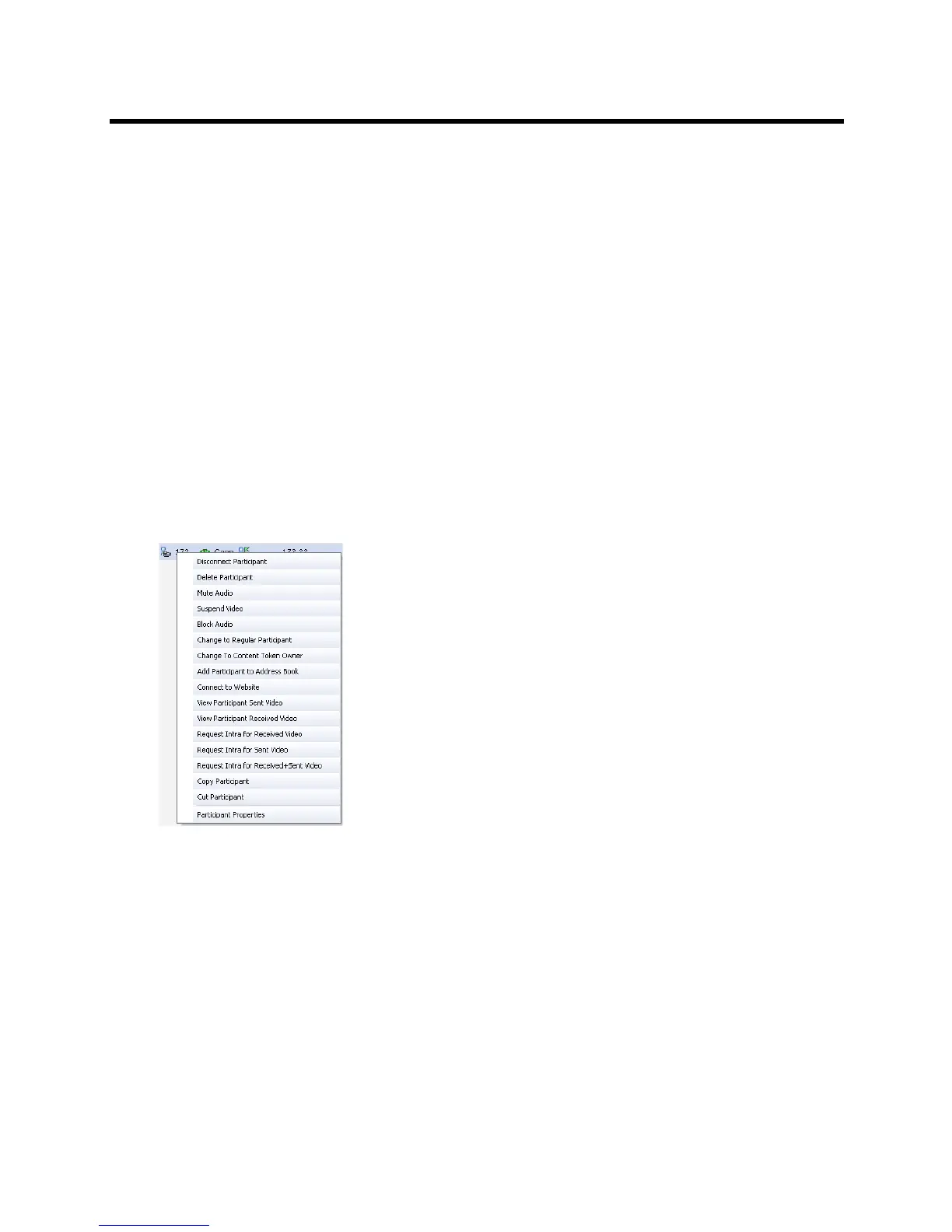
2 Right-click the participant whose video you want to preview and then click one of the following
options:
View Participant Sent Video - to display the video sent from the participant to the conference.
View Participant Received Video - to display the video sent from the conference to the
participant.














 To Next Page