RealPresence Collaboration Server (RMX) 1500/1800/2000/4000 Getting Started Guide
Polycom®, Inc. 151
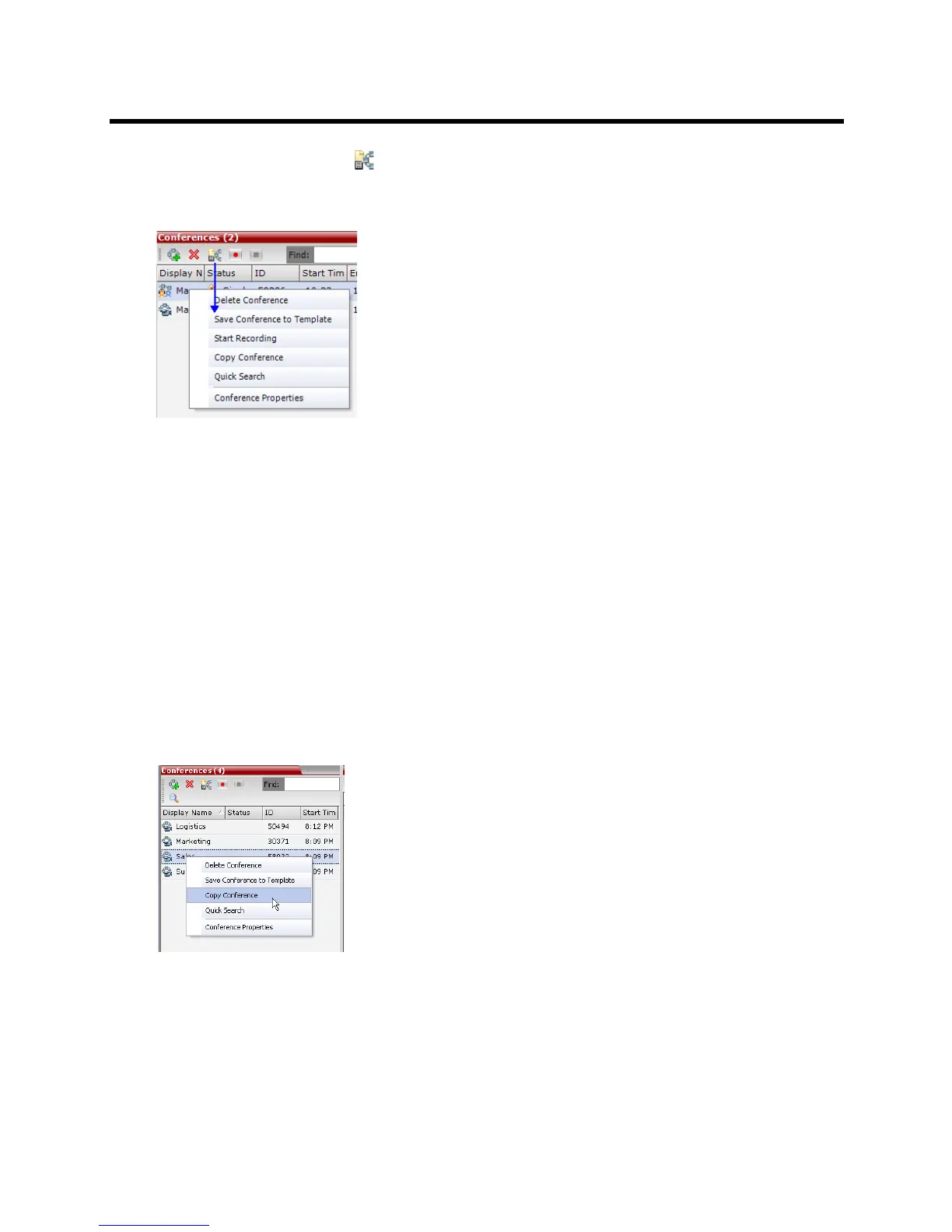
2 Click the Save Conference () button.
or
Right-click and select Save Conference to Template.
The conference is saved to a template whose name is taken from the ongoing conference Display Name.
Copy and Paste Conferences
The Collaboration Server user can Copy, and Paste conferences. When using the Collaboration Server
Web Client, conferences can copied and pasted on the same MCU, however when using the RMX Manager,
with its ability to manage multiple MCUs, conferences can be copied and pasted between different MCUs.
Copy Conference
The Copy command copies all the conference’s properties including connected participants and makes
these properties available for pasting, starting a new conference. The copied conference remains active
until it terminates or is deleted.
To copy a conference:
1 In the Conferences List pane, right-click the conference you want to copy.
2 In the drop-down menu select Copy Conference.














 To Next Page