RealPresence Collaboration Server (RMX) 1500/1800/2000/4000 Getting Started Guide
Polycom®, Inc. 154
In AVC-based CP and Mixed CP and SVC conferences, while the conference is running, you can change
the video layout and select one of the video layouts supported by the MCU.
Video Layout selection can be done in two levels:
● Conference Level – Applies to all conference participants. All participants have the same video
layout.
● Participant Level – The participant’s video layout is changed. The video layout of all other
conference participants is unaffected.
The initial video layout is selected for the conference in the Conference Profile.
Participant level video layout selection overrides conference level video layout settings. Participants cannot
change their Personal Layouts when Lecturer Mode is enabled.
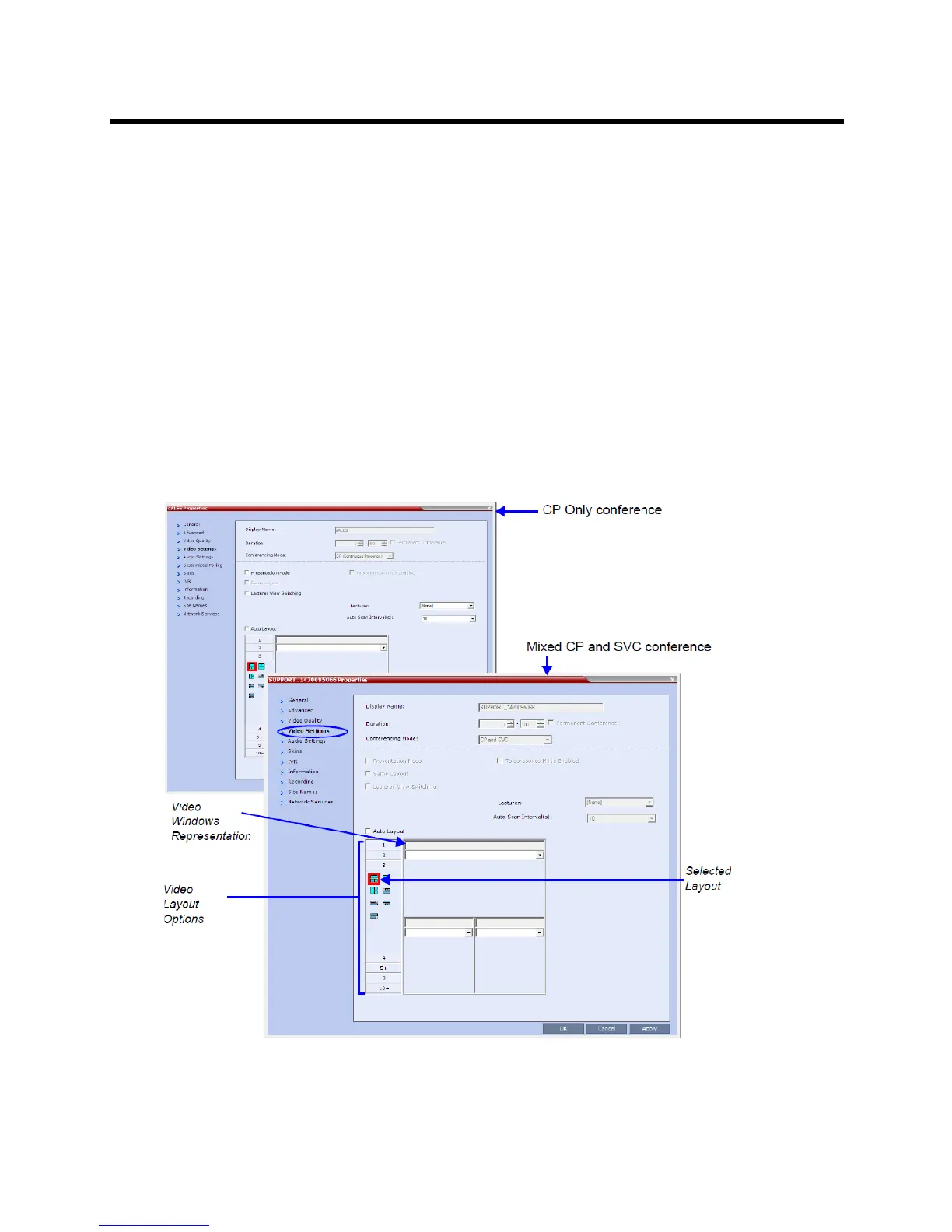
To change the video layout of a conference:
1 In the Conference Properties dialog box, select Video Settings.
2 If the Auto Layout check box is selected, clear it.














 To Next Page