RealPresence Collaboration Server (RMX) 1500/1800/2000/4000 Getting Started Guide
Polycom®, Inc. 193
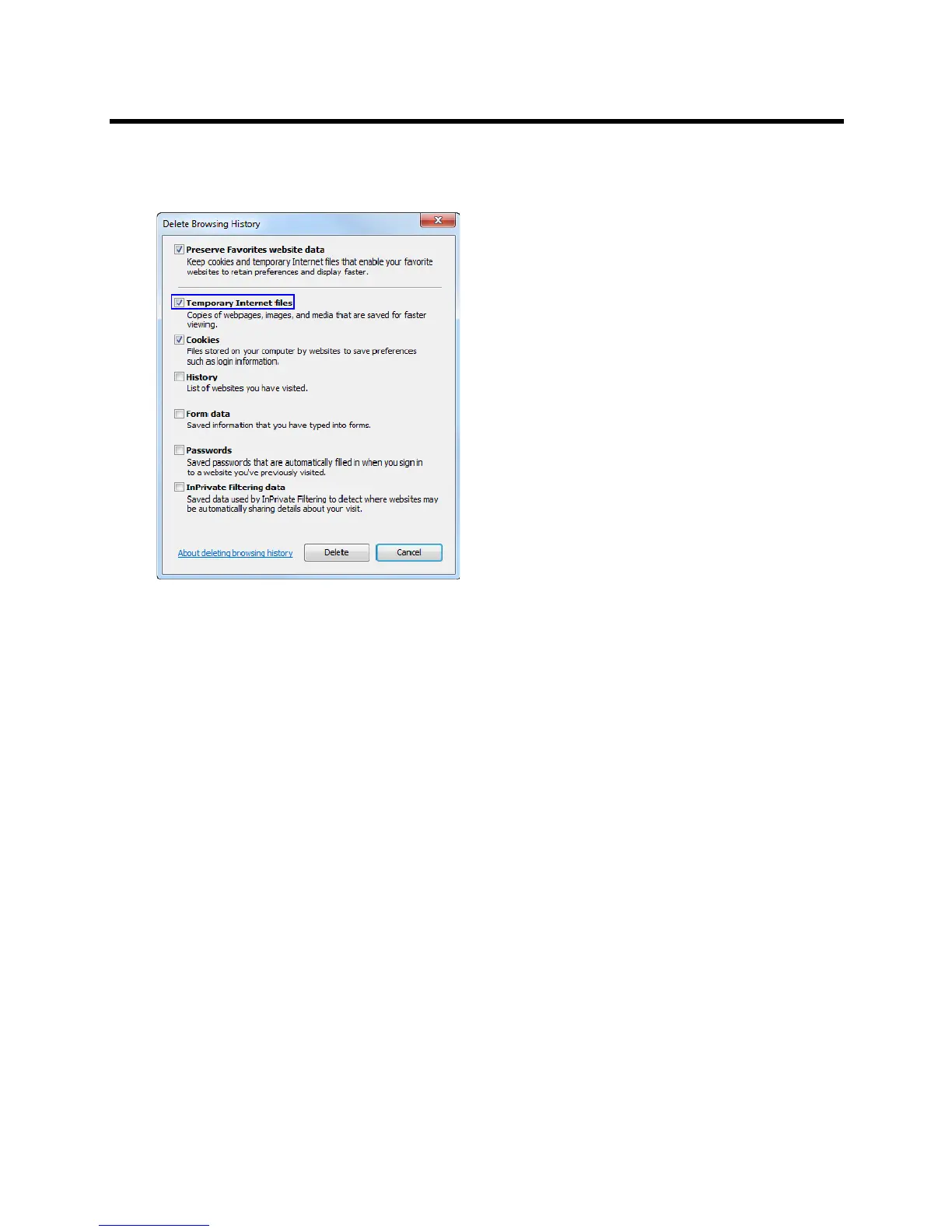
3 It is recommended to delete only the Temporary Internet files.
By default, the Cookies option is also selected. Clear it if you do not want to clear the cookies from
your computer.
4 Click the Delete button.
5 When the process is complete, the system return to the Internet Options dialog box.














 To Next Page