RealPresence Collaboration Server (RMX) 1500/1800/2000/4000 Getting Started Guide
Polycom®, Inc. 101
To expand or collapse the Frequently Used and Rarely Used sections:
The Frequently Used and Rarely Used sections can be expanded or collapsed by clicking the and
buttons.
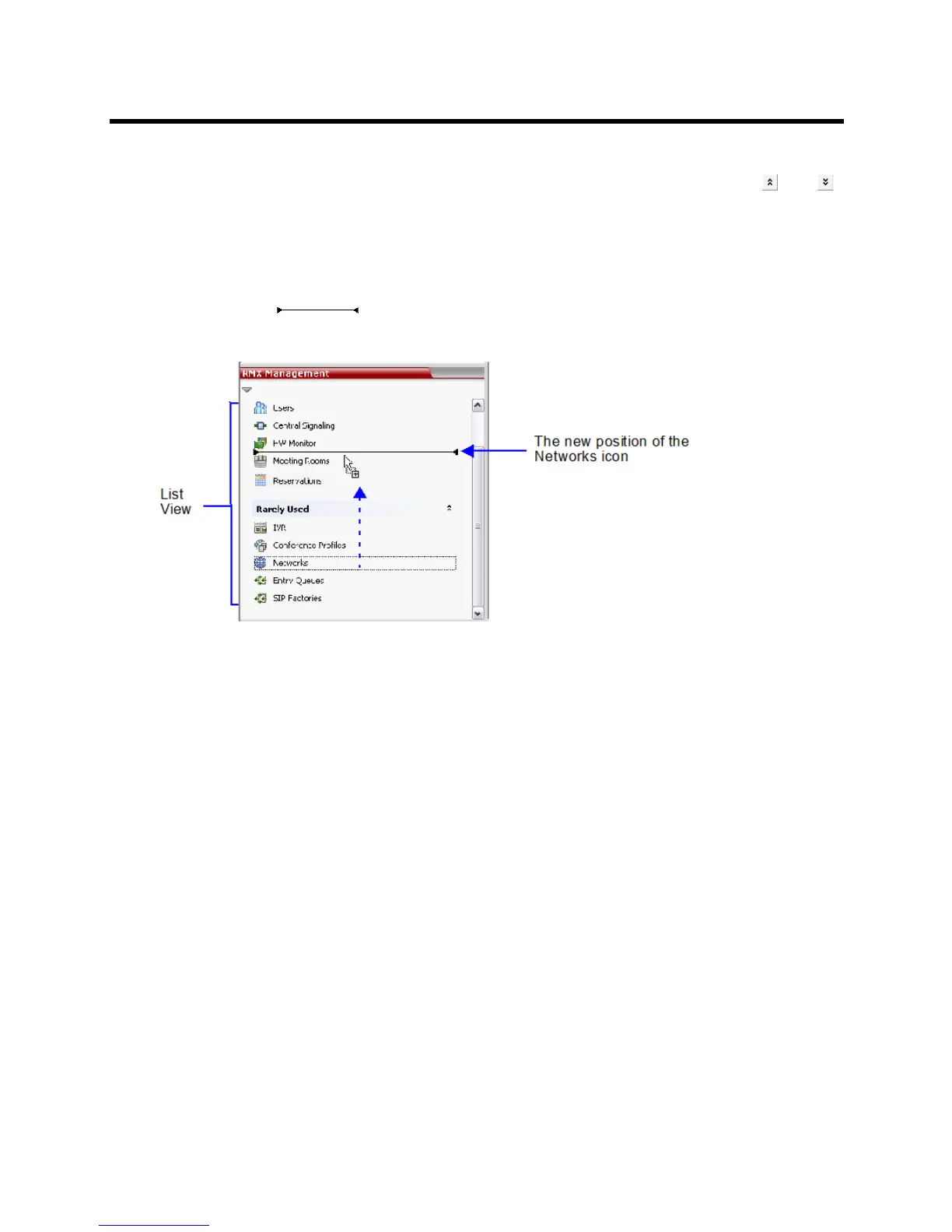
To move items within and between the Frequently Used and Rarely Used sections:
1 In the RMX Management pane click and drag the icon of the item that you wish to move.
An indicator line ( ) appears indicating the new position of the icon.
2 Release the mouse button when the icon is in the desired position.














 To Next Page