RealPresence Collaboration Server (RMX) 1500/1800/2000/4000 Getting Started Guide
Polycom®, Inc. 104
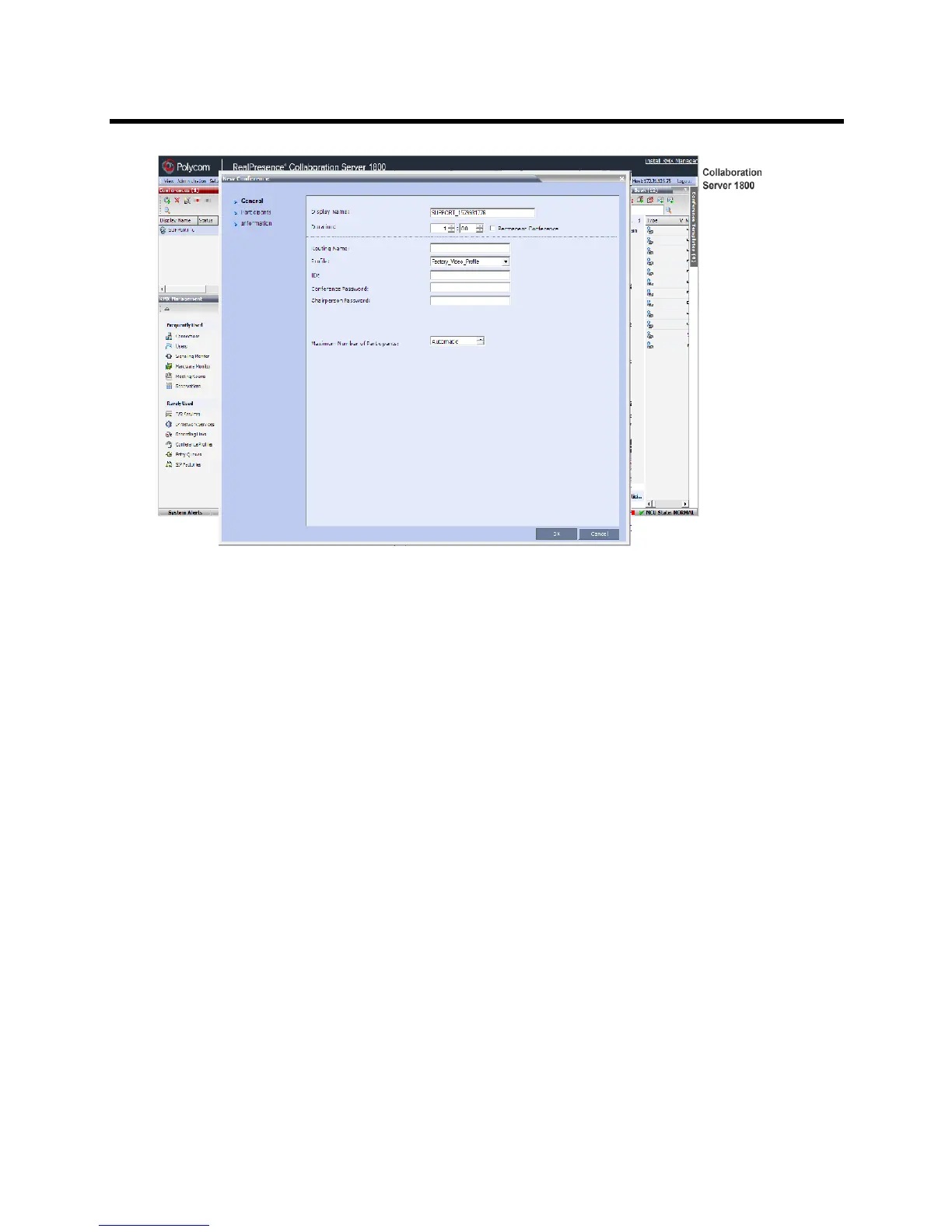
The system displays the conference default Name, Duration and the default Profile, which contains
the conference parameters and media settings.
The system automatically allocates the conference ID, when the conference starts.
In most cases, the default conference ID can be used and you can just click OK to launch the
conference. If required, you can enter a conference ID before clicking OK to launch the conference.
If you are the meeting chairperson or organizer using the Collaboration Server Web Client to start
your own meeting, you need to communicate the default conference ID (or the one you created) to
the other conference participants so they can dial in.
You can use the New Conference - General dialog box to modify the conference parameters. If no
defined participants are to be added to the conference, or you do not want to add additional
information, click OK.














 To Next Page