RealPresence Collaboration Server (RMX) 1500/1800/2000/4000 Getting Started Guide
Polycom®, Inc. 148
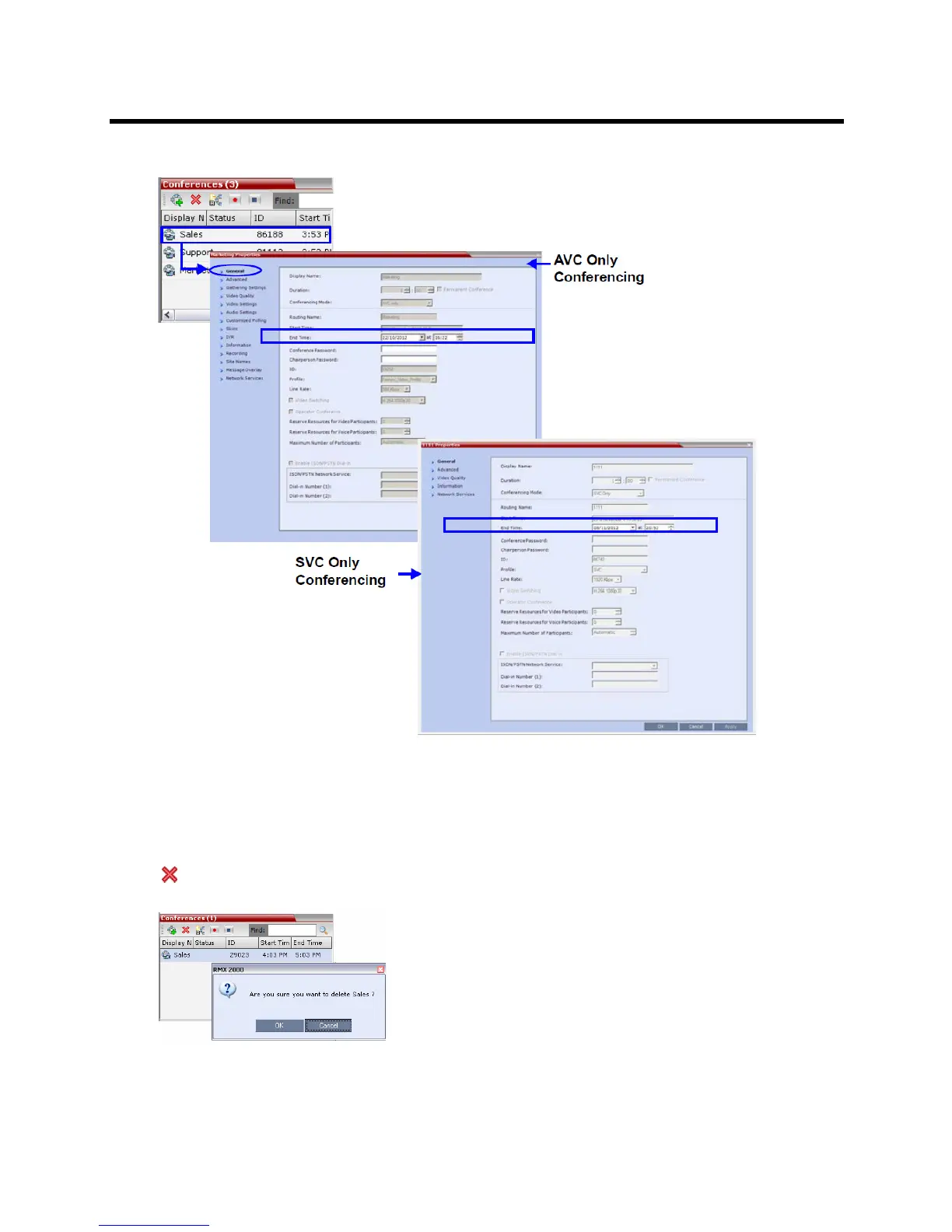
2 In the General tab, modify the End Time fields and click OK.
The End Time is changed and the Duration field is updated.
To terminate a conference manually:
1 In the Conferences list, select the conference you wish to delete and click the Delete Conference
( ) button.
You are prompted for confirmation.
2 Click OK to terminate the conference.














 To Next Page