RealPresence Collaboration Server (RMX) 1500/1800/2000/4000 Getting Started Guide
Polycom®, Inc. 22
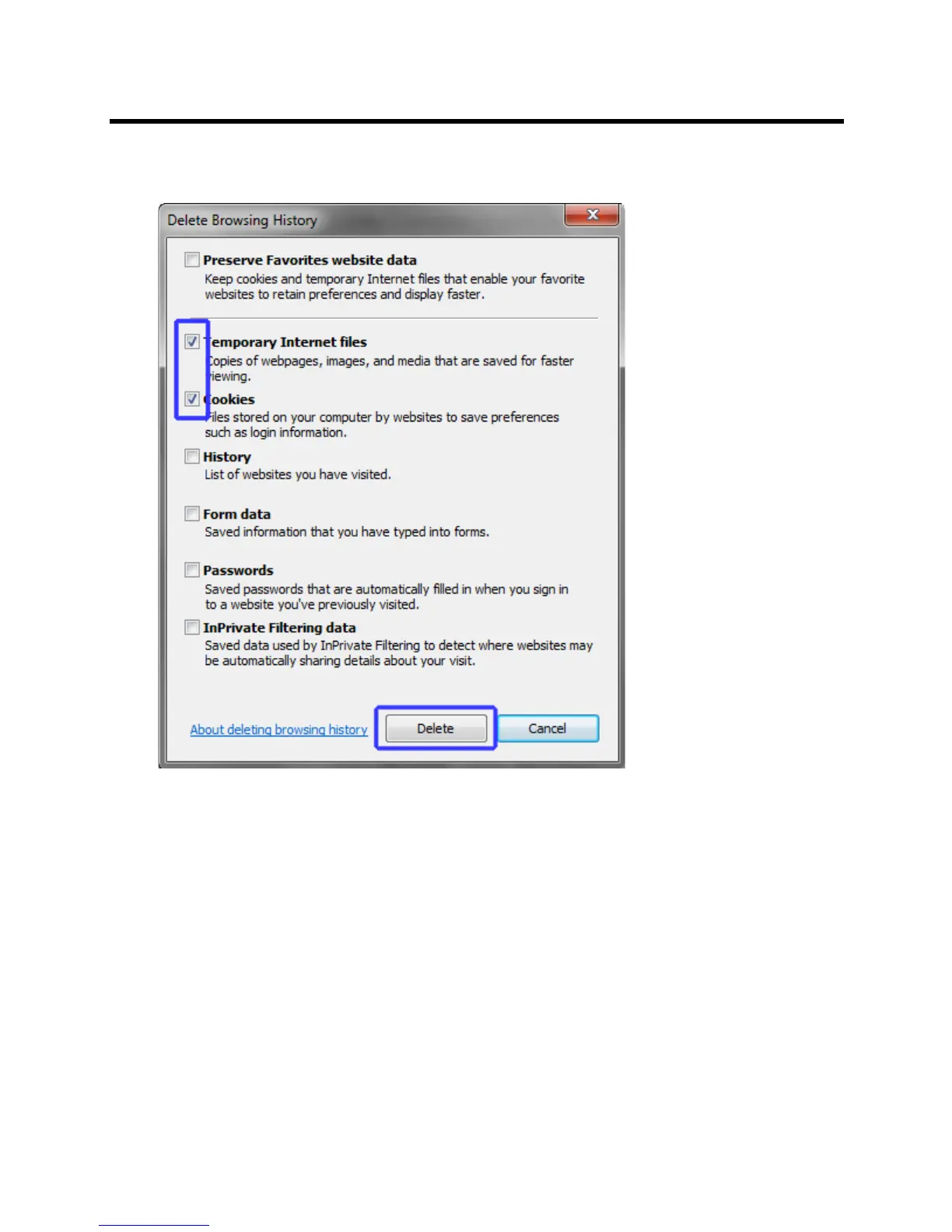
6 Select the Temporary Internet files and Cookies check boxes.
7 Click the Delete button.
The Delete Browsing History dialog box closes and the files are deleted.
8 In the Internet Options dialog box, click the Settings button.














 To Next Page