RealPresence Collaboration Server (RMX) 1500/1800/2000/4000 Getting Started Guide
Polycom®, Inc. 55
To modify the USB memory stick settings:
1 Take the USB memory stick from the Installation Accessories kit and insert it into the PC
workstation.
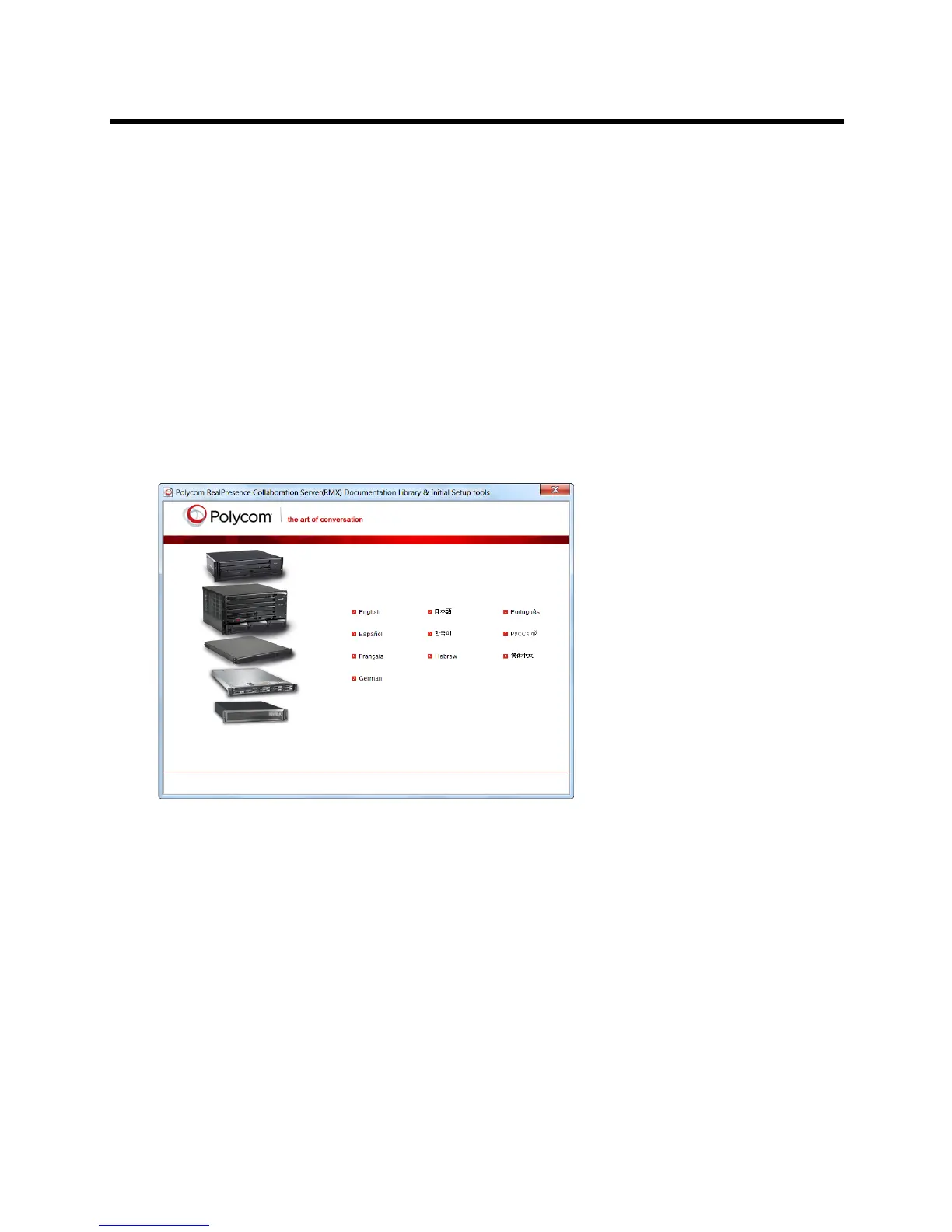
The Polycom RealPresence Collaboration Server Documentation Library
&
Initial Setup Tools
window opens.
In Windows XP:
The Polycom Documentation option is automatically selected. Click OK.
In Windows 7:
Select Open Folder to view files using Windows Explorer.
2 Double-click the index.hta file.
The Language Menu opens, offering a choice of several languages.
In Windows XP:
The Polycom Documentation option is automatically selected. Click OK.
In Windows 7:
3 Click the documentation language of your choice.
An End-User Licence Agreement for Polycom Software is displayed.
4 Read the agreement and click the Accept Agreement button.














 To Next Page