RealPresence Collaboration Server (RMX) 1500/1800/2000/4000 Getting Started Guide
Polycom®, Inc. 62
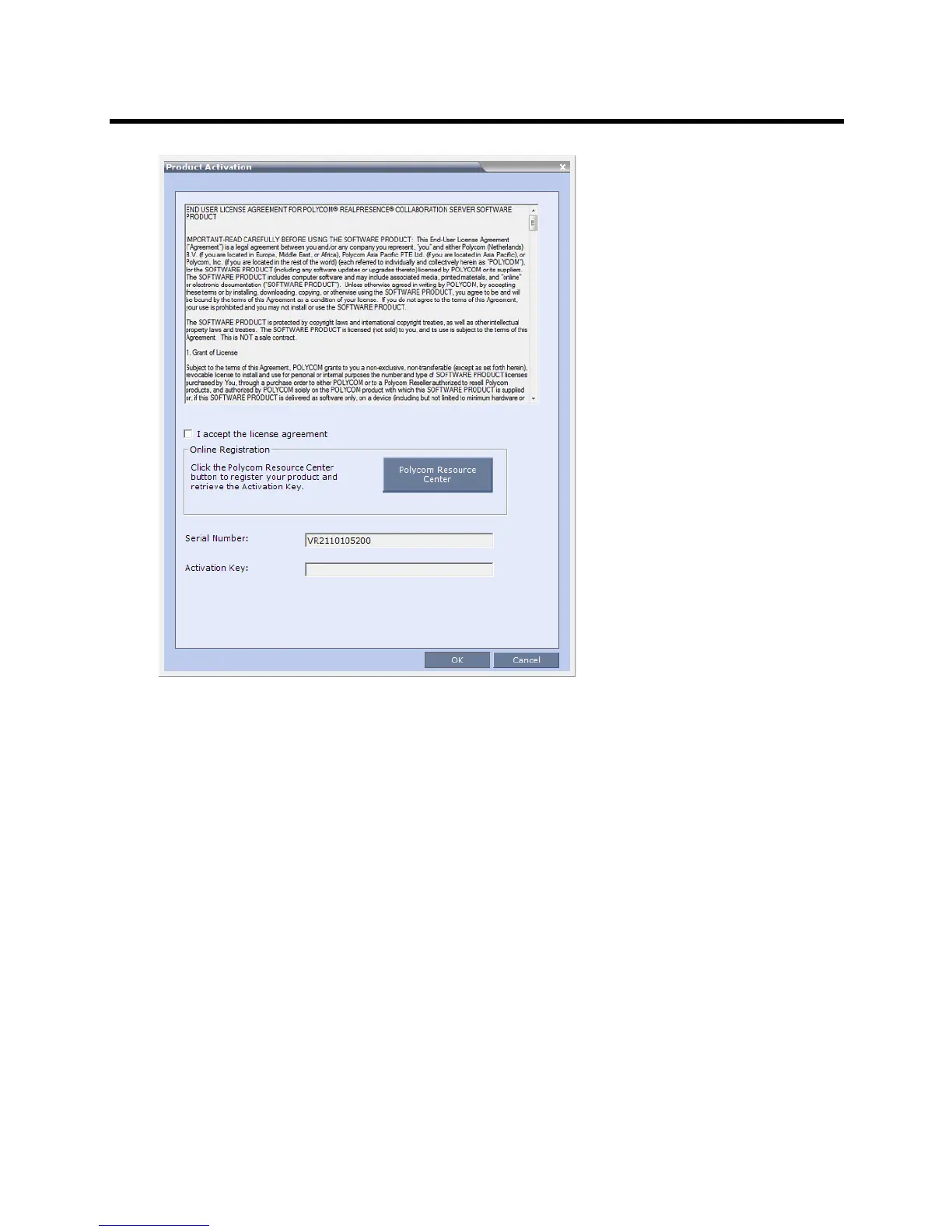
3 Select the “I accept the license agreement” check box to enable Online Registration of your
product.
4 In the Activation Key field, enter or paste the Product Activation Key obtained earlier.
If you did not register your product earlier in the process and you do not have an Activation Key, click
the Polycom Resource Center button to access the Service & Support page of the Polycom Support
website.
5 Click OK.
A message indicating that the Product Activation Key was loaded successfully appears.
If the Product Activation Key fails to load, please contact your vendor.
6 Click OK.














 To Next Page