RealPresence Collaboration Server (RMX) 1500/1800/2000/4000 Getting Started Guide
Polycom®, Inc. 89
To start the Collaboration Server Web Client:
1 In your browser address line, enter http://<Control Unit IP Address> and press the Enter key.
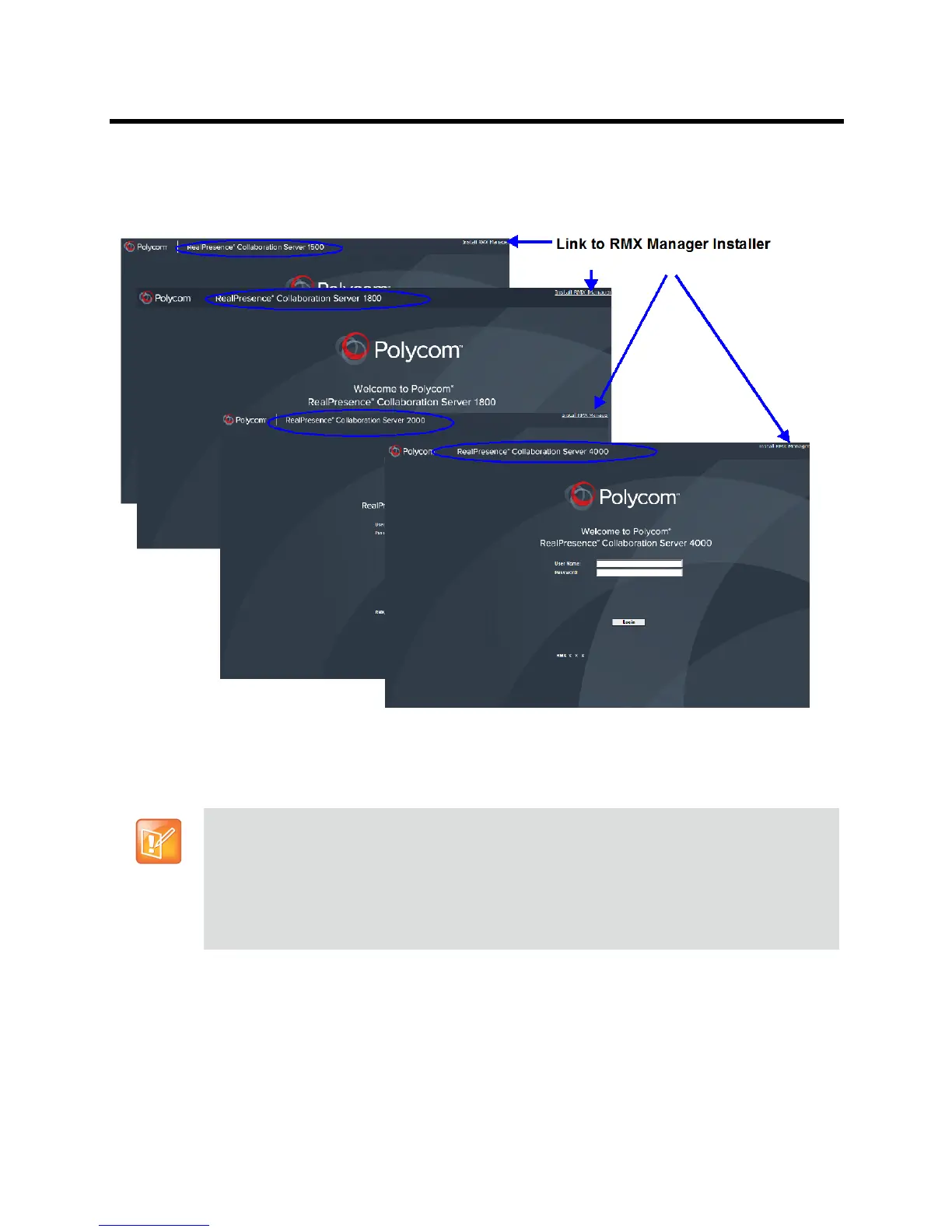
The Login screen is displayed.
2 Enter your User Name and Password and click the Login button.
If the default User name and password were not changed on first entry, the default Username and
Password are both POLYCOM.
The Collaboration Server Web Client main screen is displayed.
The Login screen contains a link to the RMX Manager installer.
Using the RMX Manager application, a single user can control a single or multiple Collaboration
Server units as well as conferences from multiple Collaboration Servers.
When upgrading from a previous version, it is recommended to install the RMX Manager latest
version.
For more information see the Polycom® RealPresence Collaboration Server (RMX)
1500/1800/2000/4000 Administrator’s Guide, RMX Manager Application.














 To Next Page