Because RFL™ and Hubbell® have a policy of continuous product improvement, we reserve the right to change designs and specifications without notice.
6.3 CONNECTING YOUR PC TO THE NETWORK
In order to use the Network Management Software your PC must be connected to a node in the
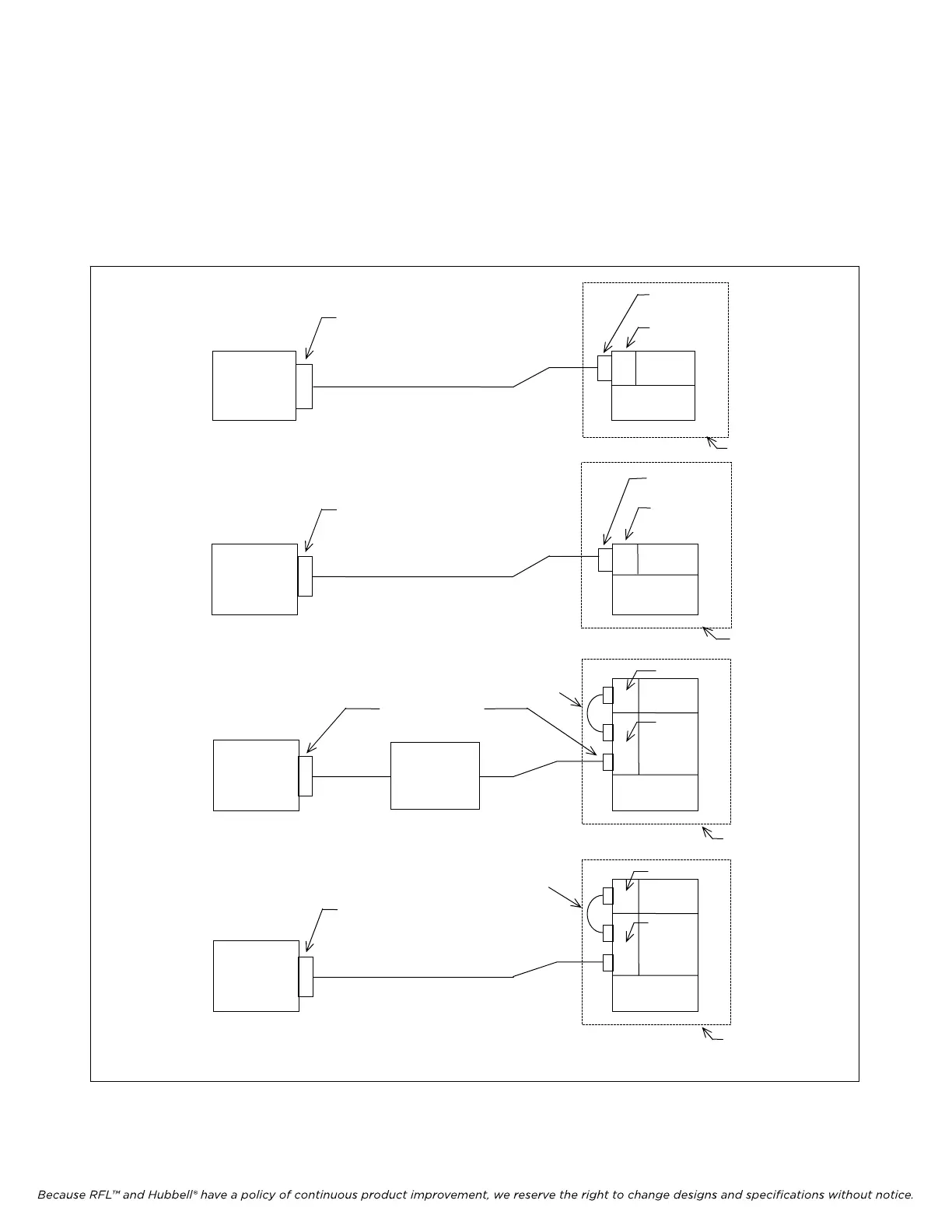
network. There are two ways a user can do this. A direct connection can be made using an RS-232
cable as shown in Figure 6-2, or a remote connection can be made over a public or private phone line
as shown in Figure 6-3. The user activates a Com Port connection and sets the baud rates of the PC and
the CM4 to the same value. The minimum suggested baud rate is 9600. The construction of a typical
RS-232 cable can be seen in Figure 6-4.
PC
MUX
DACS
REMOTE
CONNECTOR
MA-270R
OR MA-275R
RS-232 CABLE
a. Connectin
a PC to the MA-270R or MA-275R Remote
COM PORT (COM1 . . . . COM8)
NODE
b. Connecting a PC to the Optical Interface Adapter RS-232 Connector.
PC
MUX
DACS
OPTICAL
INTERFACE
ADAPTER
RS-232
CONNECTOR
-
COM PORT (COM1 . . . . COM8)
c. Connecting a PC to the ethernet port.
PC
MA275R
MUX
MA810
SAG
DACS
ETHERNET PORT
NODE
ETHERNET
NETWORK
RS232
CABLE
d. Connecting a PC to the NCM module using the MA402I module adapter.
PC
MA275R
MUX
MA402I
NCM
MODULE
DACS
NODE
RS232
CABLE
RS-232
COM PORT (COM1 . . . . COM8)
Figure 6-2. PC directly connected to a node using an RS-232 cable
IMUX 2000E1 RFL Electronics Inc.
February 28, 2006 6-5 (973) 334-3100



 To Next Page