For a detailed technical description of the modules, please consult the insert provided.
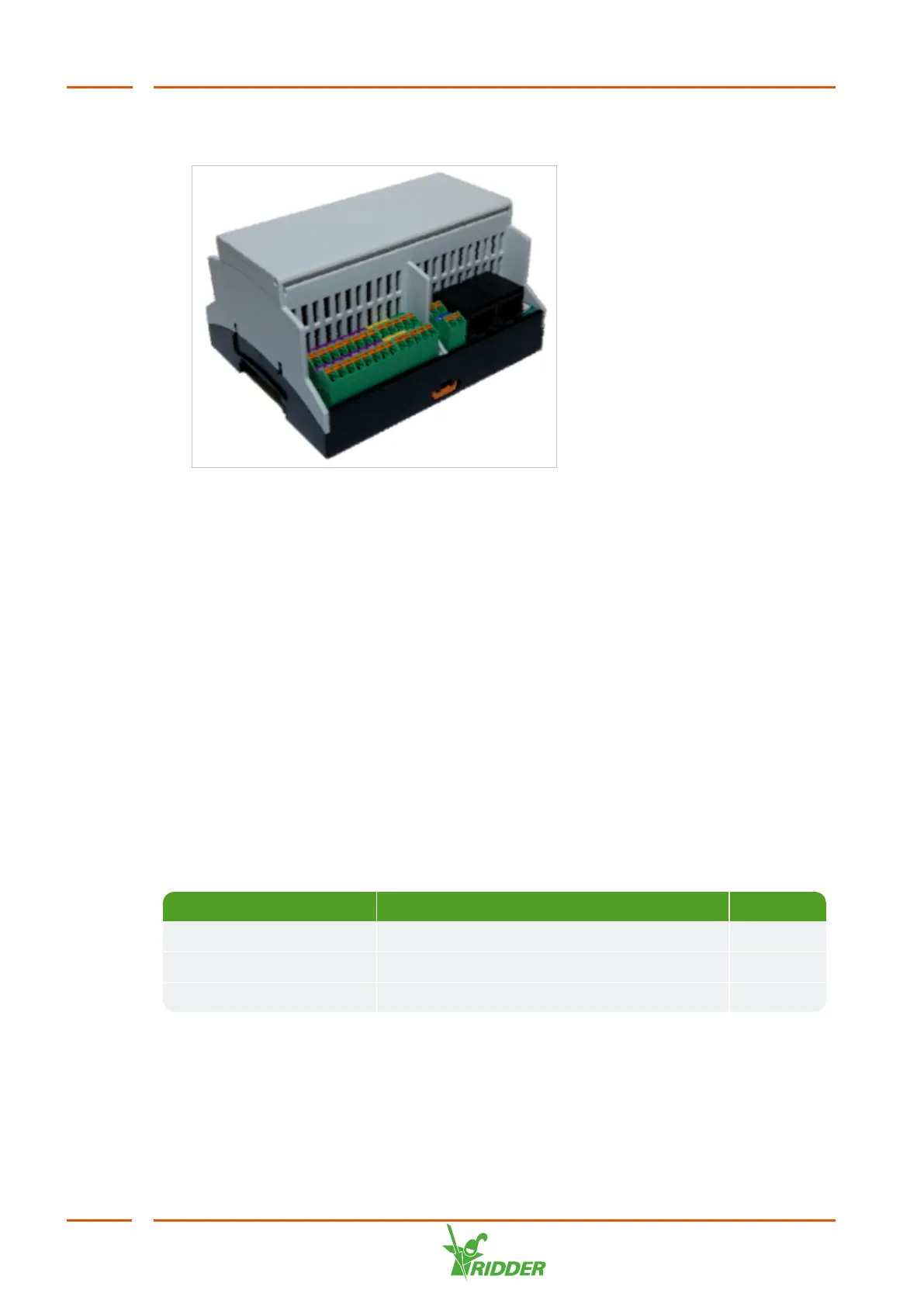
Figure 2-2: A Compactima I/O module
General characteristics of the Compactima modules:
Technical data of all types
Width x height x depth 107.6 x 89.7 x 62.2 mm
Weight 0.191 kg
Mounting technique Mounting rail
Ambient temperature In operation: -25 ... 60ºC | storage / transport: -40 ... 70ºC
Air humidity In operation: 5 ... 95% | storage / transport:
Protection class IP20 according to IEC 60529/EN 60529
Power supply SC 24V
Documentation Insert Compactima Modules
2.3.1 Replacing I/O modules
Each I/O module has a unique ID. An ID can only be assigned using the integrated
controller on the unit.
Module Model ID
pH CX-DO16/pH2 1
I/O CX-DO16/AI16 2
EC CX-DO16/EC2 4
To assign a module ID, proceed as follows:
1. Press and hold down the two push buttons on the I/O module for ten seconds to
reset the I/O module. The LEDs on the right-hand side of the push buttons will
start flashing red. This means that the module has been reset, assigned node ID
255 and disconnected from the bus.
VitaLite
10



 To Next Page