5.2 Commissioning
This section describes the settings that need to be checked or configured in order to
commission the unit. For a list of the all the VitaLite-E and C settings, see: "Appendix
A:Control overview" on page59.
5.2.1 Log in at dealer level
To log in at dealer level, proceed as follows: On the display, set <M> Control Level to
'Advanced'. Now you can log in.
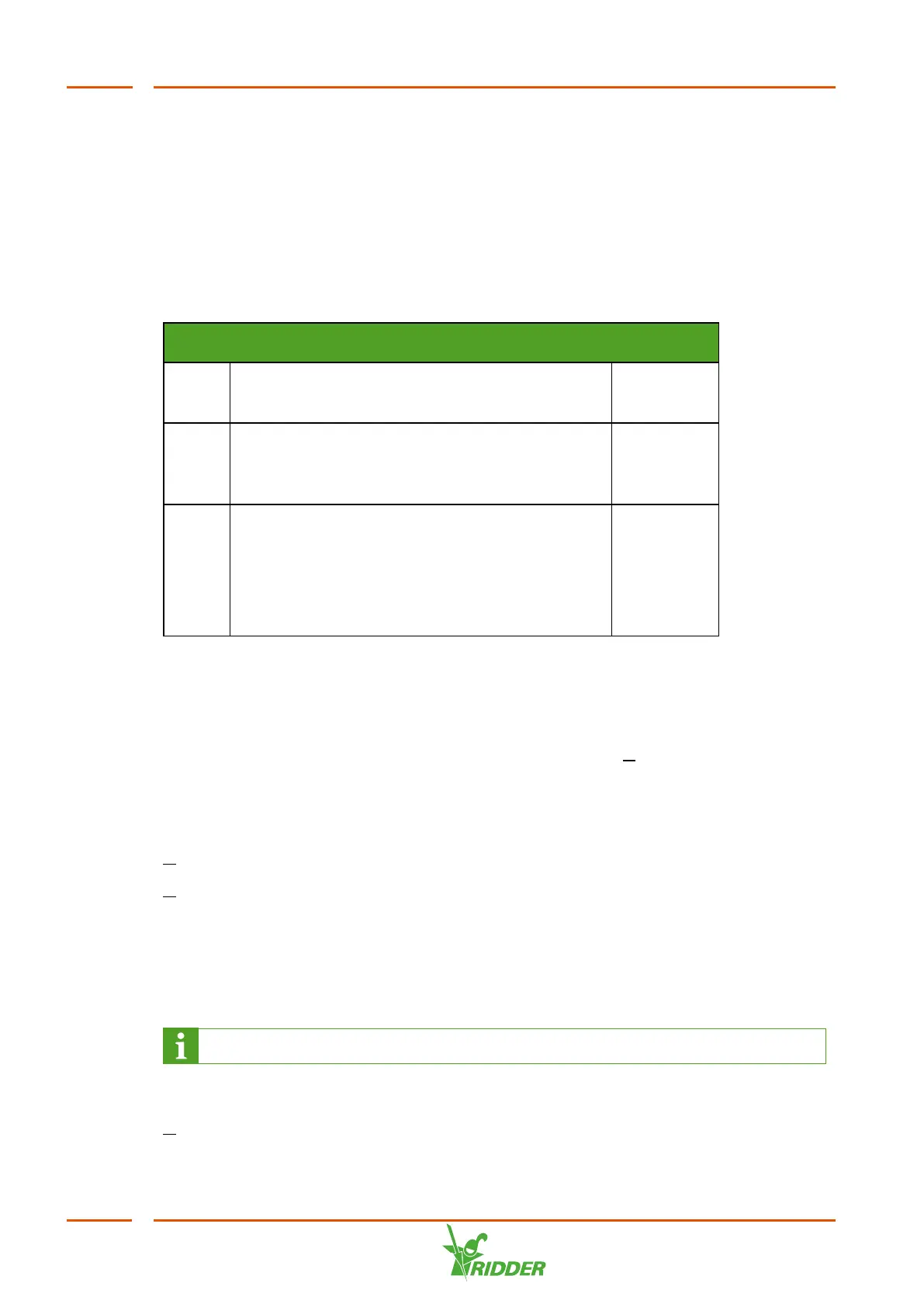
<M> Settings / General / System configuration /
Identification
Name
The user's initials.
PIN code:
The identification number issued by Ridder
Growing Solutions.
Level code:
The access code issued by Ridder Growing
Solutions.
Depending on the code that was issued, a user
can log in in Dealer or Configuration mode.
5.2.2 Check settings
Go through the menus and make sure that the configured settings are correct. See the
chapter "Appendix A:Control overview" on page59 for a description of the menus.
Start by checking the basic settings of the VitaLite-E and C: M / Settings / Unit.
5.2.3 Set start conditions
Set the start conditions and period settings in consultation with the customer:
M Settings / Drain groups / Start conditions
M Settings / Drain groups / Period
5.3 Testing the unit
After completing the installation process, you need to test the unit. You should test at
least the points listed in the sections below.
The lamps take some time to warm up.
5.3.1 Manually start disinfection
M Settings / Drain groups / Start conditions / Manual control
VitaLite
44



 To Next Page