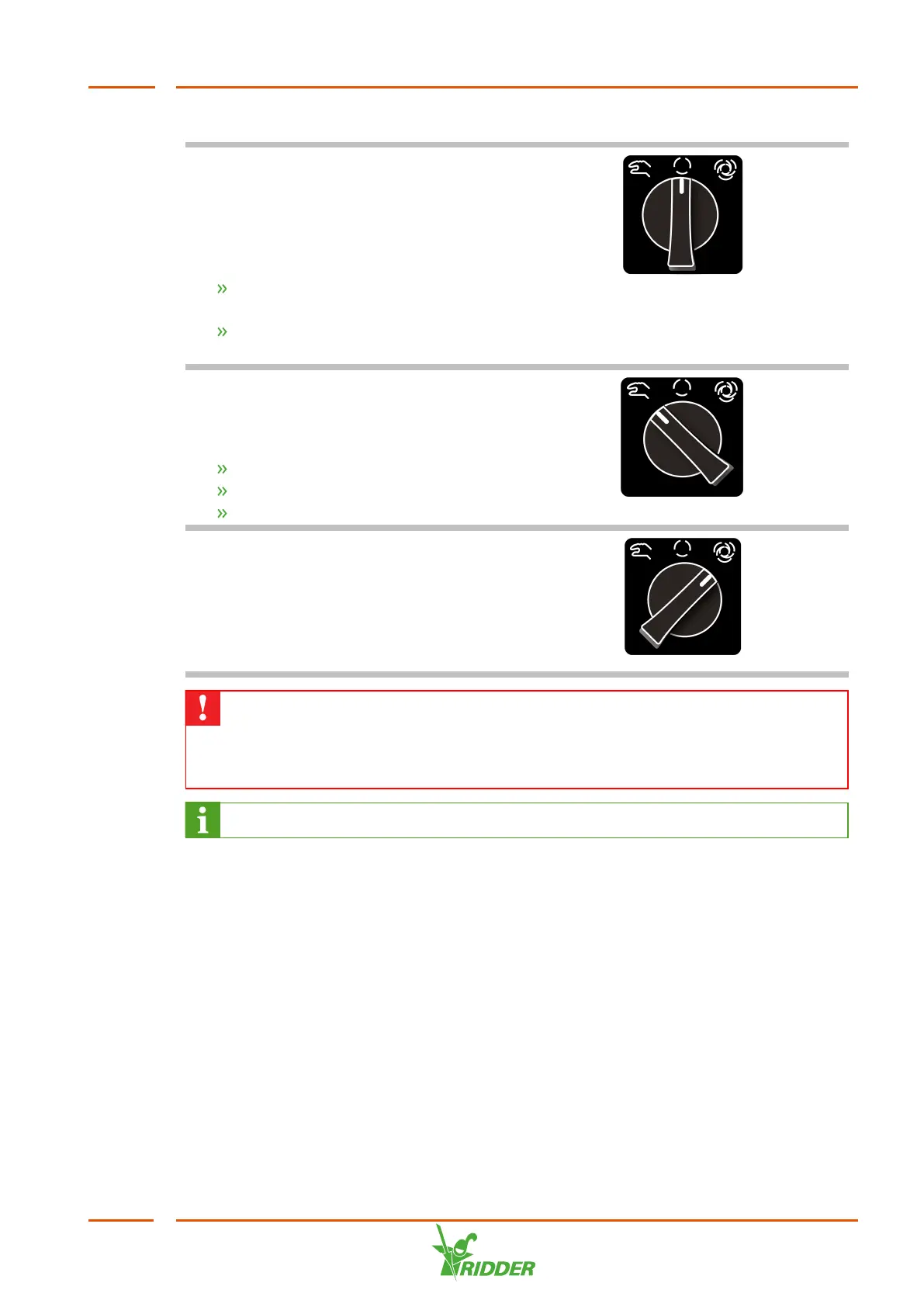
These modes are explained below.
Pump off mode
In the off mode, the system pump is
switched off and cannot be activated by
the controller. You can use this function
to:
Immediately stop the pump in an
emergency situation
Switch the unit off for a prolonged
period of time
Pump manual mode
This mode allows you to switch the pump
on manually. You can use this function to:
Test the pump operation
Bleed the air from the pipes
Empty a water tank
Pump automatic mode
The automatic mode means that the unit
is in operation. When the pump is in
automatic mode, the controller can switch
the pump on and off automatically as
needed.
Make sure to check the rotational direction of the pump to prevent damage to
the pump. The rotational direction of the pump can be reversed by switching
the two phase wires with one another. (First disconnect the power supply to
the unit.)
Consult the pump manual to safely bleed air from the pump.
6.3 Disinfection
The disinfection process consists of several sub-processes: warming up, active and
post-flushing. Each of these sub-processes is described separately.
The VitaLite-E and C can control multiple supply and storage tanks. These are called
'drain water tanks' and 'disinfected water tanks' respectively, or 'drain tanks' and
'disinfected tanks' for short (due to the limited space on the unit's display). The
disinfection process always involves one drain tank and one disinfected tank. Such a
combination of a drain tank and disinfected tank is called a drain group. If there are
multiple drain tanks and disinfected tanks, you can create multiple drain groups. If a
pre-blending unit is used, it is also possible to add fresh water.
VitaLite
51



 To Next Page