No. Name Description
4 LED 1 Red: Installation error
Orange: Busy starting up
Green: Start up complete
LED 2 Green: Shutdown initiated
Orange: Shut down complete
LED 3 Green: Flashes when the controller is working correctly
LED 4 Red: Software alarm
5 Flash card Flash card for making backups
6 Ethernet
port
Ethernet port for connecting the VitaLite-E and C to the
Synopta Server
4.8.2 Connecting Synopta
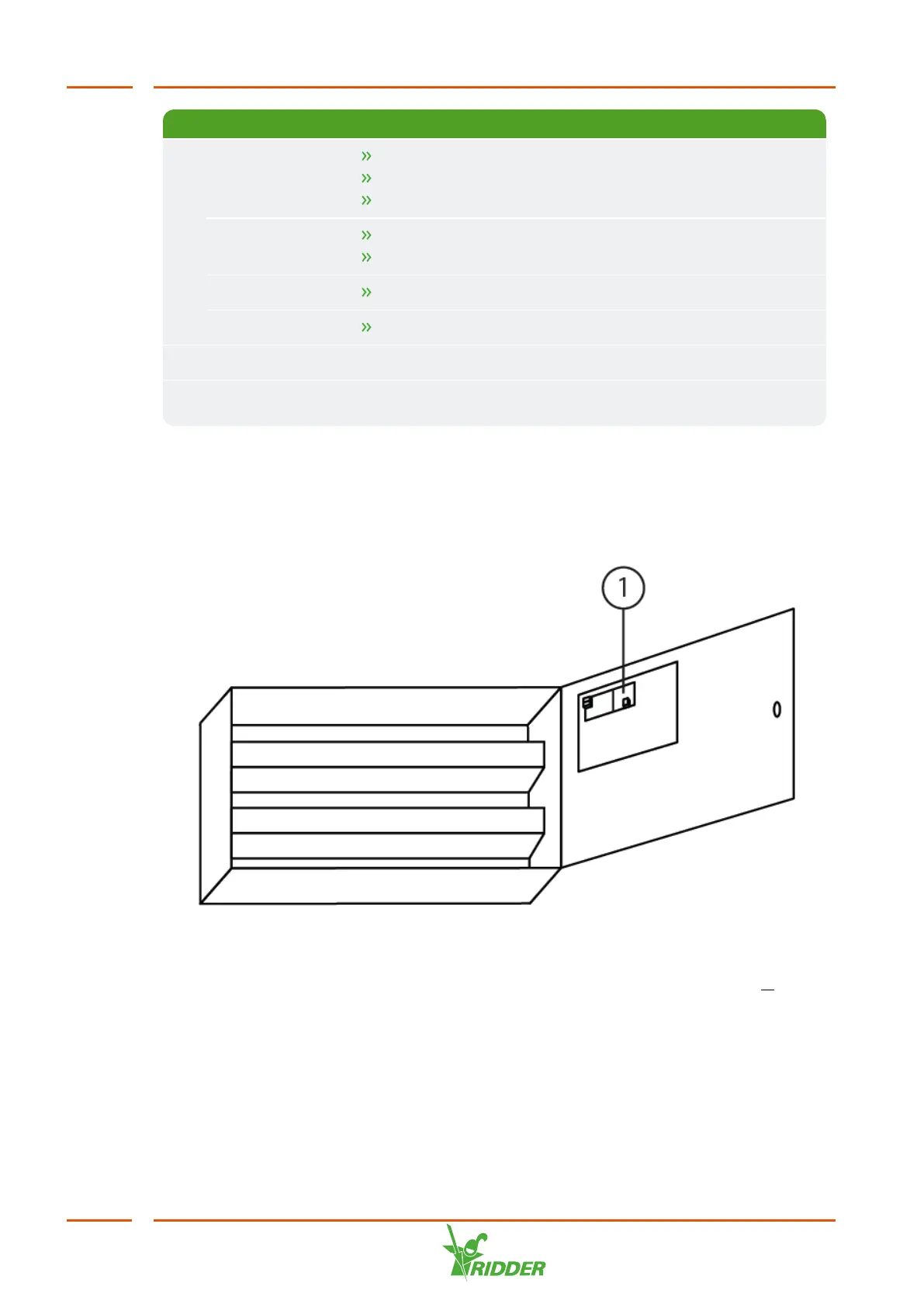
If the user will also be operating the unit with the Synopta PC software, connect the
Ethernet cable to the Ethernet port on the circuit board. This circuit board is located on
the inside of the unit's control panel door.
Figure 4-14: Ethernet port on the inside of the panel door
When commissioning the unit, you will also need the configure the settings at M
Settings / General / Communication / Synopta Settings. See the Synopta
manual for further instructions.
VitaLite
40



 To Next Page