Button
(s)
Description
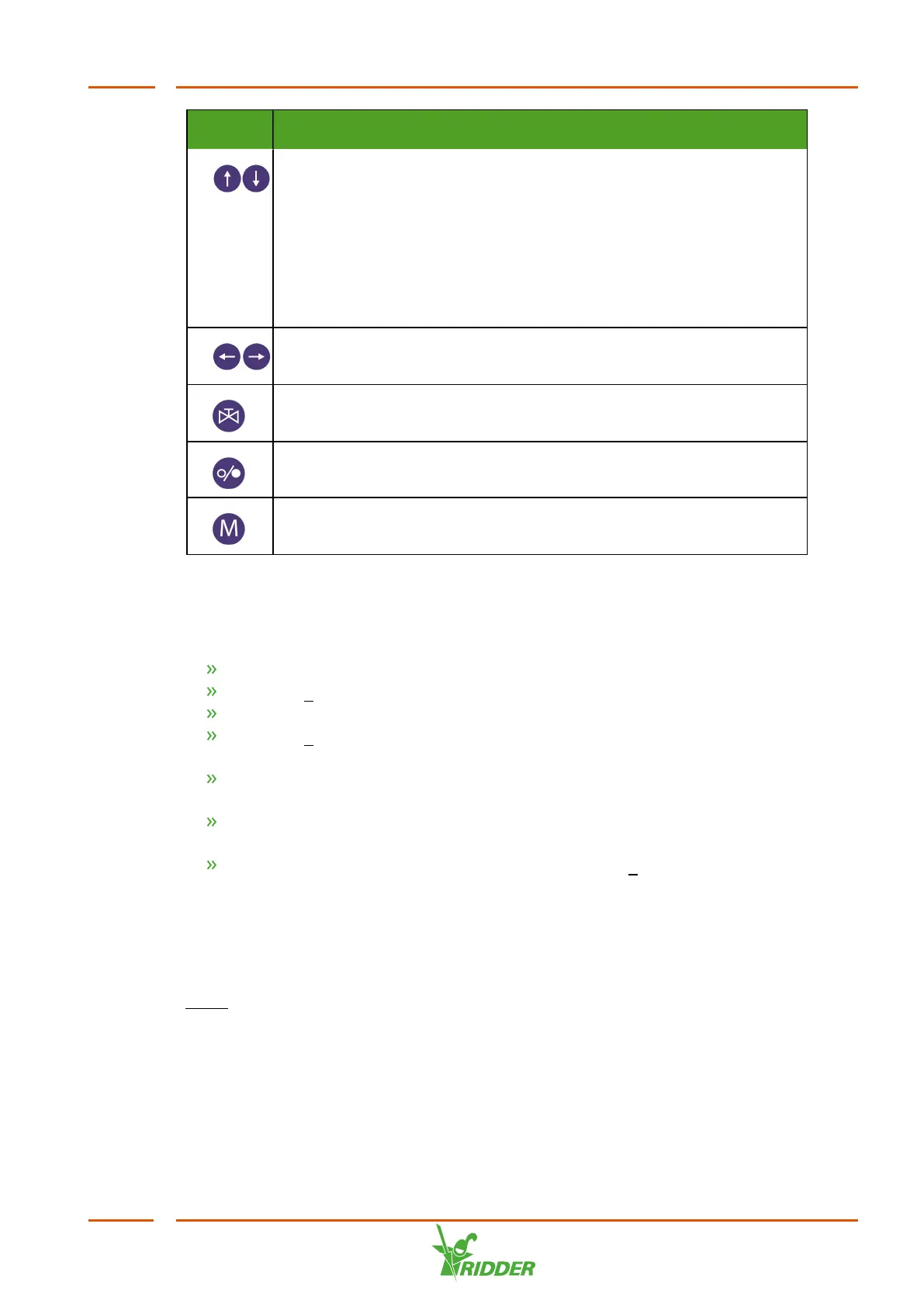
Up and down arrow buttons
These buttons allow you to navigate to another line on the display or
adjust the value of a setting.
If you are in a menu, use these buttons to navigate to another line
on the display.
If you are adjusting a setting, use these buttons to select a different
value.
Left and right arrow buttons
These buttons allow you to move the cursor horizontally.
Valves button
Not applicable.
On/Off button
Main menu button
This button allows you to navigate directly to the main menu.
5.1.1 Reading out and setting variables
Various summaries can display information on processes, such as measurements,
activities and start data.
Use the arrow buttons to scroll the selection bar to the desired menu item.
Press the E (Enter) button to confirm your selection.
Repeat these steps until you have found the desired setting or readout.
Press the E button to open the setting. The selection bar is placed on the input
field or the readout.
Enter the new value using the numeric buttons or select one of the options using
the up and down arrow buttons.
If the input field consists of more than one section (e.g. for time settings), you
can move the cursor horizontally using the left and right arrow buttons.
After you have entered the desired value, press the E button. The new value is
stored in the memory.
5.1.2 Alarms
If a detectable error occurs, an alarm will be generated. A number of alarms will
result in the active process being paused. To suppress an alarm message, press the
Erase button. The alarm will only be cancelled once the VitaLite-E and C has stopped
its current operation. After resolving the error situation, you will need to restart a
paused group manually.
VitaLite
43



 To Next Page