Button
(s)
Description
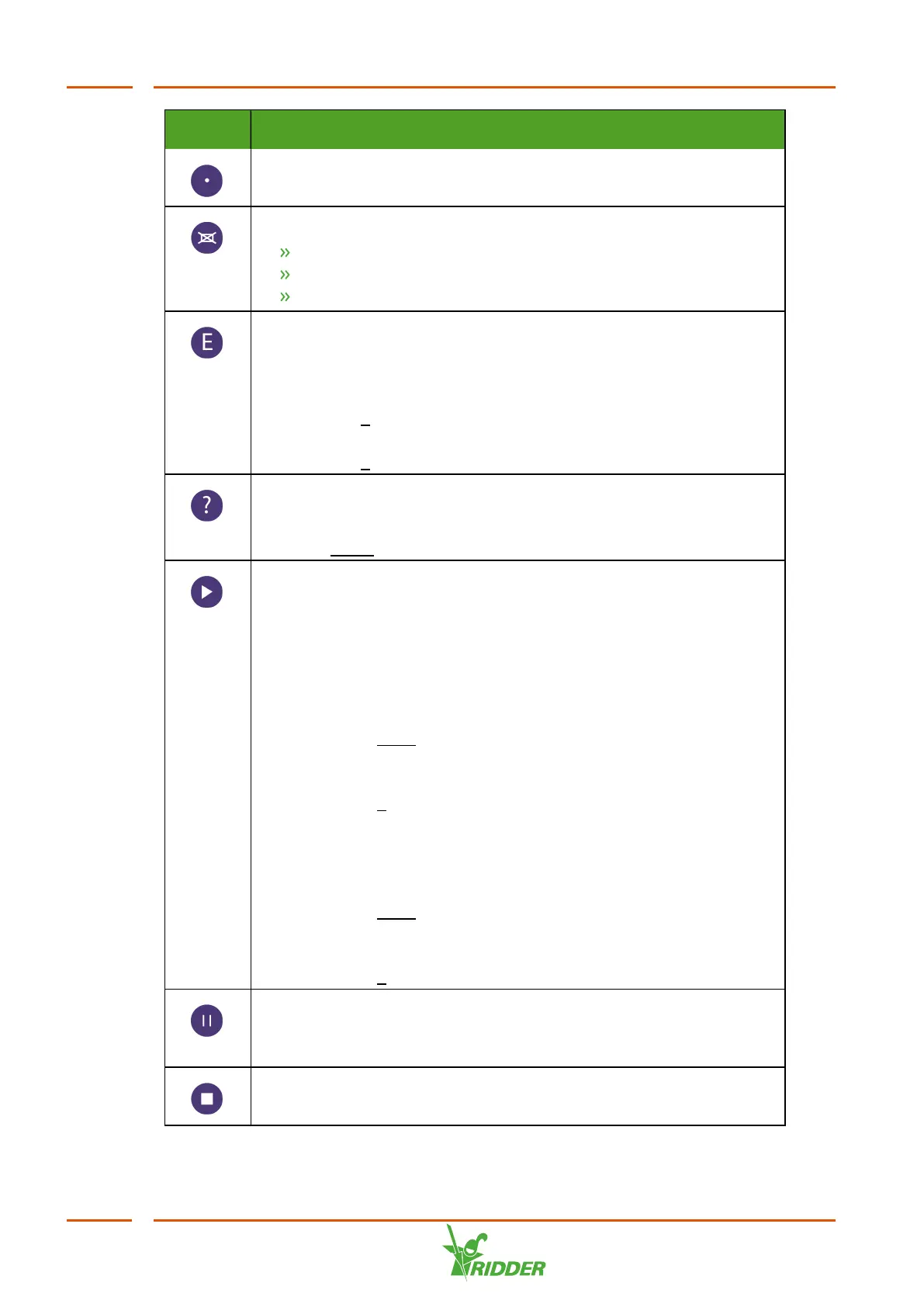
Decimal point button
This button allows you to enter decimal points.
Back/Erase button
Used for navigation and to erase a value
Allows you to abort entering a value
Allows you to return to the previous menu
Enter button
This button allows you to select and adjust settings.
To adjust a setting:
1. Press the E button to select the setting that you wish to adjust.
2. Then enter the new value.
3. Press the E button to save the new value.
Help button
This button calls up a description of the menu or setting concerned.
Press the Erase button to return to the previous screen.
Start button
This button allows you to manually start the following processes:
drain group disinfection, cleaning quartz tubes or filter flushing.
Please note that a process may only be resumed if the cause of the
alarm has been removed.
To activate the unit manually:
1. Press the Start button.
2. Select the desired drain group, cleaning quartz tubes or filter
flushing.
3. Press the E button to confirm your selection.
4. Follow the same procedure to activate several drain groups
consecutively.
To resume a process after removing the cause of an alarm:
1. Press the Start button.
2. Select the desired drain group, cleaning quartz tubes or filter
flushing.
3. Press the E button.
Pause button
This button allows you to manually pause an active process. A
process is also paused if an alarm is generated.
Stop button
This button allows you to manually stop an active process.
VitaLite
42



 To Next Page