7.4.1 User Administration
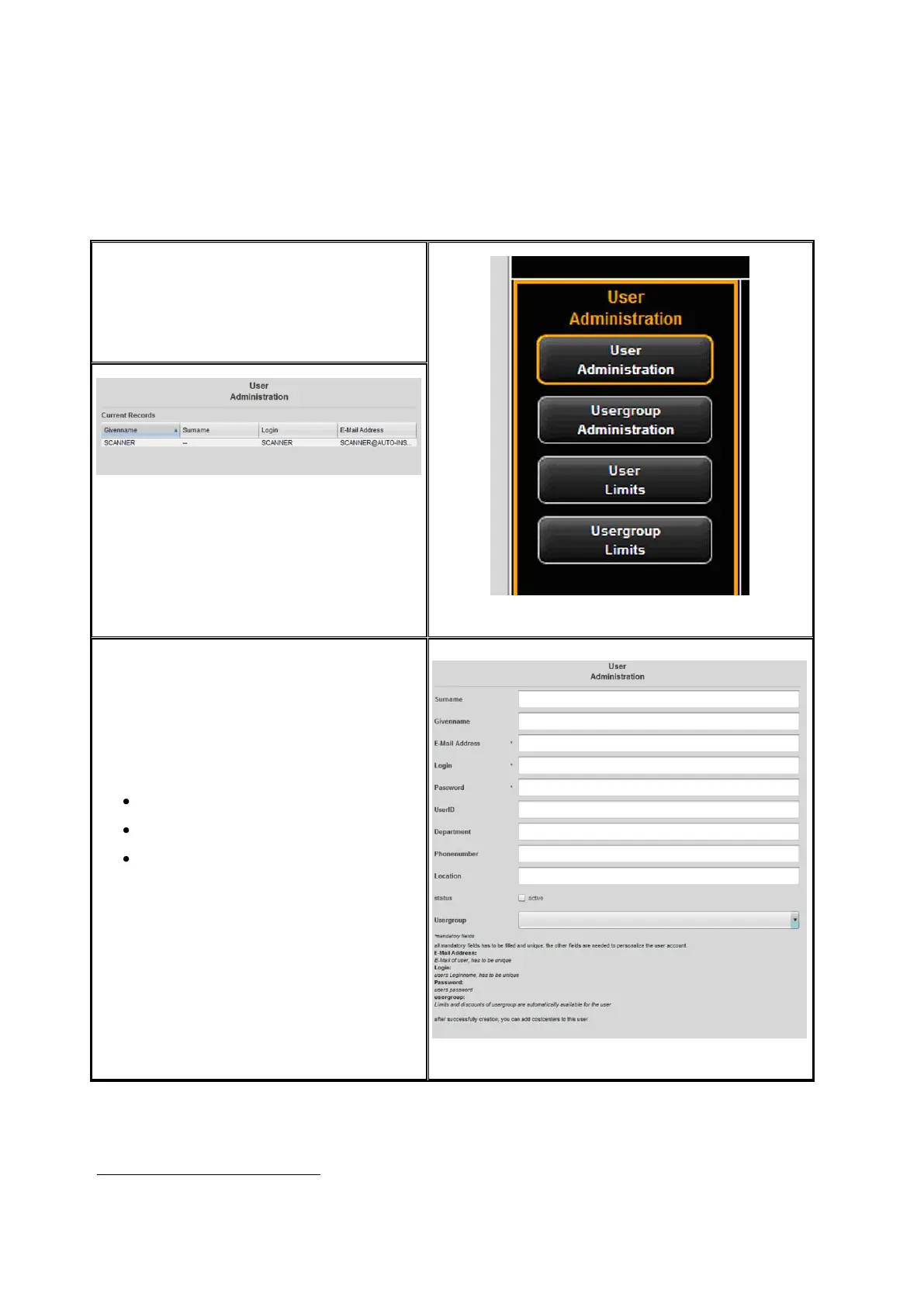
By clicking User administration in the
menu of the same name, the list of
persons currently available in the system
pops up. When you call up this item for
the first time, the list is empty.
Figure 7.6: User administration
Figure 7.7: Empty user list
By clicking Add
3
the area where you can
create a user account opens.
In this menu, various information on the
user is entered.
The fields marked with an asterisk have
to be completed:
E-mail address
Login
Password
The remaining fields are intended for
detailed information on the user.
By means of the field Status, a user can
be disabled temporarily to prevent login
to ScanManager.
If user groups are available, the user can
be allocated to a group.
Figure 7.8: Create user account
3
The field Add is located under the main window.



 To Next Page