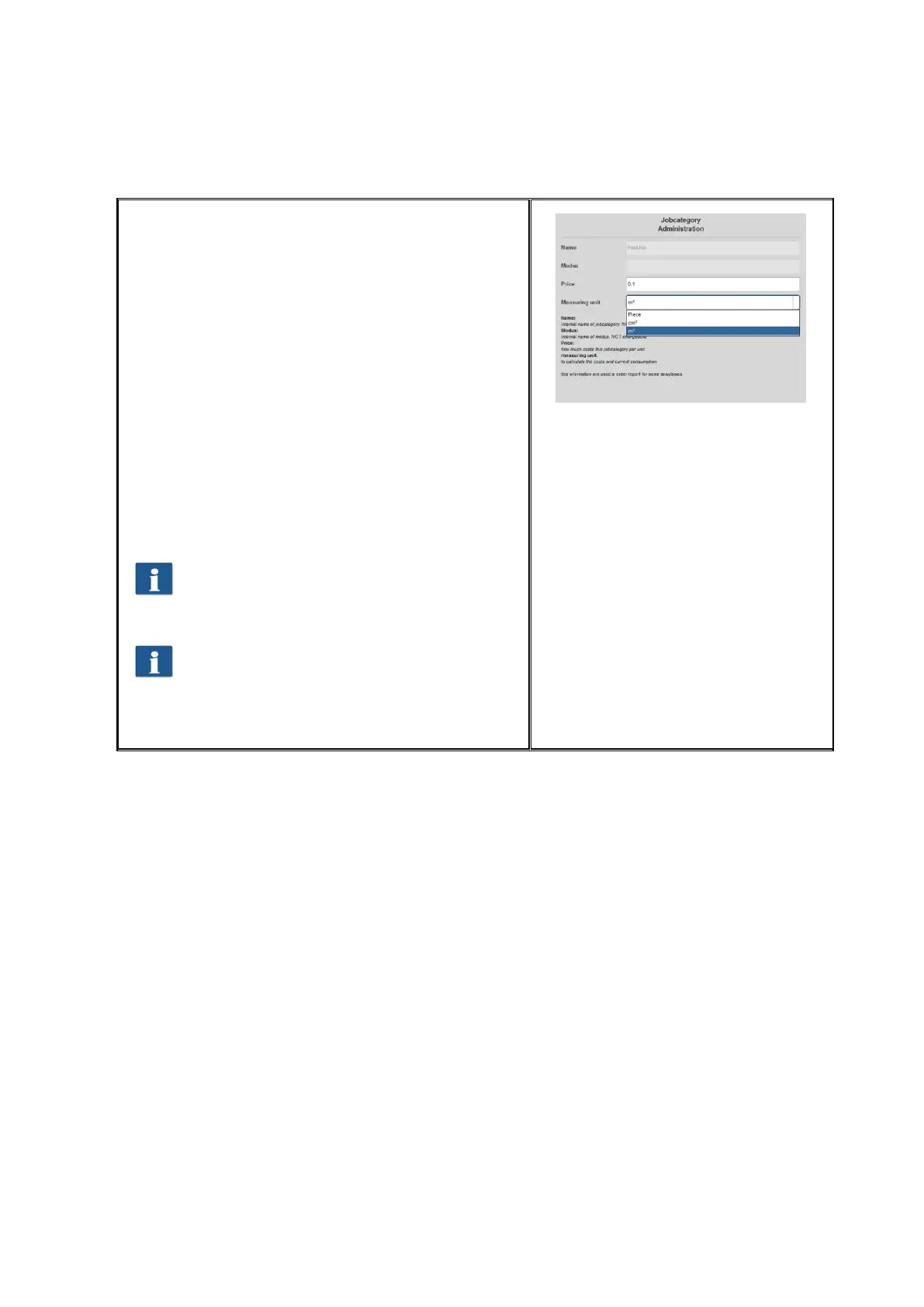
The Name of the job category is defined by the
system and cannot be modified. This also applies
to the Color mode.
The field Price defines the height of costs of the job
category per set unit of measure.
A currency has been waived intentionally in order
to ensure utmost flexibility. Accordingly, data
included in the CSV file after exporting the order
report can for example be processed and
interpreted as required.
Three versions of job category can be entered.
Piece, m², and cm². In general, a square measure is
recommended for scanning and printing while the
quantity is interesting for folding operations.
Changed settings are accepted by pressing the
Save button.
A change of the units of measure and / or
price may result in irreproducible entries in
the order report and should be effected
only when performing an overall reset of
the consumption data if possible.



 To Next Page