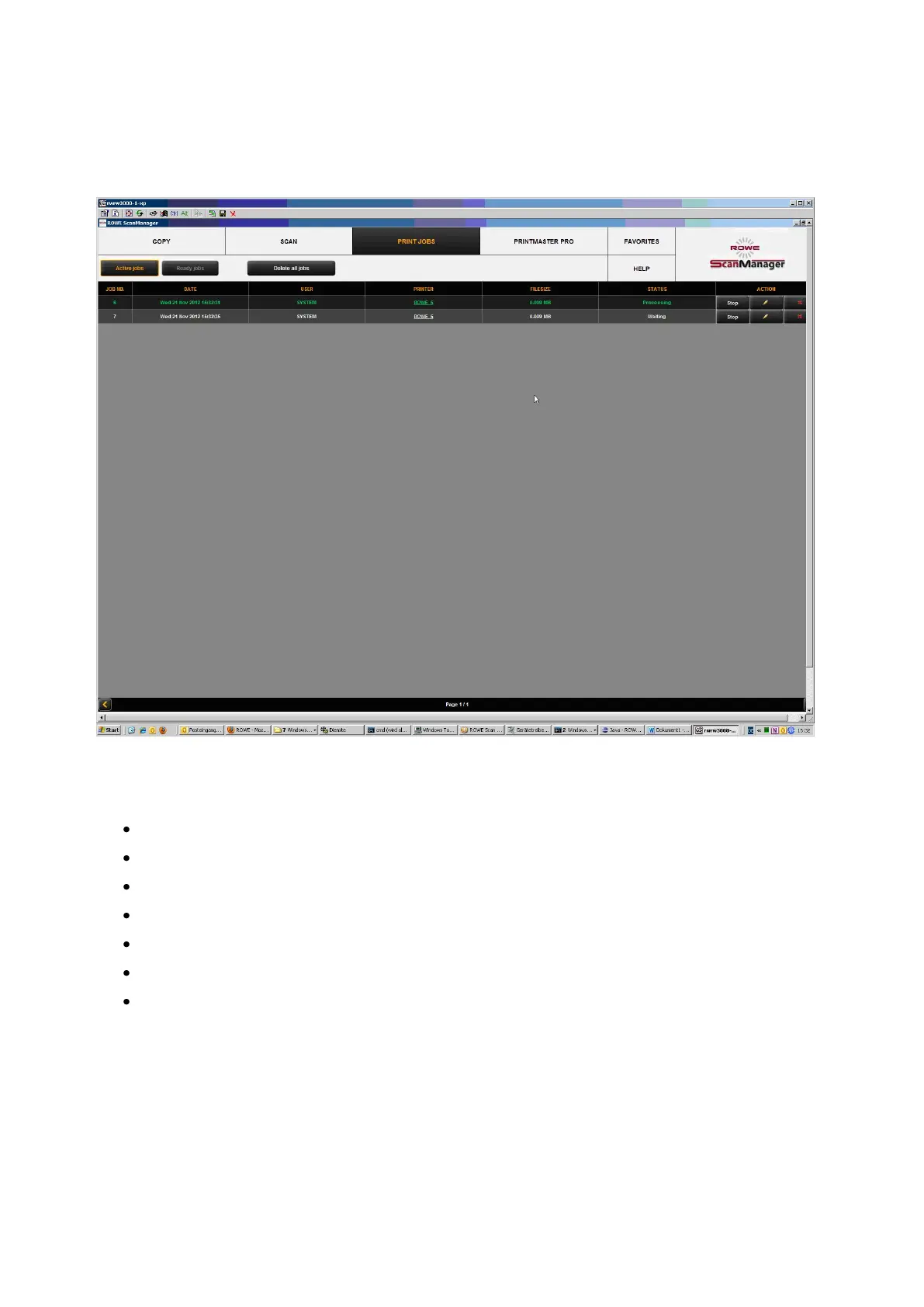
Figure 5.43: Job list
Print jobs are shown in a table; each line presents one job. The information on the jobs
given in the columns is
Job number
Date / time of order
User initiating the job
Name of printer
Size of file to be printed
Status (e.g. "Processing", "Waiting", etc.)
Action keys for deleting, editing, and stopping jobs (see below)



 To Next Page