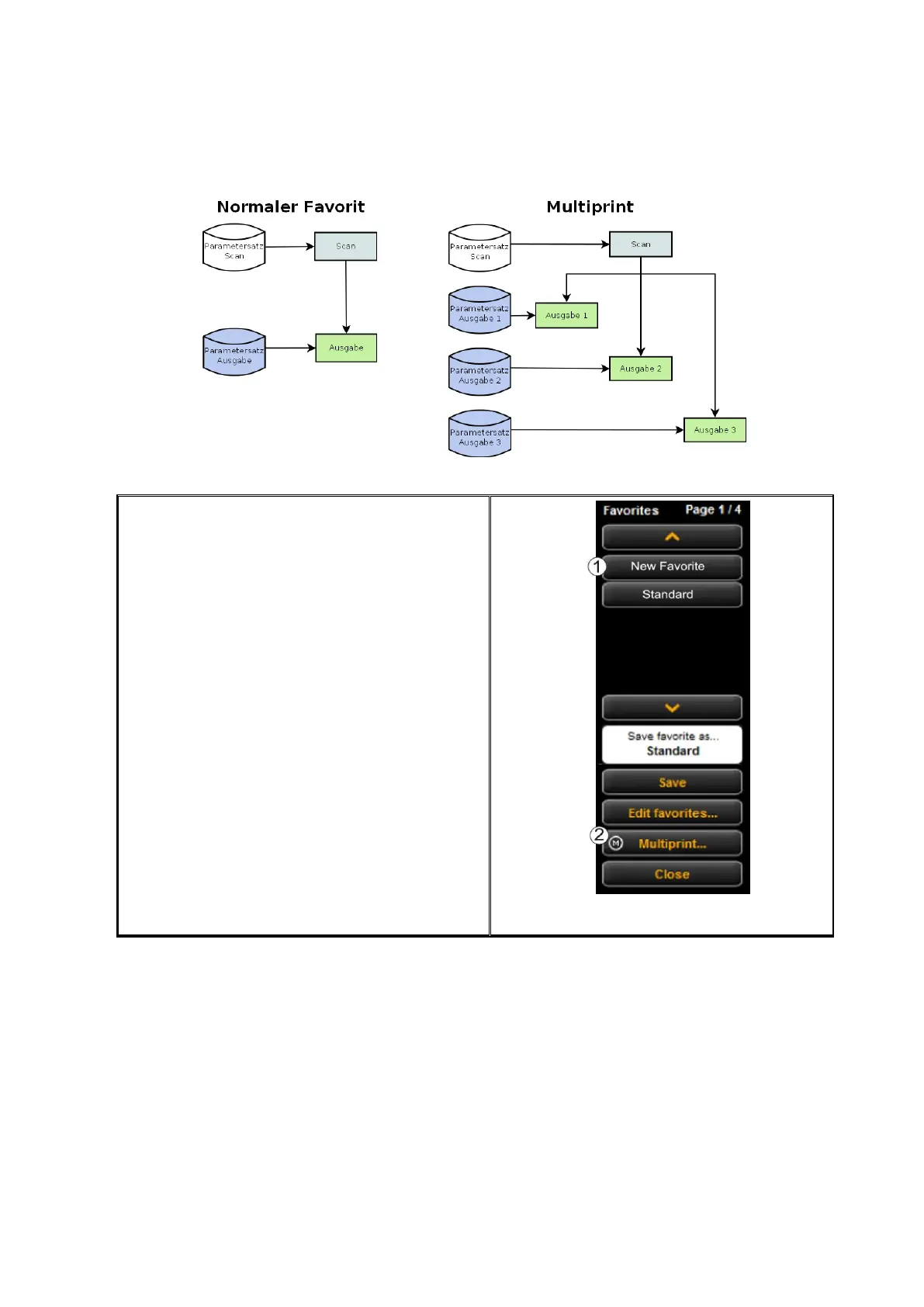
In the list of favorites (1) (click function
Favorites), a Multiprint favorite is marked
with an (M).
In order to create a Multiprint favorite or to
extend a favorite by another output
configuration, make all requested settings in
the ScanManager.
Afterwards, you have to add the respective
settings as additional output configuration to
an existing favorite. In this respect, it is
irrelevant whether this favorite already has
several output configurations (M) or not.
Press the Multiprint (2) button. Afterwards,
the dialog depicted in Figure 72 pops up.



 To Next Page