5.11.3.2 Quality
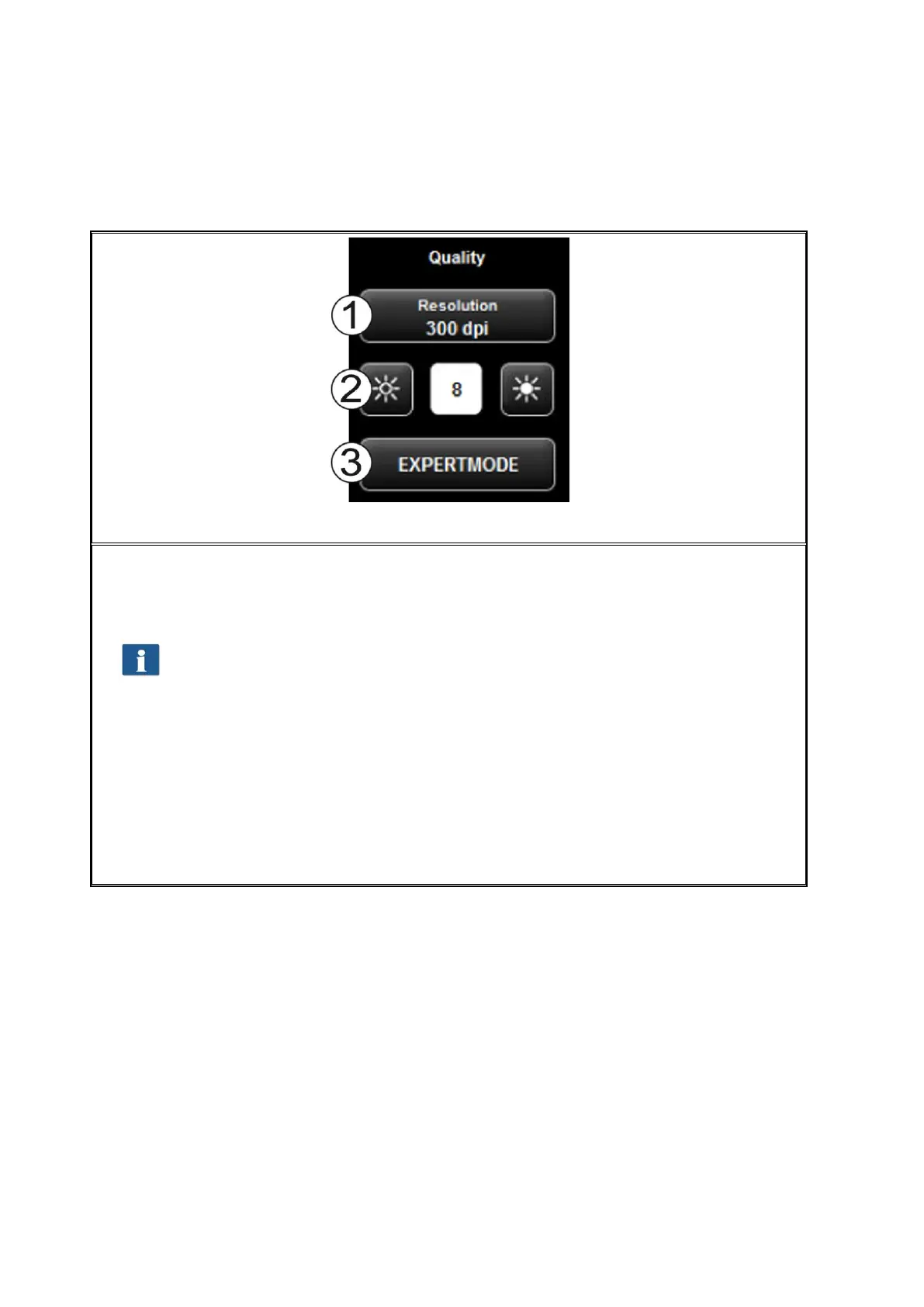
Figure 5.26: Quality settings
Here, you can select settings affecting the quality of the scanned originals.
1. Resolution: Selection of the resolution to be used for the next scanning operation.
The selection has to be made before the scan.
In case of the available "Turbo modes", a lower scanning resolution is used in
feeding direction and afterwards interpolation is effected. A significantly
higher speed is achieved thereby. In the selected optical resolution, the
original is scanned perpendicular to the feed direction so that interpolation is
effected in feed direction, only.
2. Brightness: By setting the brightness, the reproduction becomes darker or
brighter. In the text box in the middle you can enter the requested value. By
means of the keys on the left and right, the value can be reduced / increased.
Setting range: -127...128 (0: neutral)
3. Expert mode: By pressing this button you access a submenu with numerous
further setting options (see Figure 5.27).



 To Next Page