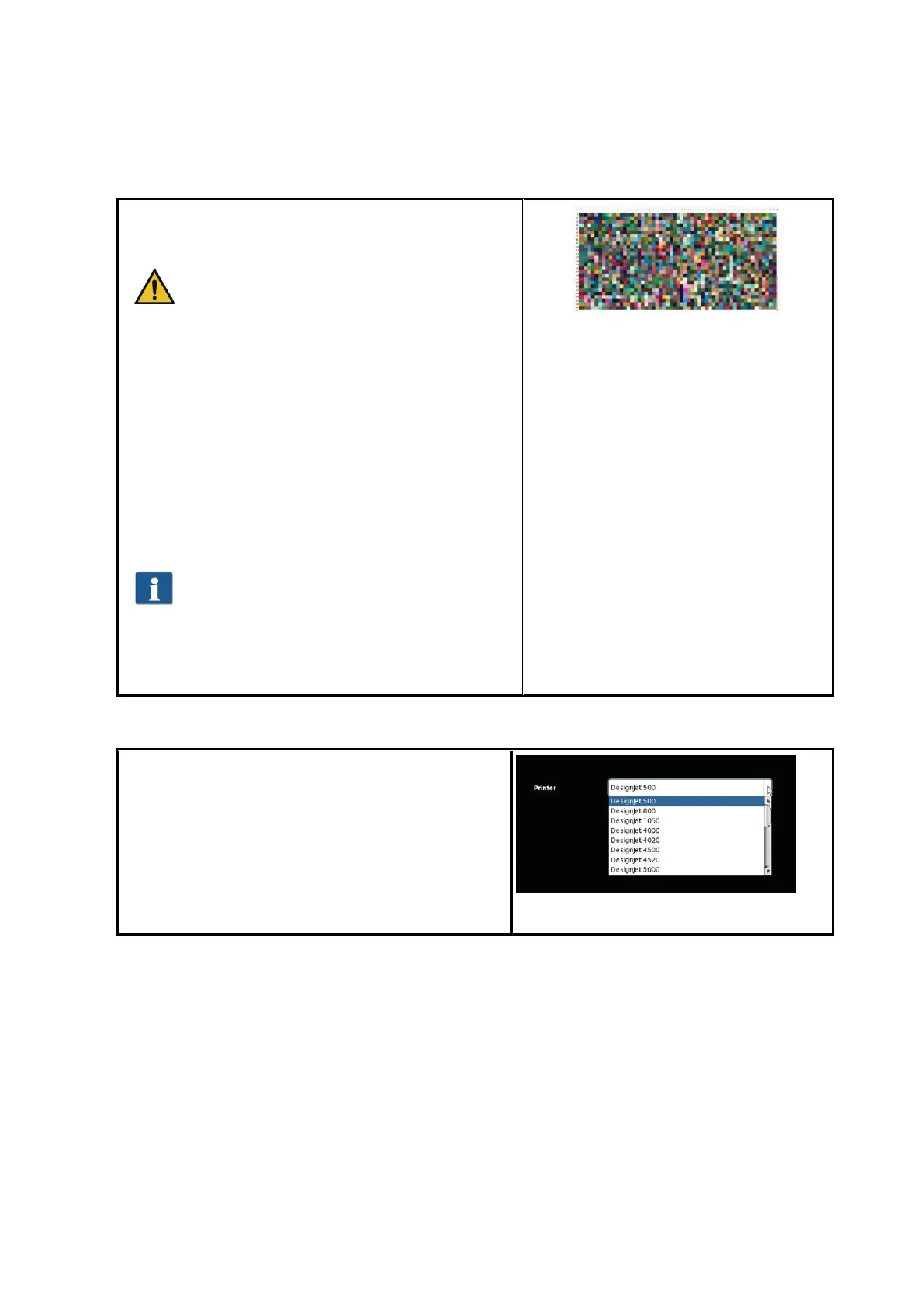
In the next step, the printed target needs to be
scanned.
Allow the target to dry for about one hour,
as the colors may still change during this
period.
After the drying time, place the target in the
scanner and click "Next". The target is scanned
and the ICC profile is calculated automatically.
This process may take a few minutes.
If you want to optimize the reproduction of the
gray scale of the printer additionally, you can
perform the so-called gray balance optimization.
For this purpose, another target which has been
optimized for the gray scale reproduction is
printed and scanned. Simply follow the
instructions on the screen.
Normally, gray balance optimization is not
required. On request you can skip this
step.
Afterwards you can complete the process by
pressing "Finish".
Figure 6.13: Inkjet profiling - target
6.5.4 Configuring Printer
If you want to configure the settings of a printer
already installed, select the option "Configure
printer" under "Printer". Afterwards, you are
prompted to select the printer to be configured.
The list shows all printers already installed.
Afterwards press "Next".
Figure 6.14: Printer selection



 To Next Page