2.6 Installation of Additional Plug-ins
After having completed the installation of
device drivers and files, additional plug-ins
required for use of the ROWE Scan 600
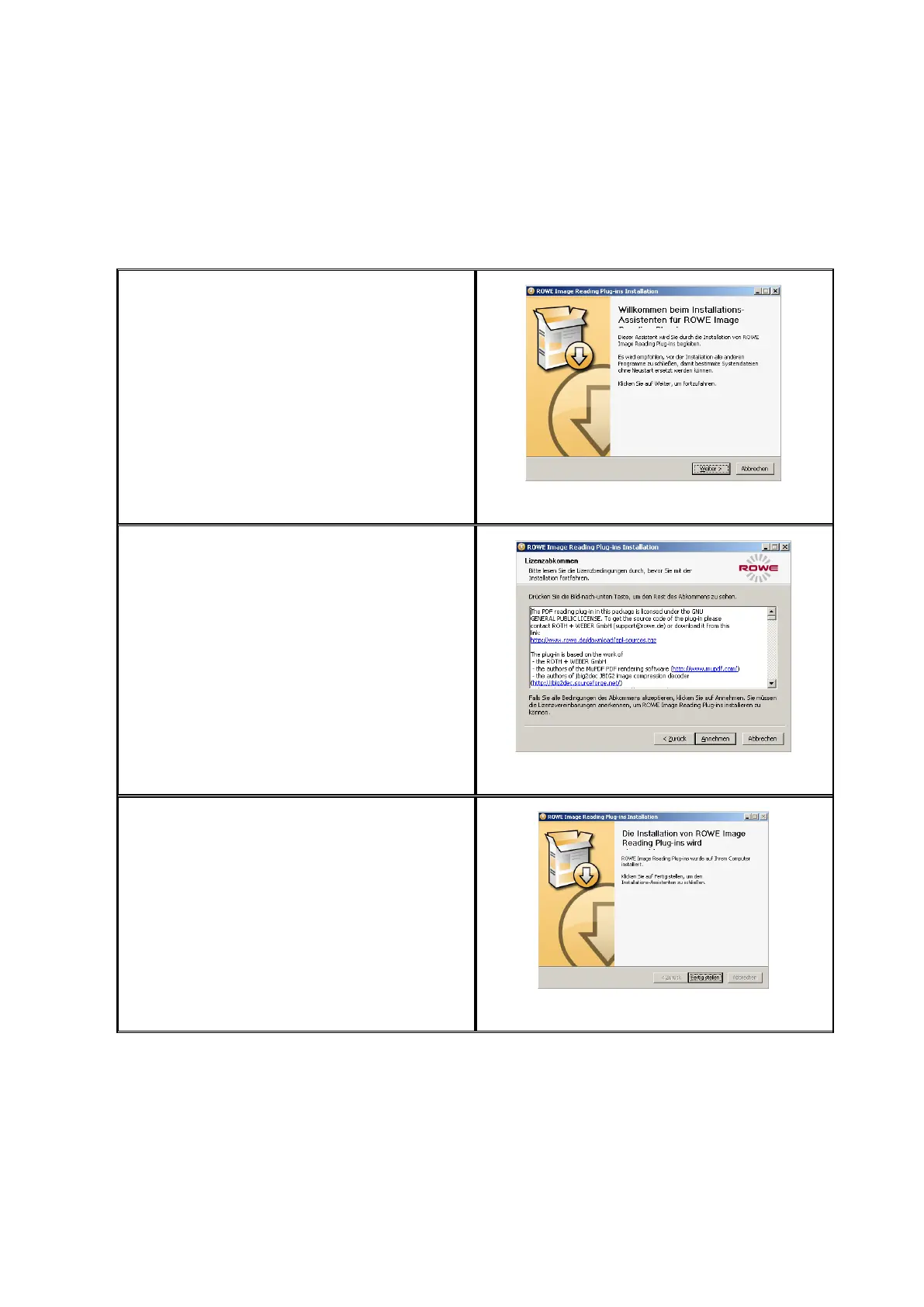
software are installed. By actuating "Next“
(see Figure 2.8) installation will be
continued.
Figure 2.8: Homepage for installation of plug-ins
In the opening dialog box (Figure 2.9), you
are prompted to accept the license
agreement. Select "Accept“.
Figure 2.9: License agreement for plug-ins
The required plug-ins are now installed
automatically. In the dialog box seen
afterwards (Figure 2.10) you have to click
"Finish“ to complete installation.
Figure 2.10: Complete installation of plug-ins



 To Next Page