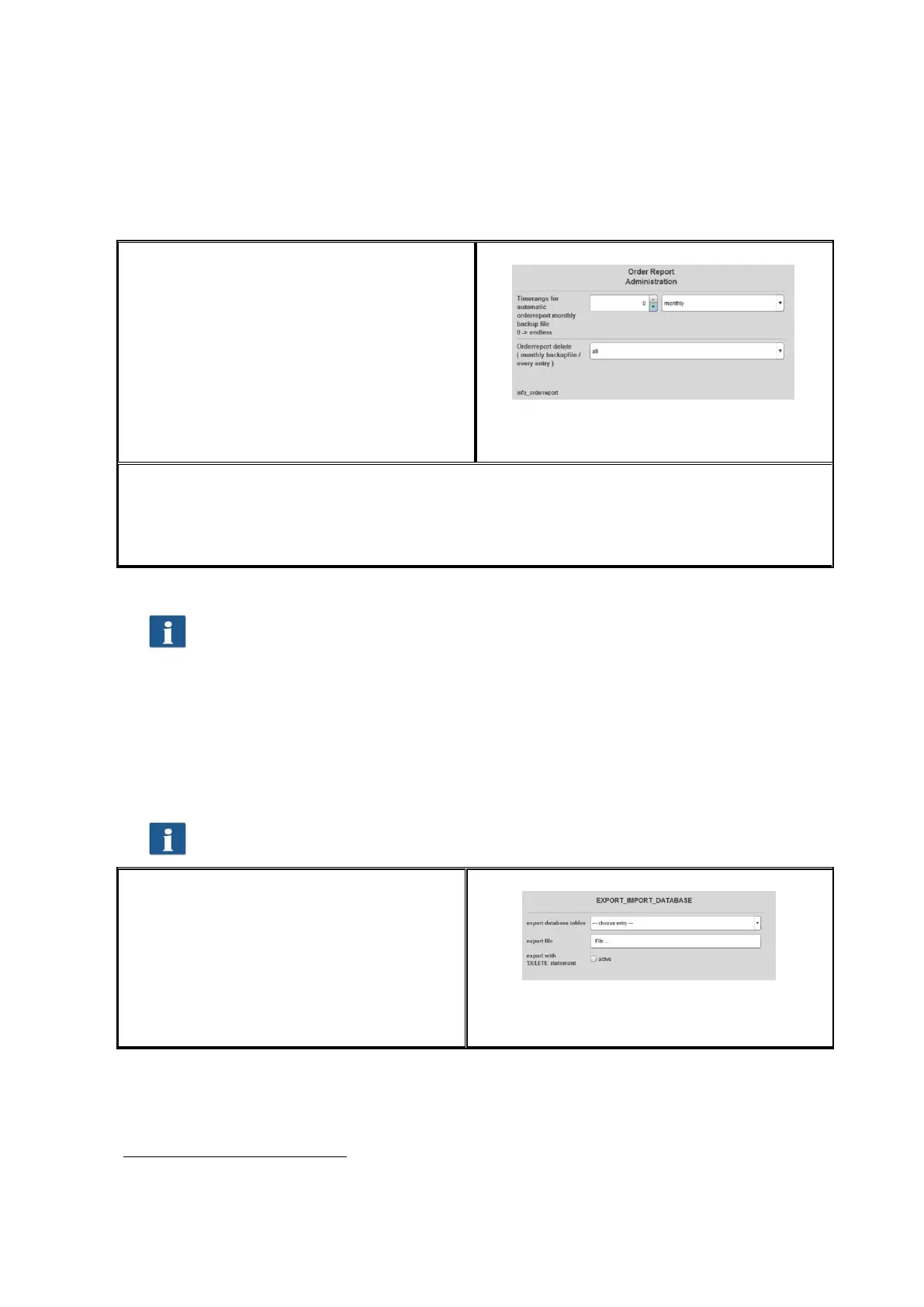
7.6.3.2 Deleting Order Report
In the area Order report delete the monthly
backup files can be removed from the order
report or all information including the
current month can be deleted.
In a list, the available files can be displayed
and deleted by pressing the Delete button
in the toolbar. Should these files be
available in a backup folder, too, they are
renamed and are provided with a time
stamp as file name.
Figure 7.31: Delete order report
If All data are deleted from the order report, the system establishes a copy of the total
database in addition to the above mentioned backup files
(costMasterdata_all_delete_120710162156.bkp) which is also provided with a time stamp
in the selected backup folder. If required, these files can be deleted manually.
In this menu, the buttons Save and Delete have to be actuated. For this
purpose, a popup menu is displayed where you have to enter the
administrator password.
7.6.4 Export / Import
By means of the export / import functions, backups of existing data records can be
established and loaded again. In general, it is possible to include all data in a backup, i.e.
order records including incurred costs as well as master data (users, user groups, cost
centers, cost center groups) and current configuration.
In order to be able to open this menu, service access rights are at least
required!
In the field Export database tables you
select which tables
9
shall be saved.
By means of the field Export file you open
a file manager to select storage location
and file name.
By pressing Export a backup file is created
in the selected folder.
Figure 7.32: Export – backup of tables
9
Four backup versions are offered; Master data tables: include user and cost center
administration, Configuration tables: include job categories and settings for Cost
Control, Order/Job tables: all data about the current month, All: all tables are saved.



 To Next Page