5.2 Starting ROWE ScanManager
First, make sure that the scanner is connected
to the PC and switched ON.
After installation of the software, an icon
named "ScanManager" can be found on the
desktop.
It is easiest to start ScanManager by double-
click on this icon.
Should you prefer operation by touch
screen and have a ScanManager TOUCH
license, you have to use the Icon
"ScanManager Touch" instead.
Figure 5.1: Desktop link ScanManager
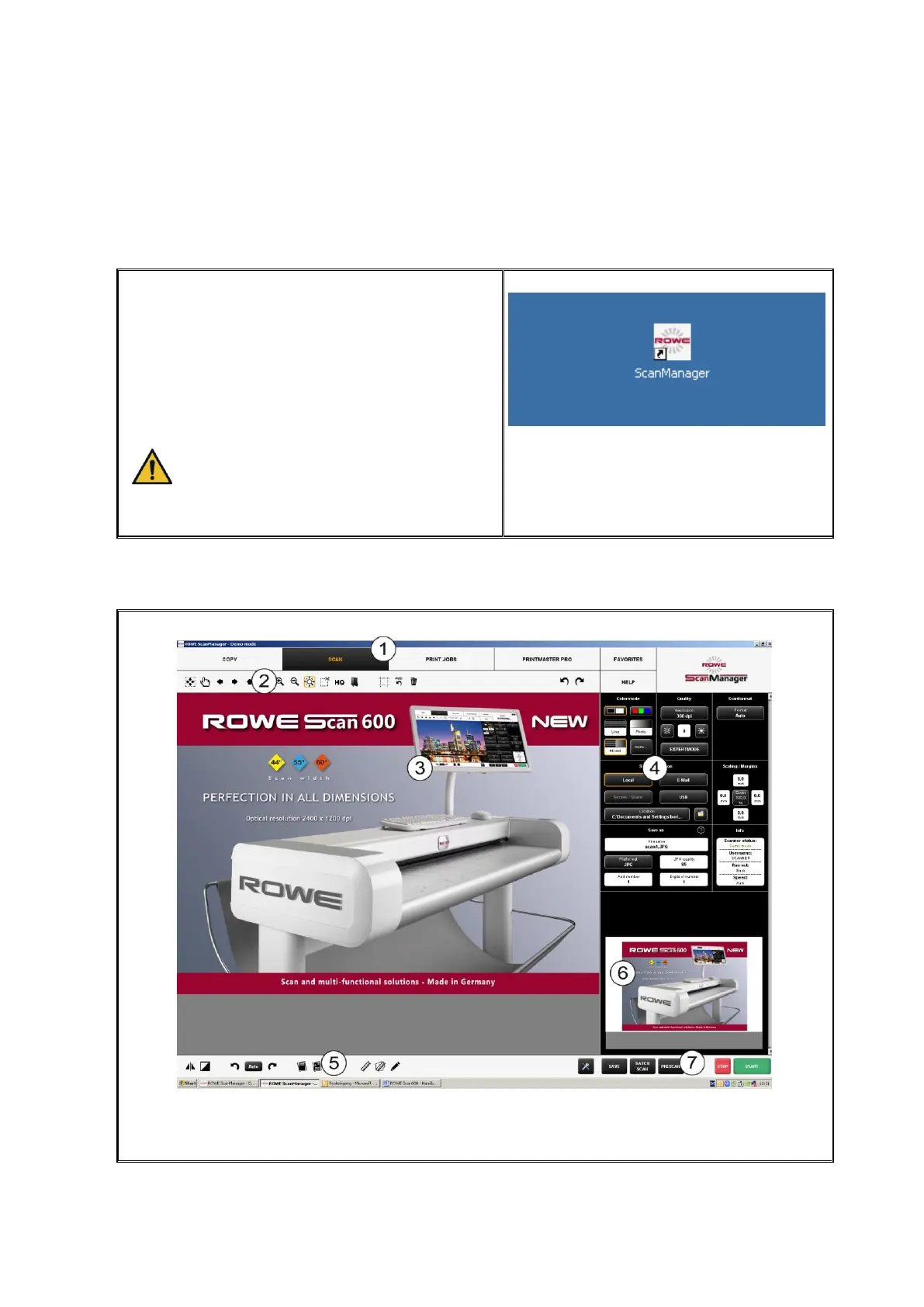
5.3 Main Window of ROWE ScanManager
Figure 5.2: ROWE ScanManager overview



 To Next Page