EasyManua.ls Logo

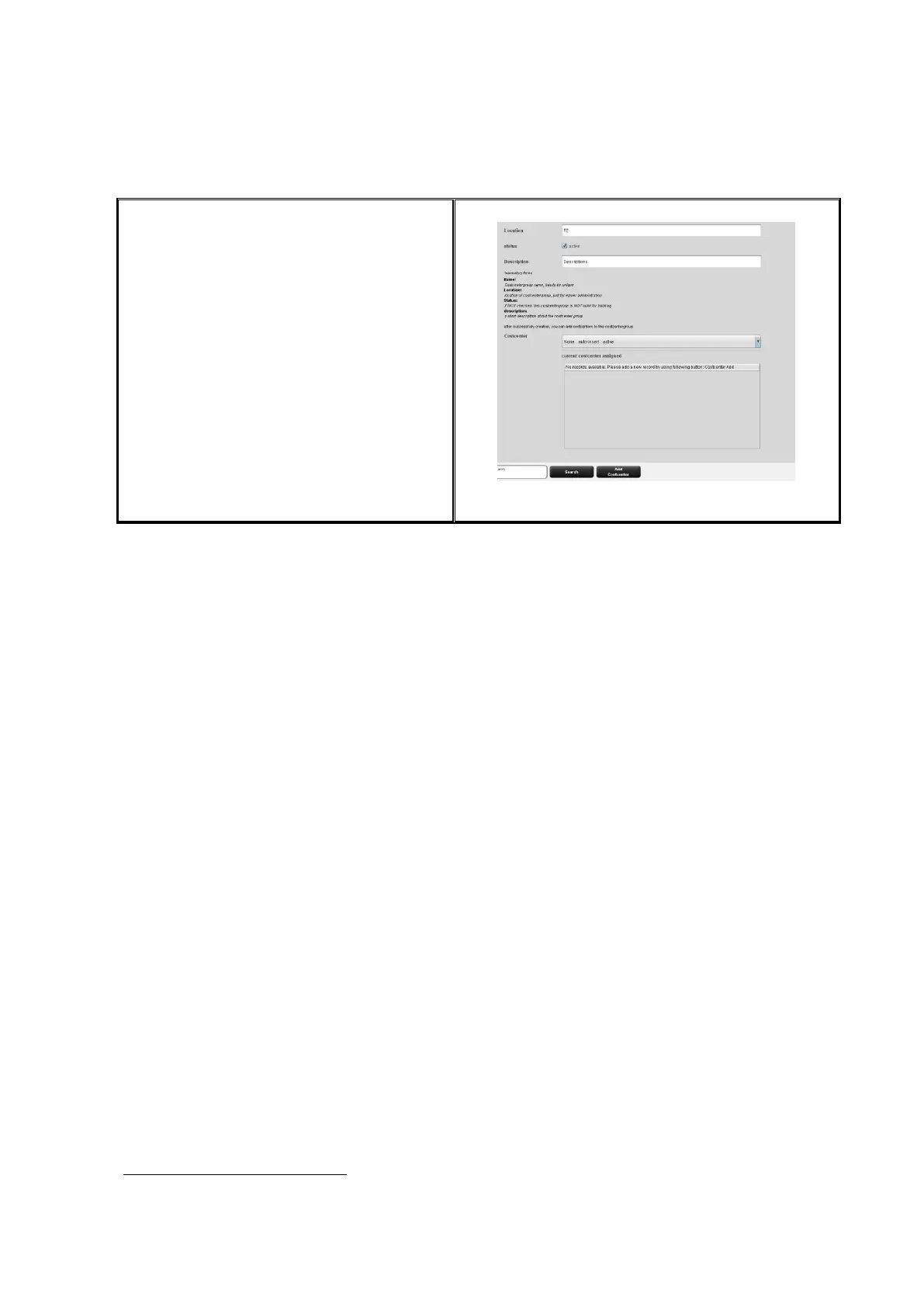
Rowe Scan 600-20 - Figure 7.9: Add Cost Centers to User; User Group Administration

Rowe Scan 600-20
140 pages
Print Icon
To Next Page IconTo Next Page
To Previous Page IconTo Previous Page
Loading...
102
After successful creation of a user
account, cost centers can be allocated to
that user.
If cost centers are available, a list of all
cost centers appears which can be
allocated by means of the button Add
cost center
4
.
Cost centers already allocated are listed
in alphabetic order and can be removed
by means of the button Delete cost
center if required.

Figure 7.9: Add cost centers to user
7.4.2 User Group Administration
4
The buttons Add cost center and Delete cost center are located under the main window
and replace the button Add.

Table of Contents

Related product manuals