2.4 Installation Process
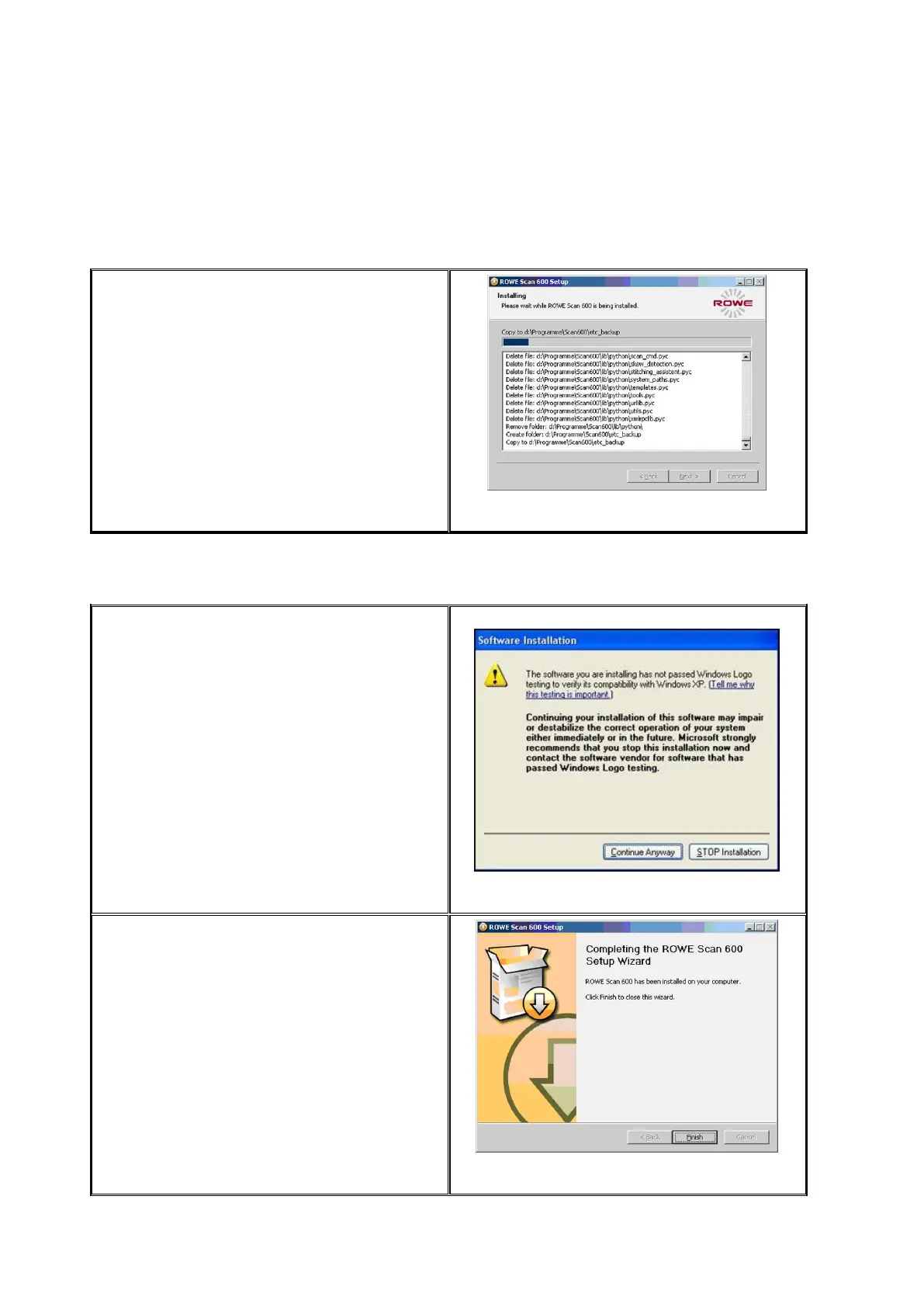
After actuating the "Install" button, the files
will be installed.
In the meantime, the installation progress
and current state are displayed as shown in
Figure 2.5.
Figure 2.5: Installation process
2.5 Installation of Device Drivers
During data transmission several dialog
boxes pop up indicating that the
appropriate drivers for the device are being
installed. During installation, Windows
points out that the drivers did not pass the
so-called "Windows logo testing" (Figure
2.6). This is normal and installation can be
continued by clicking "Continue Anyway".
Figure 2.6: Windows logo testing
After having installed the drivers on the
computer, the installation can be continued
by pressing the "Finish" button (see Figure
2.7).
Figure 2.7: Driver installation completed



 To Next Page