Figure 1.3: Rear view ROWE Scan 600 / USB slot side box
1.4 Unpacking of Device
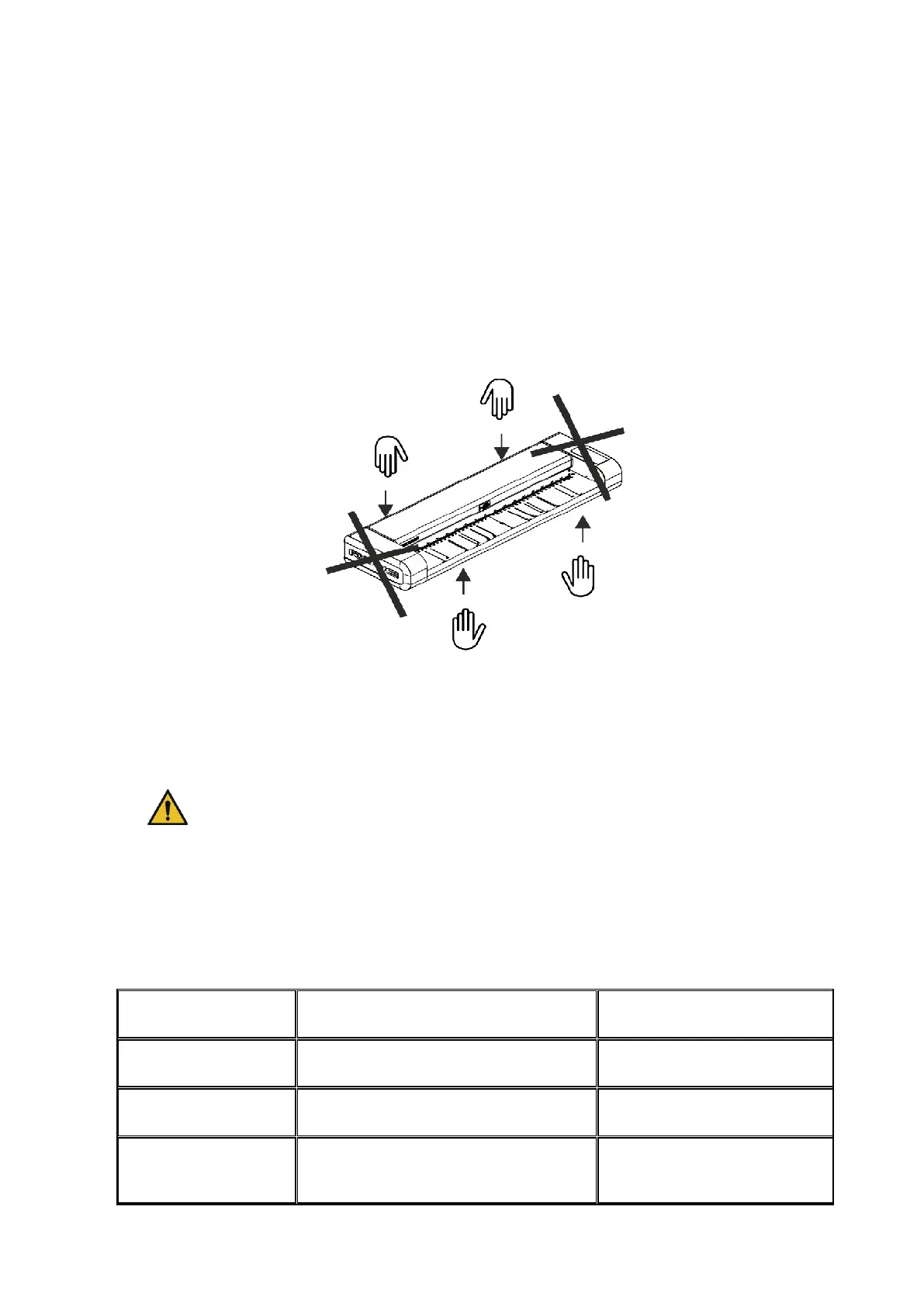
In order to install the scanner, a space of at least 2.5 m x 2.0 m is required which meets
with the ambient conditions described in Annex B.3.1 (Page 130). When unpacking the
scanner, do not lift it by grabbing the side boxes (see Figure 1.4).
Figure 1.4: Unpacking of ROWE Scan 600
Before installing the device, check the consignment for completeness. Check the scope of
supply by means of the list in Chapter 1.2 on Page 10.
Visible damages are to be notified in writing by a corresponding comment on the
consignment note. Otherwise, payment of damages by the carrier is excluded.
In order to avoid damages to the device, please do not place any tools,
components, or the like onto the scanner top!
1.5 Requirements as to PC
Use of the scanner requires connection of a PC (not included in the scope of supply). This
PC shall comply with the minimum requirements mentioned in Table 1.3. However, we
recommend compliance with the optimum requirements to benefit from optimum
performance.
5,400 rpm SATA 5 GB free memory
7,200 rpm SATA 50 GB free
memory



 To Next Page