User limits
User group limits
Cost center limits
Cost center group limits
Figure 7.4: Fields for limits
7.4 Menu User Administration
This menu includes four areas where the administrator can create accounts for users and
user groups and set limits for users and user groups.
Among others, the present chapter describes the configuration of limits and discounts in
detail.
Setting of limits for users, user groups, cost centers, and cost center groups is effected
identically and is therefore described for user group specific limits in Chapter 7.4.3 as an
example.
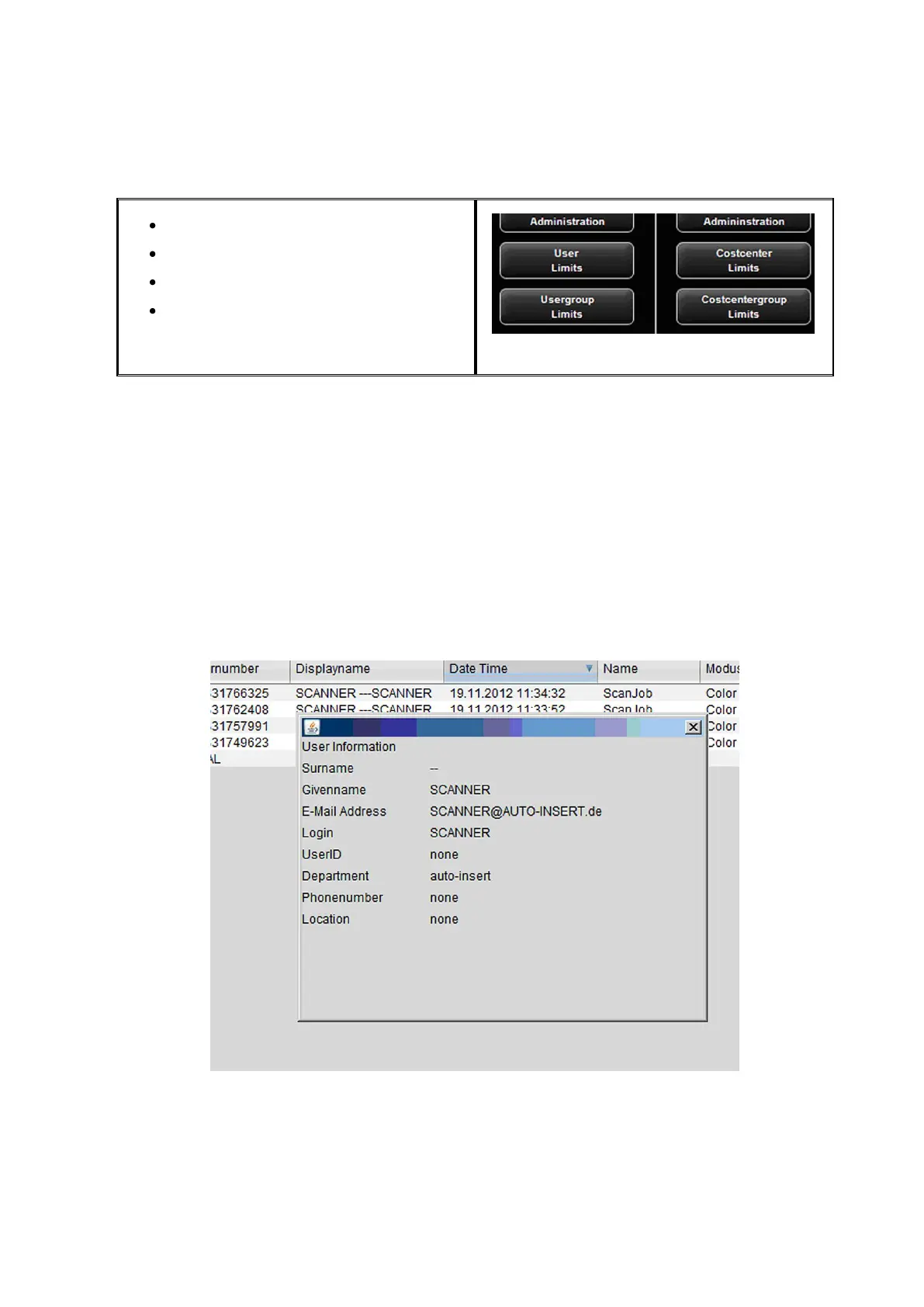
Information on the user are displayed in the order report in a pop-up window when
moving the mouse pointer over this name.
Figure 7.5: User info box in order report



 To Next Page