7.6.3 Order Report Administration
7.6.3.1 Backup Settings
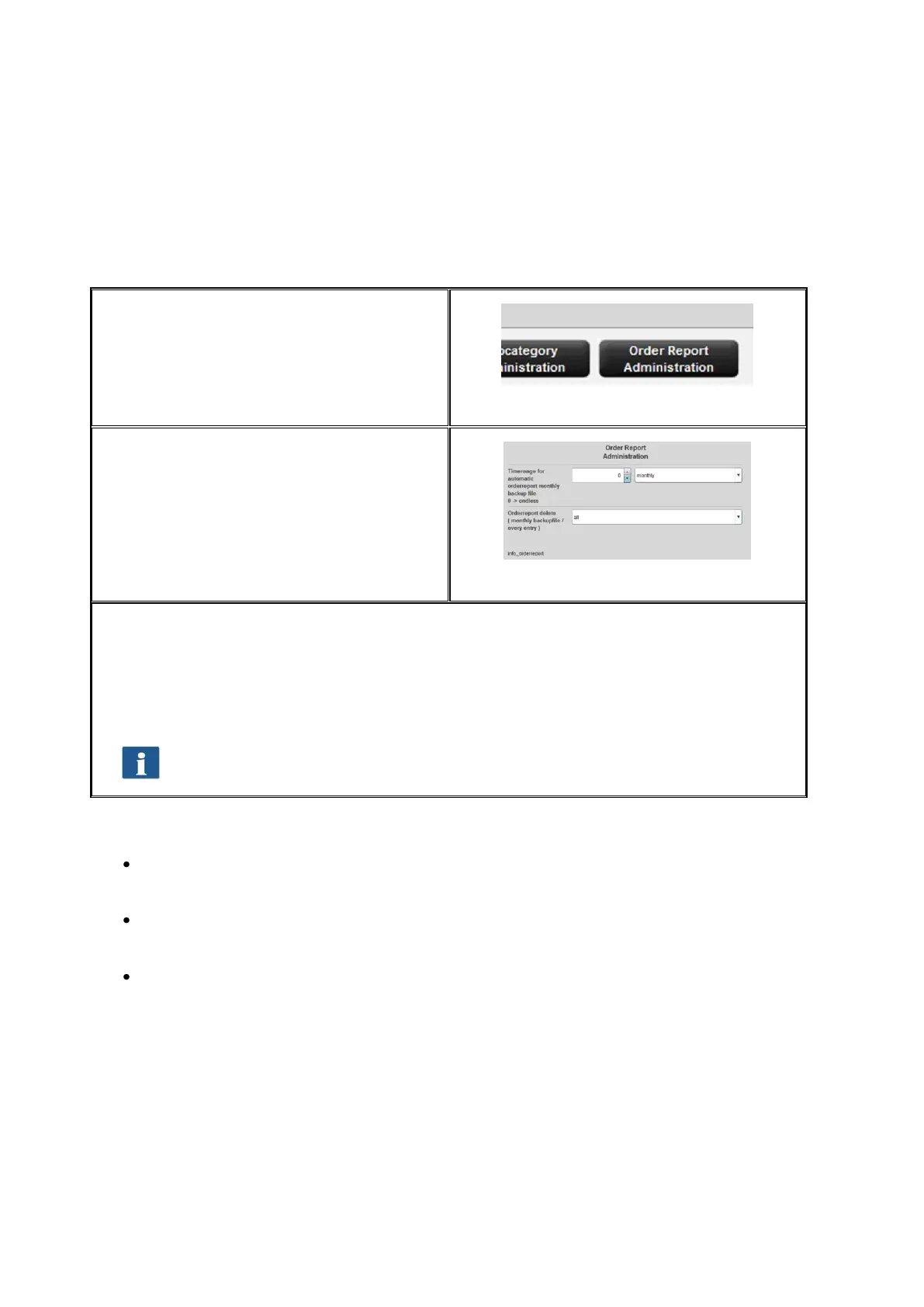
This menu can be opened by means of the
button Order report administration under
the main window.
Figure 7.29: Order report administration
In this menu, the settings for the monthly
backup are made. ROWE Cost Control
automatically saves the order tables in a
separate database file at the beginning of
the month. The latter may for example have
the name
jobdb_201205__20120502_20120530.db
Figure 7.30: Backup settings
You can select a period of time for defining how long the monthly backup file shall remain
visible in the order report. You can define whether the period shall apply to months or
years. E.g., if you select three months, the information of the previous three months and
the information on the current month will be given in the order report. The selection of
years works in the same way so that the information on the current month and on the
number of previous years is available in the order report.
When selecting zero, the monthly backup files will ALWAYS remain in the order
report.
The name of the monthly backup file jobdb_201205__20120502_20120530.db gives some
information:
201205
To which month this file applies (May 2012)
20120502
Day of the first entry in the order report (2 May 2012)
20120530
Day of the last entry in the order report (30 May 2012)
A file with the name jobdb_201206__empty.db means that the monthly backup file does
NOT include any information. Such a file may occur if all information from the order report
were deleted and ROWE Cost Control created a monthly backup file automatically
afterwards.



 To Next Page