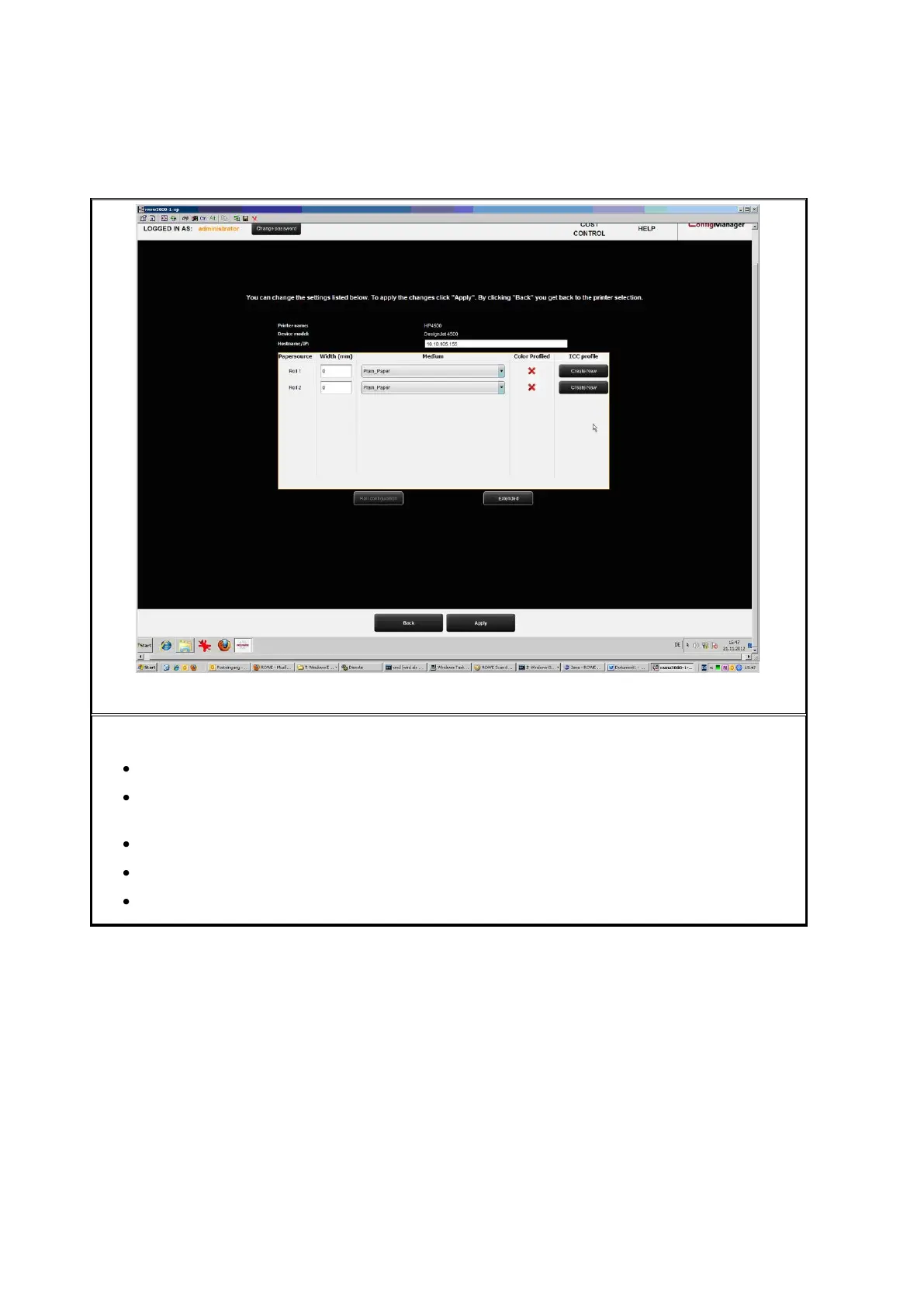
Now you access the configuration area of the printer. There you can
Change IP address and / or host name of the printer,
See whether a color profile is already available for a medium (only for color
printers),
Create a (new) color profile for a medium (see 6.5.3) (only for color printers),
Change the medium type and width of a roll (only for color printers),
Call extended settings (see Figure 6.16).



 To Next Page