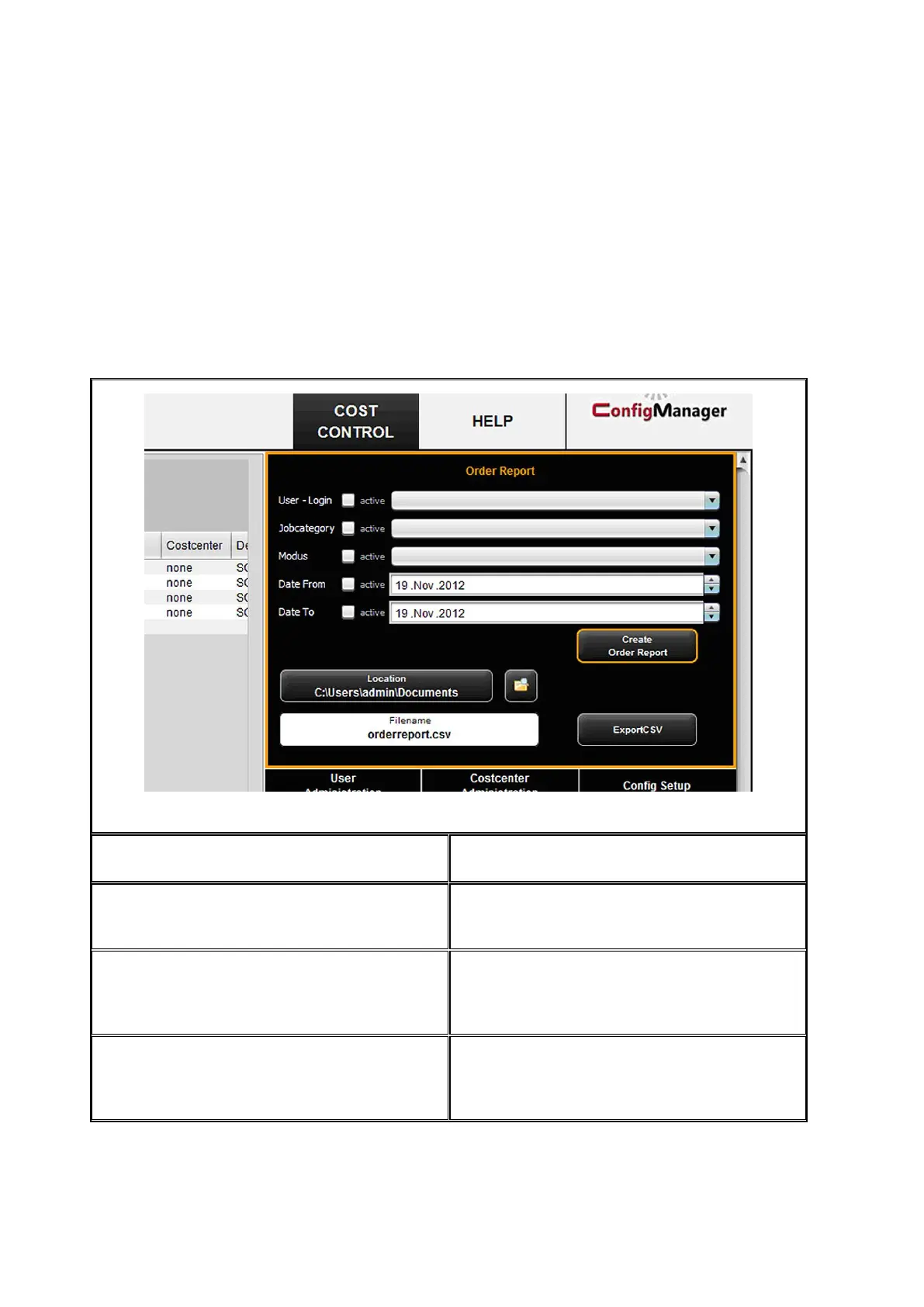
7.2 Menu Order Report
The order report includes information on each performed job (scanning, printing, or
folding). This information can be filtered by various criteria and be exported into a file
with comma-separated values (.csv) for further analysis in tables.
In the standard version, only the order report is offered. The latter is started
automatically when opening the Cost Control menu.
Figure 7.2: Fields in order report
If active, the order report will provide
information on the selected user, only.
If active, the order report will provide
information on the selected job category,
only, e.g. scanning.
If active, only information on the selected
color mode will be displayed (e.g. color or
black/white).



 To Next Page