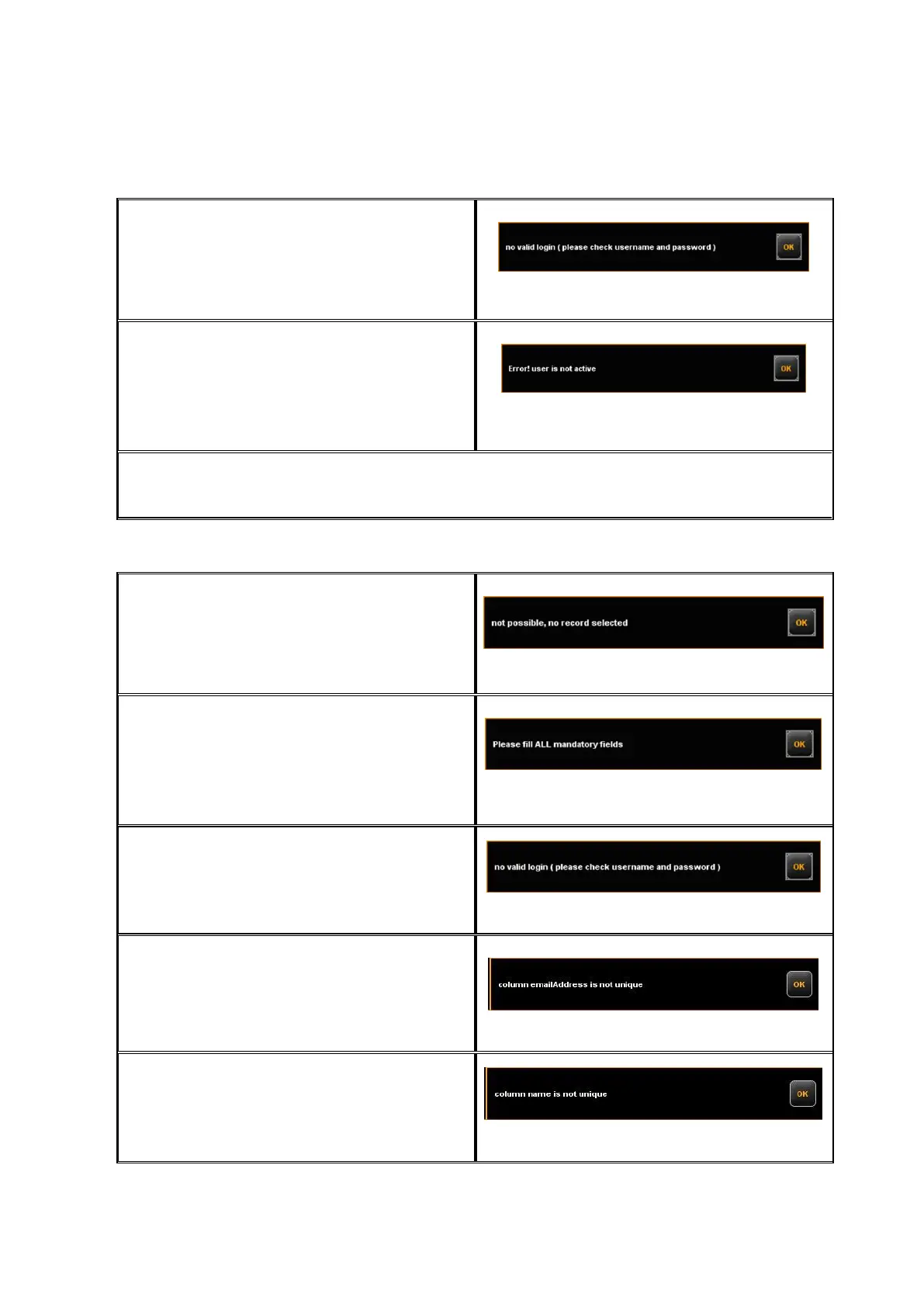
If the combination of user name and
password was not correct, this message is
displayed. If a repeated login is not
possible, an administrator should check the
user's access data.
Figure 7.36: Error message - Invalid login
If not all fields are completed, this fact is
shown by a corresponding note.
Please complete all fields so that the
system can effect the authentication
correctly.
Figure 7.37: Missing login / password
After successful login, the button Logout is displayed next to the STOP button in
ScanManager. By means of this function, you can change the user.
7.7.1.2 Editing Range
For being able to change a data record, you
have to highlight a line in the corresponding
list first. This warning may appear if you try
to delete or change an entry without having
highlighted it before.
Figure 7.38: Error message - No selection made
The fields in the administration menus
marked with an asterisk have to be
completed.
If all highlighted fields are completed, click
Save again.
Figure 7.39: Please fill ALL mandatory fields
If the login name is already used in the
system, you have to change this entry.
Figure 7.40: Field: User login is not unique
If the e-mail address is already used in the
system, you have to change this entry.
Figure 7.41: Field: E-mail address is not unique
If the name is already used in the system,
you have to change this entry.
Figure 7.42: Name is not unique



 To Next Page