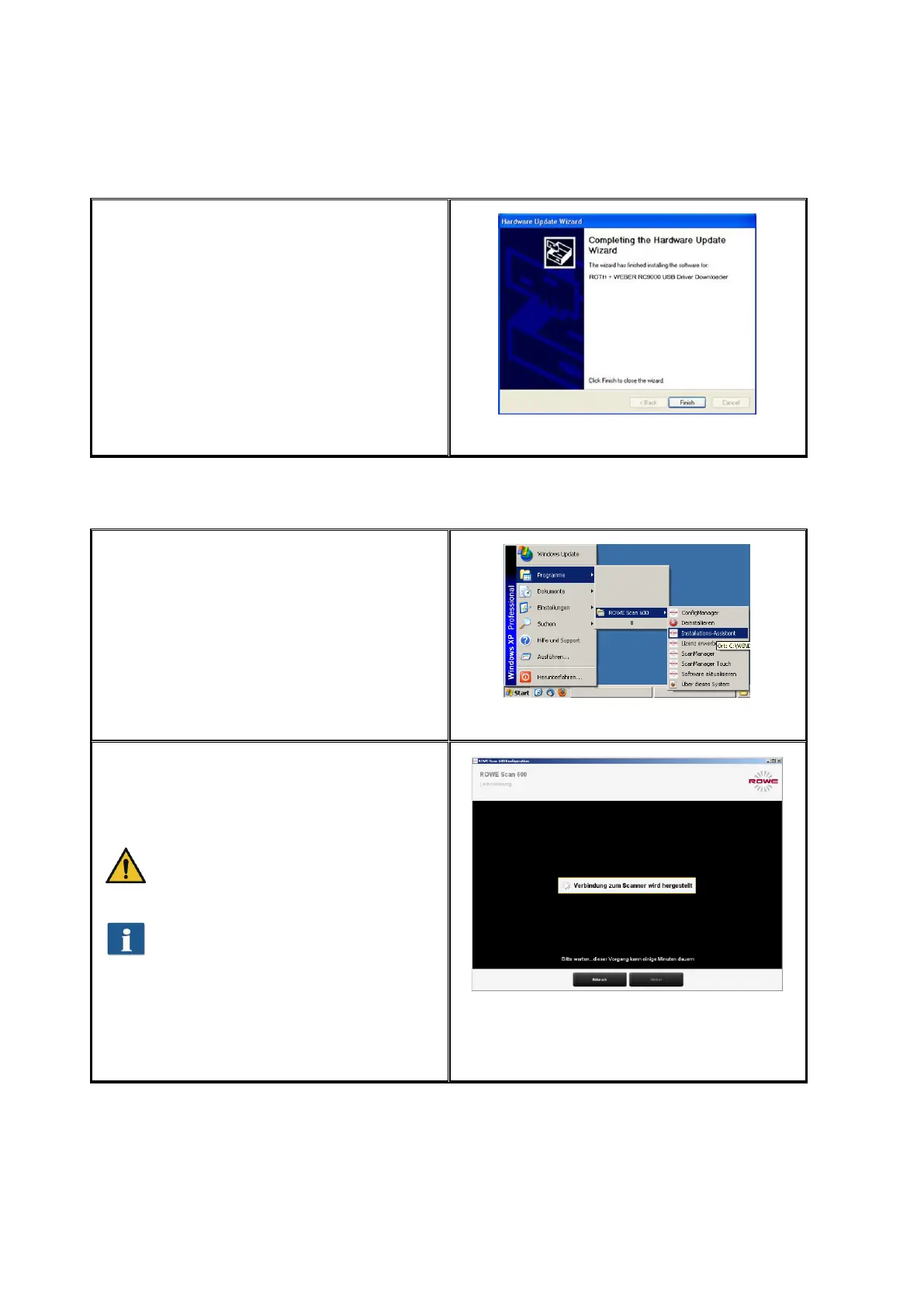
By actuating "Finish“ (Figure 2.17) the
driver installation is being completed.
Figure 2.17: Driver installation finished
2.9 Establishing Connection to Scanner
After having started the computer, start the
Setup Wizard via Start → Programs →
ROWE Scan 600 and follow the instructions.
Figure 2.18: Start Setup Wizard
The Setup Wizard now establishes the
connection between scanner and computer
automatically. This process may take some
time depending on the PC performance.
If you actuate the "Cancel" button
during the connection process,
installation is canceled.
If the connection cannot be
established, check the connection
lines and whether the scanner is
switched ON. If the operating LED is
flashing, the scanner is in energy
saving mode. If so, actuate the
green key ("Start") on the device
once.
Figure 2.19: Connection establishment



 To Next Page