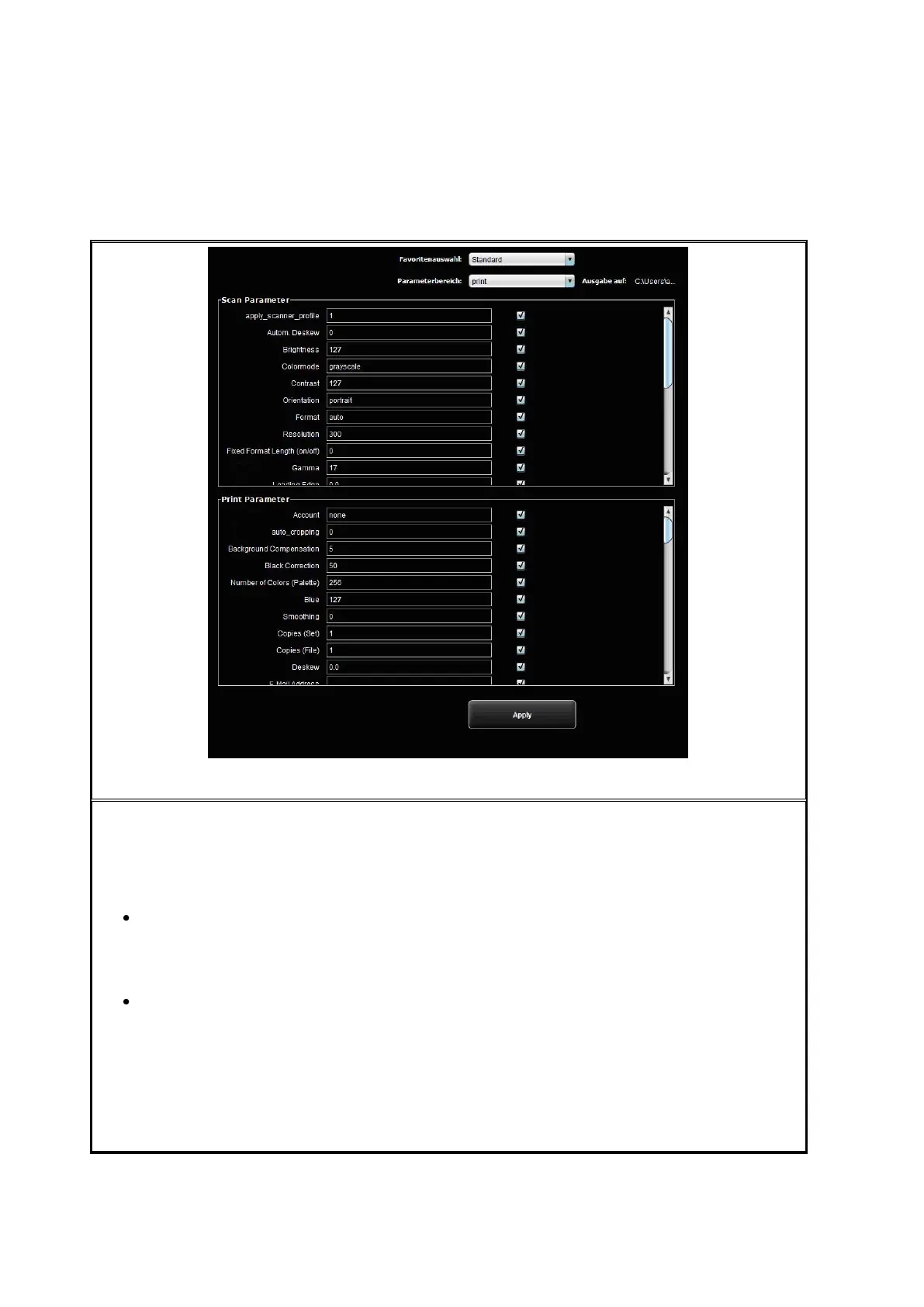
In addition to the numerous ScanManager options regarding handling of favorites (see
5.12), in the function Favorites you can define for each individual parameter whether it
shall be saved in the favorite (checked) or not (not checked).
The following effects result therefrom:
Parameter included in favorite: When loading the favorite, the parameter is
always set to the value saved in the favorite. As a consequence, the temporary
setting of the parameter in ScanManager gets lost and after loading the favorite
it needs to be set again if a value deviating from the favorite shall be used.
Parameter not included in favorite: After loading the favorite, the parameter set
in ScanManager when loading the favorite remains.
By default, all check marks are set, i.e. all parameters are included in the favorite. In
order to change the setting, first select the favorite to be changed (selection of favorite).
If it is a Multiprint favorite, the latter includes several print parameter ranges (one for
each output configuration). If you want to change the print parameter settings, you have
to select for which output device (Parameter range) you want to make the changes.



 To Next Page