Info texts: Here, you can enter additional information on a print job. This information helps
to identify the job in the job list.
The info texts are provided for future extensions and do not yet have any
function (also see Chapter 6.7).
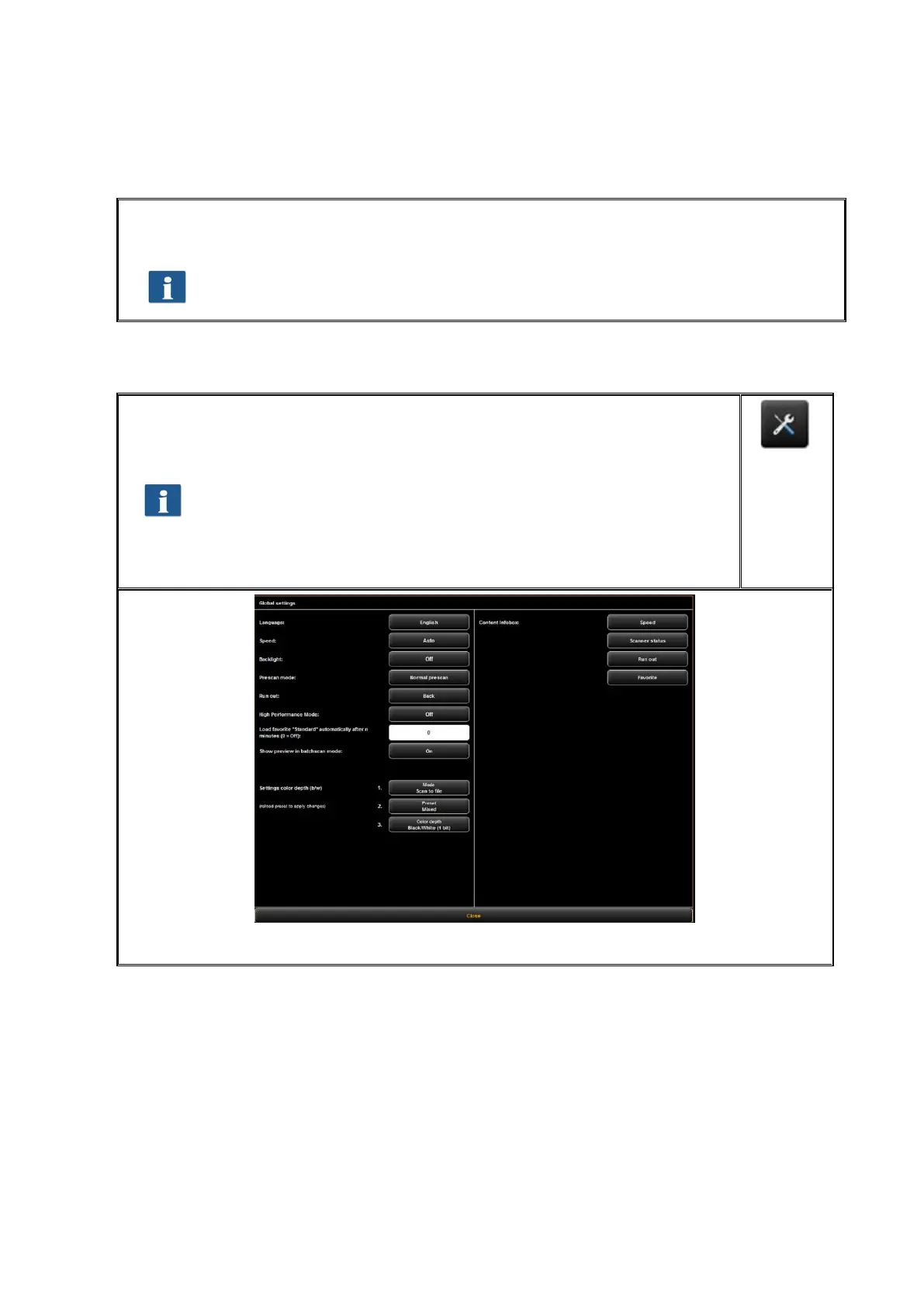
5.15 Configuration of ScanManager
By pressing the button shown on the right which can be found on the left of
the action keys in the lower section of ScanManager you can make several
basic settings.
Access to the settings may be protected by a password. This
protection can be enabled in the parameter settings of
ConfigManager (see 6.8). You are then asked for the administrator
password. The password is equal to the administrator password set
in ConfigManager (see Chapter 6.9).
Figure 5.53: ScanManager - Global settings



 To Next Page