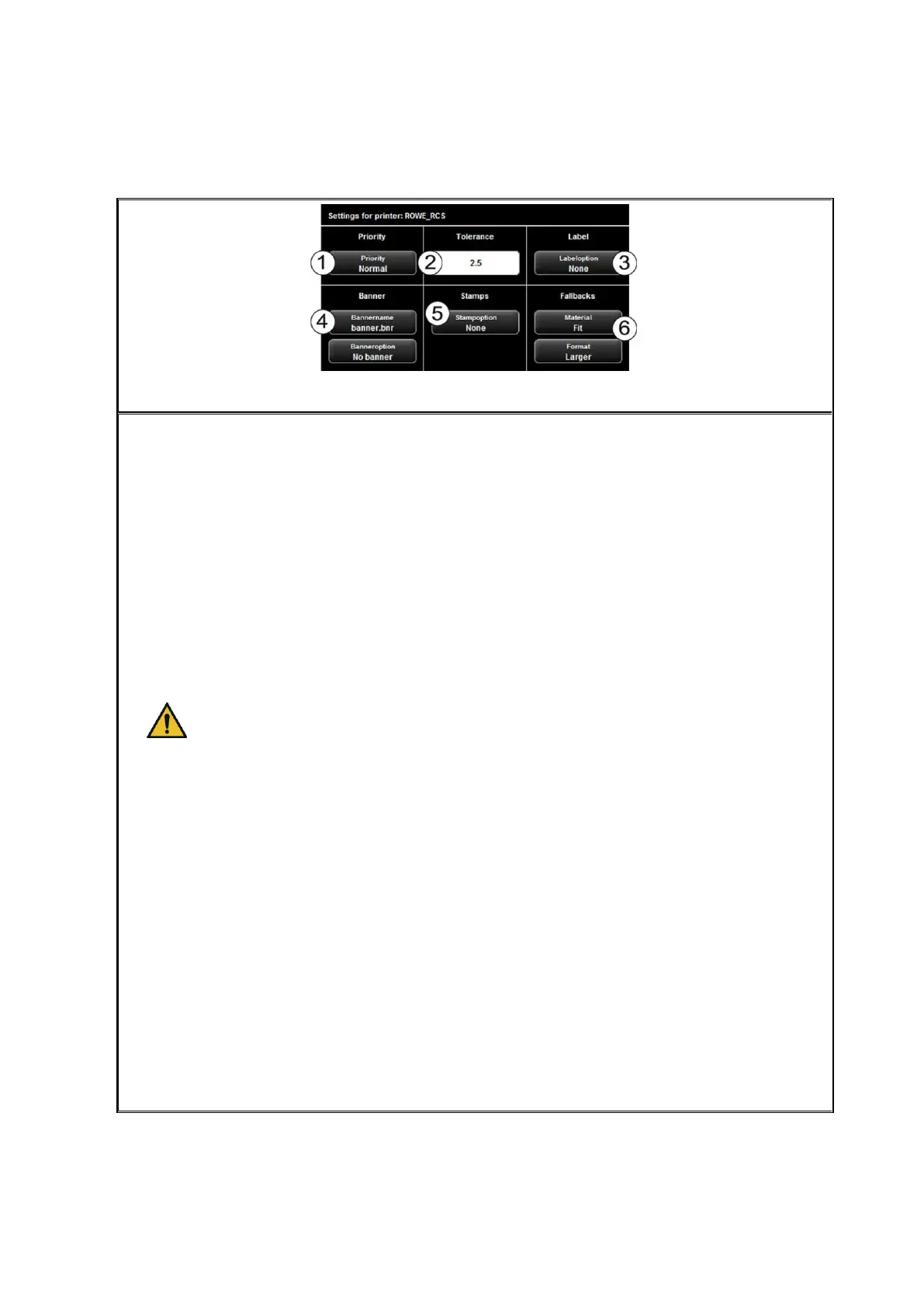
Figure 5.21: Extended settings for ROWE printer
In the advanced settings you can select the following options if you selected a ROWE
printer:
1. Priority: Define behavior in printer job list.
Normal: The job is added to the job list normally.
Low: All print jobs with a higher priority are prioritized.
High: The print job is started as soon as possible.
Suspended: For the time being, the drawing is not printed but the job has
to be started manually on the printer.
2. Tolerance: Define the tolerance by which the dimensions of the document may be
exceeded (in %) for the document being printed on the next smaller roll
nonetheless.
In this case, the print is not reduced correspondingly but the protruding part is
cut off.
3. Label: Selection of the label defined on the printer and to be printed on the
document.
4. Banner: Here you can select the banner file and set whether this banner shall be
output at the beginning and / or end.
5. Stamps: Selection of a stamp defined on the printer and to be printed on the
document.
6. Fallbacks: Here you can define the printer's response if the required material and
/ or format of the print medium is not available. Options are:
Standard: Standard behavior of printer (depending on printer configuration)
Ignore (material): Printer uses the material available (e.g. paper instead of
transparent)
Larger (format): Printer uses the larger format available next (e.g. A1
instead of A2).
Fit: Printer does not print and requires the respective resource giving a
message.



 To Next Page