All settings made in the section Job settings apply to all files within a set, i.e. to all files
available in the file list.
1. Printer: Selection of printer for output of set. With the option Page tolerance you
can determine the tolerance by which the dimensions of the documents may be
exceeded (in %) for the document being printed on the next smaller roll
nonetheless.
2. Copies: Here you define the number of copies of the complete set.
1 Sorting: If you want to prepare more than one copy of the set, you
can additionally define how to sort the output by means of button (2a). In
the default setting, output is effected in the same order as if you printed
the set several times individually one after another. You can modify sorting
so that first all copies of the 1
st
file, then all copies of the 2
nd
file etc. are
output.
3. Job name / user name / account: Here, you can define various job data facilitating
identification of the print job in the job list.
4. Banner: Here you can select whether and / or which banner to be printed in which
position.
5. Miscellaneous:
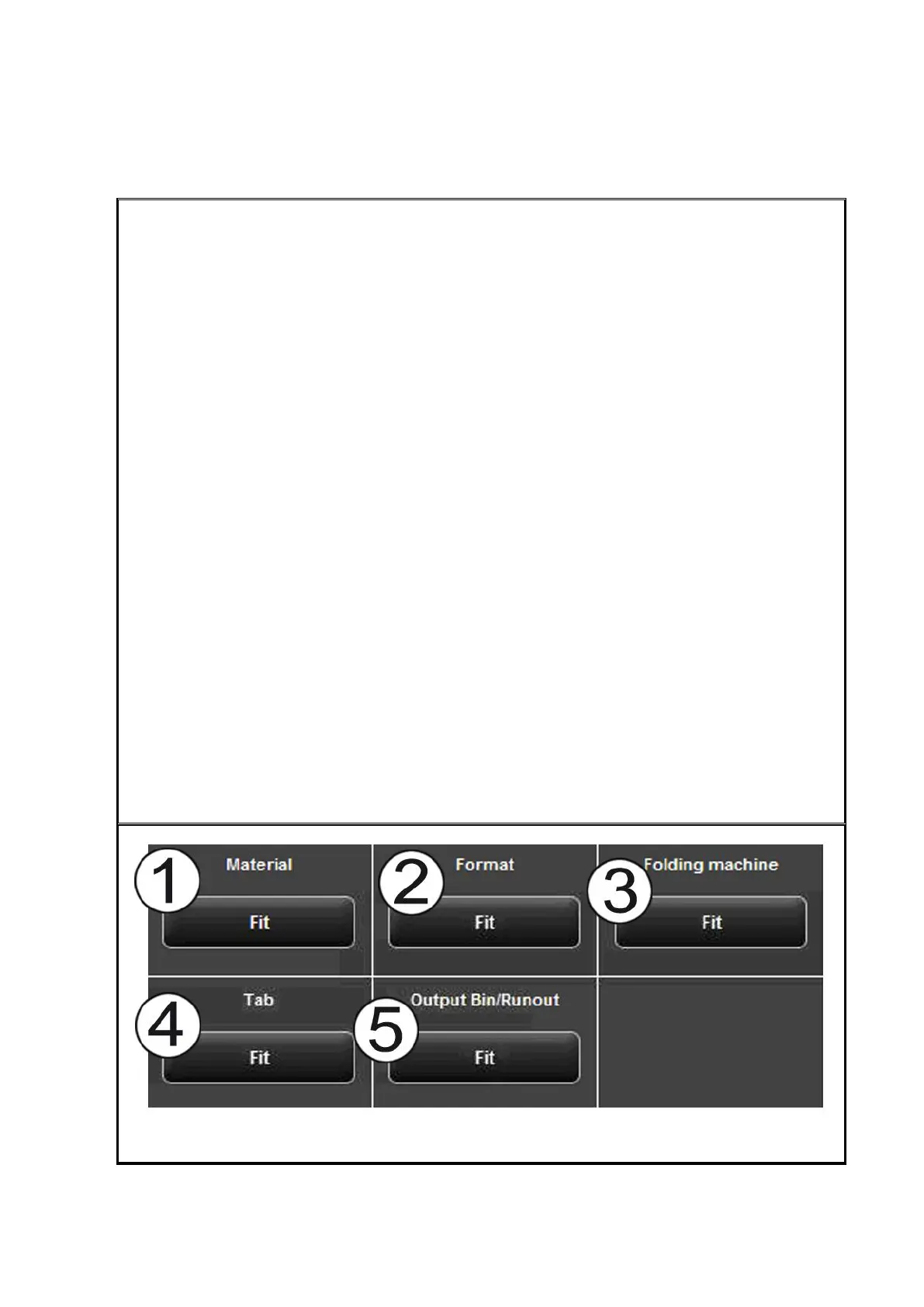
2 Fallback: See Figure 5.51.
3 Priority: Define behavior of job in printer job list.
Normal: The job is added to the job list normally.
Low: All print jobs with a higher priority are prioritized.
High: The print job is started as soon as possible.
Suspended: For the time being, the drawing is not printed but the job has to
be started manually on the printer.
4 Info texts: See Figure 5.52.



 To Next Page