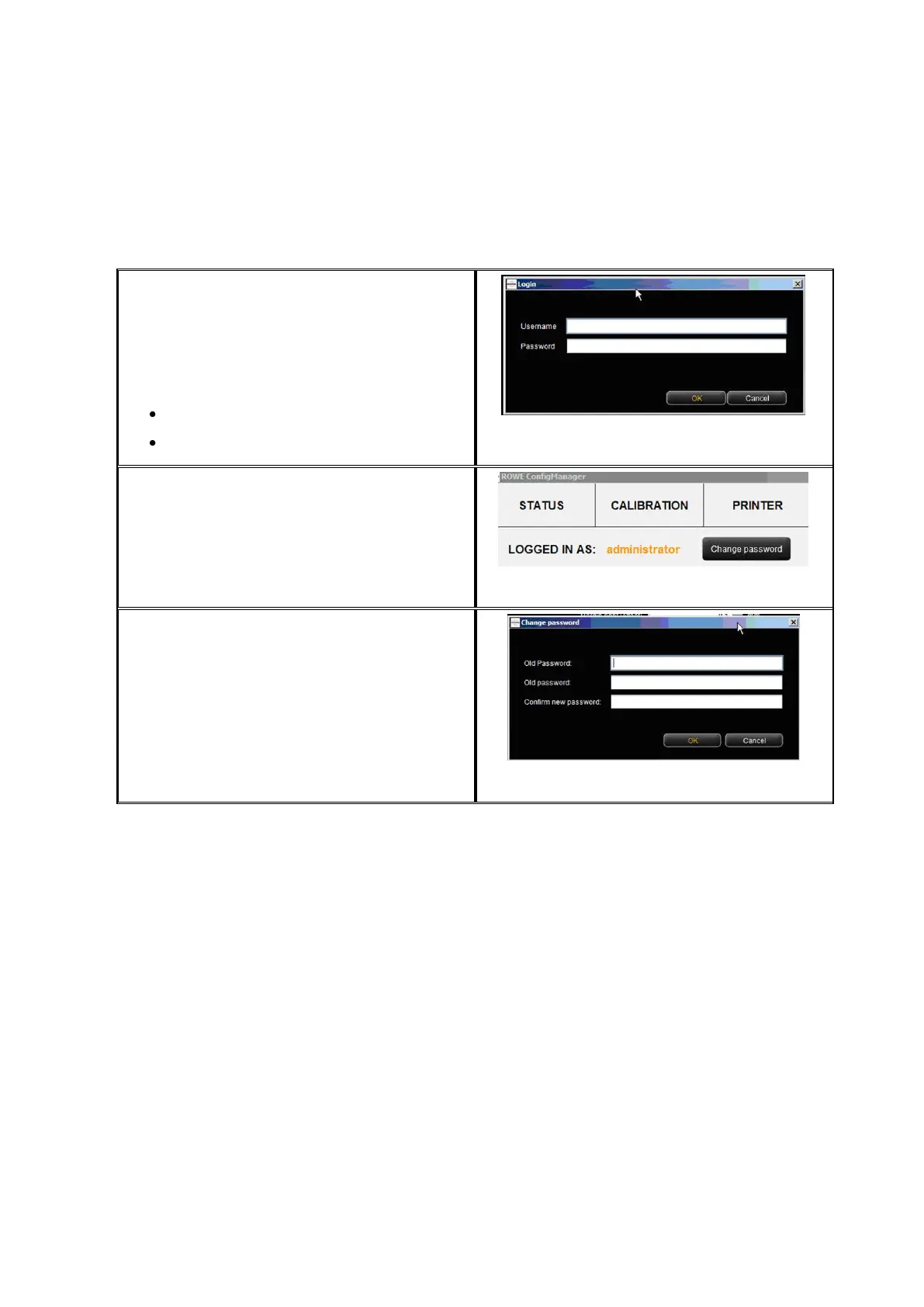
6.9 Login
Some functions in ConfigManager can be
used with special access rights, only. For
this purpose, an administrator account has
been created. Click on the function Login for
authentication. The factory-set access data
is:
Username: administrator
Password: admin
Figure 6.19: ConfigManager - Login
After successful login you can see at the top
on the left under the functions that you are
logged in as administrator.
Figure 6.20: ConfigManager - Login
If requested, you can now change the
password (only when logged in) by clicking
Change password.
You are then prompted to enter the old
password first and then to enter the new
password (two times).
Figure 6.21: ConfigManager - Change password



 To Next Page