Introducing the ZoneFlex Access Point
Getting to Know the Access Point Features
ZoneFlex Indoor Access Point 9.8.1 User Guide, 800-70601-001 Rev C 20
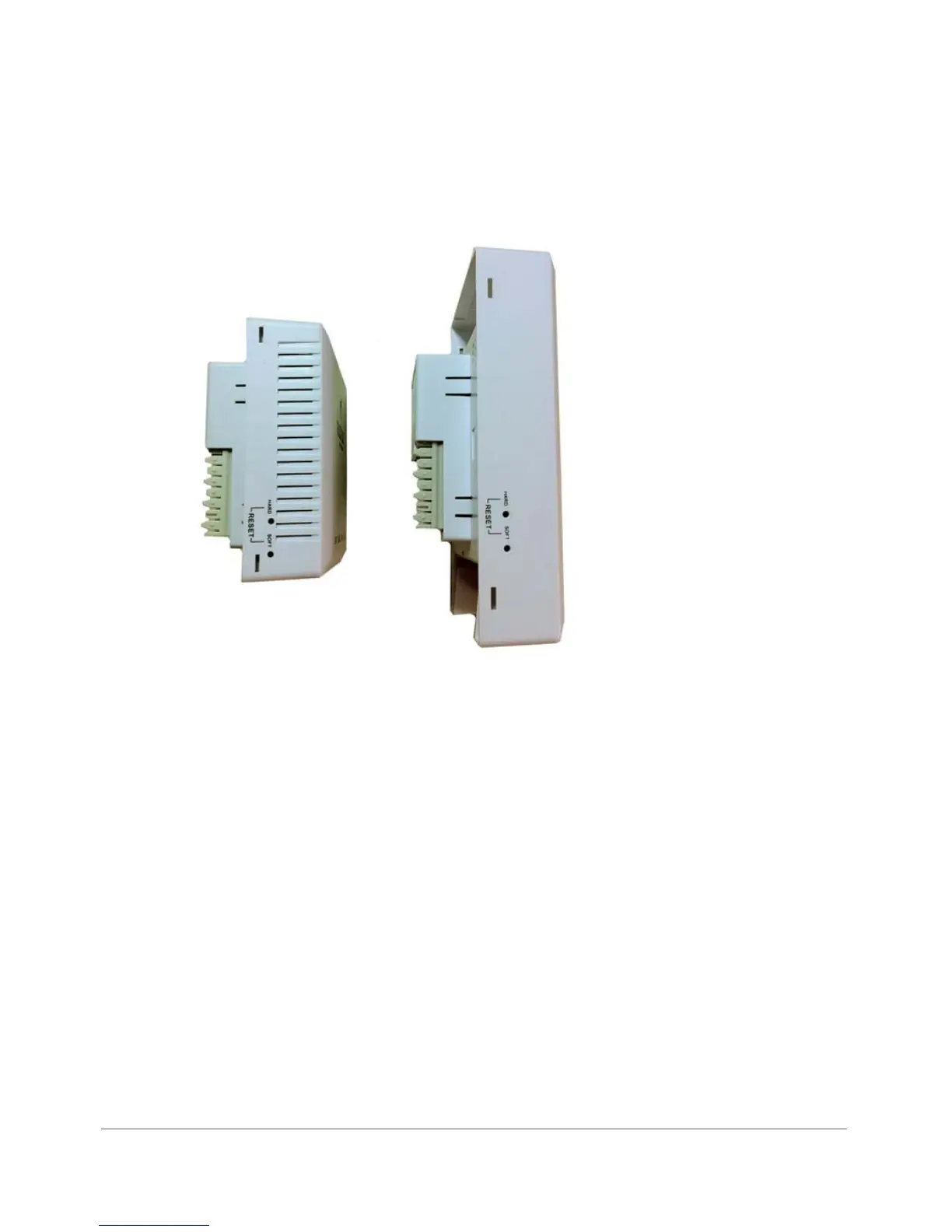
Reset Buttons
Two reset buttons on the left side of the AP are used to reboot or factory reset the AP.
Figure 5. Reset buttons
Press and release the Soft Reset button to reboot the AP. Press and hold the Hard
Reset button for three seconds or more to reset the AP to factory defaults.










 To Next Page