Making Connections Phone Calls and Voicemail 92
Setting Description
More settings
n TTY mode:Enableserviceonyourphone.
n Hearing aids:Improvethesoundqualityofyourphonewhen
usinghearingaids.
n US dialing:Replace+withtheinternationaldialingcode,
exceptwhenentering+1.
n International dialing:Entertheinternationaldialingcode
automatically(onlywhenUSdialingisdisabled).
n DTMF tones:SetthelengthofDTMFtones,whichareused
whenpressingthekeypadwhileonacall.
Voicemail
n Service provider:Viewyourserviceprovider.
n Voicemail settings:Viewyourvoicemailnumber.
n Alert sound:Selectyournewvoicemailalertsound.
n Vibrate:Setthephonetovibratewhennewvoicemailarrives.
n Voicemail:Setoptionsforvoicemail.SeeVoicemailSetup.
Use the Call Settings Menu
1.
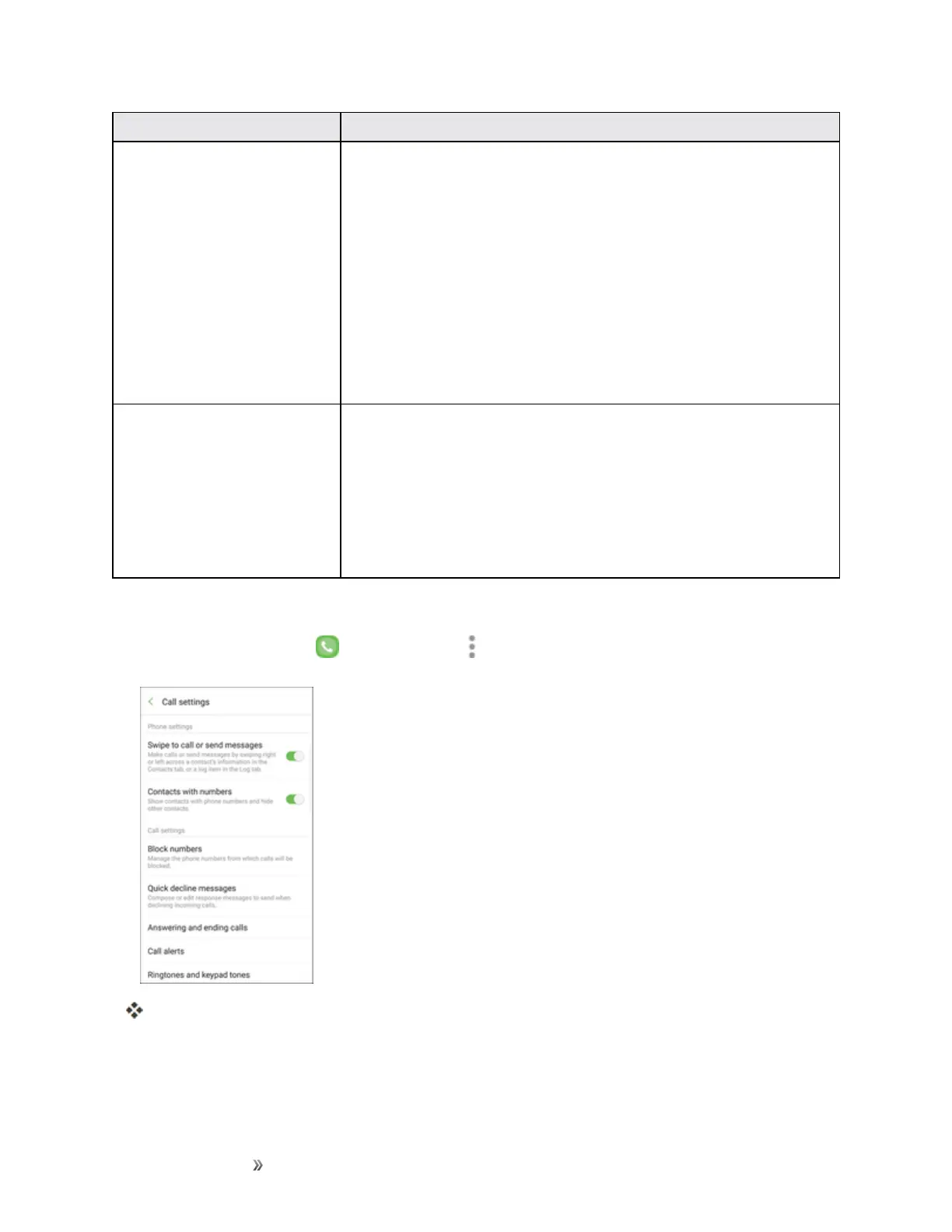
Fromhome,tapPhone >More options >Settings.
Thecallsettingsmenuappears.
2. Configureyouroptions.














 To Next Page