Settings Device Settings 246
2.
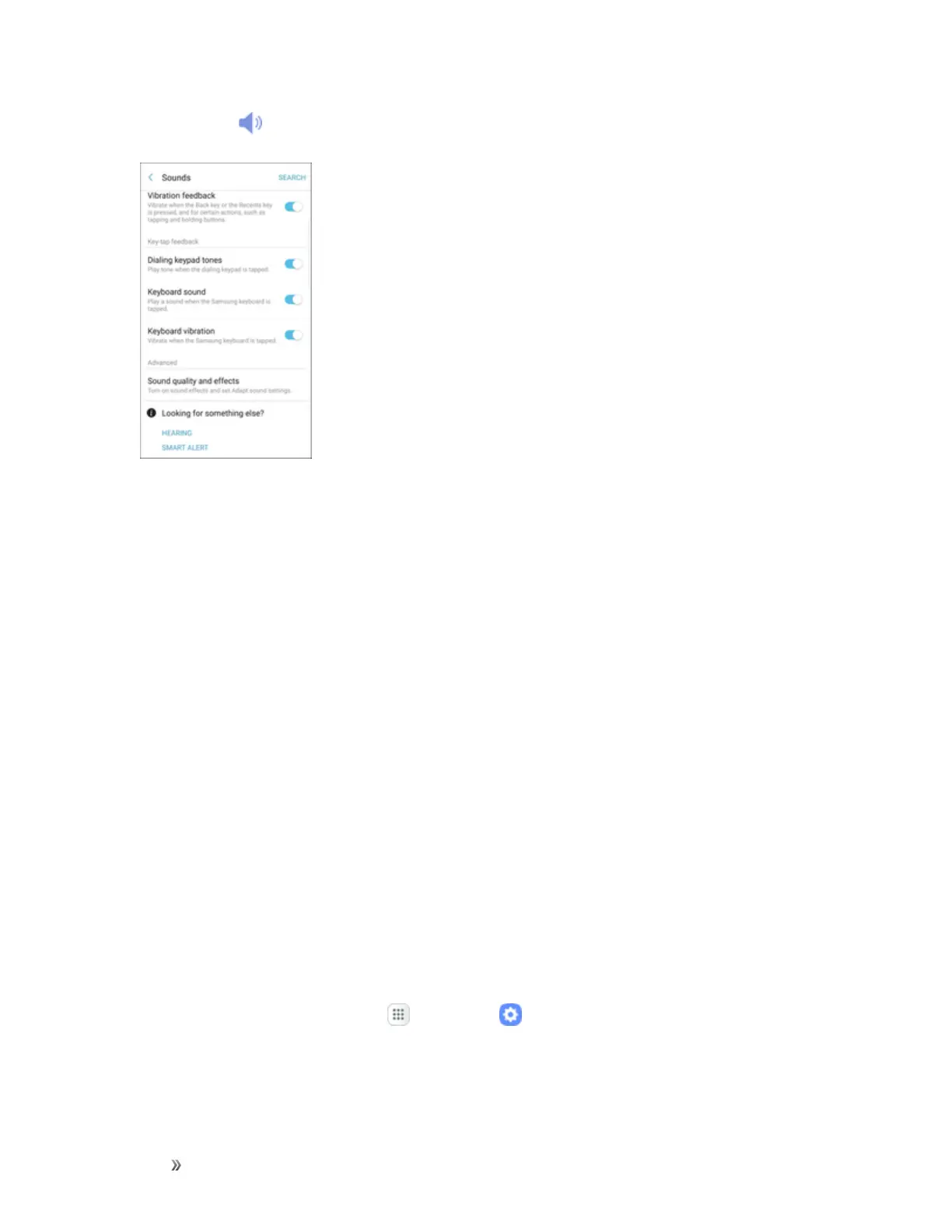
TapSounds .
3. TapSound quality and effects.
4. TapEqualizerandchooseasetting,ortapAdvancedorBasictocustomizeyoursound
settings.
5. TapOn/Offtoenableeachoption:
l UHQ upscaler:Enhancethesoundresolutionofmusicandvideosforaclearerlistening
experience.
l Surround:Recreatetheeffectsofrichsurroundsound.
l Tube Amp Pro:Simulatethesofttimbreofatubeamplifier.
l Concert hall:Simulatethereverbofaconcerthall.
6. TapAdapt soundandfollowthepromptstocustomizeyoursoundsettings.
Note:SoundeffectsareonlyavailablewhileheadphonesoracompatibleBluetoothheadsetis
connected.
Notifications Settings
Thefollowingtopicscoveryourphone’sNotificationssettingsoptions.
Access Notification Settings
1.
Fromthehomescreen,tapApps >Settings .














 To Next Page