Settings Device Settings 234
Device Settings
Thefollowingtopicsoutlinethedevicesettingsoptionsavailableonyourphone,includingsounds,
display,gestures,applications,andmore.
Sounds Settings
Thefollowingtopicscoveryourphone’sSoundssettingsoptions.
Access Sounds Settings
n
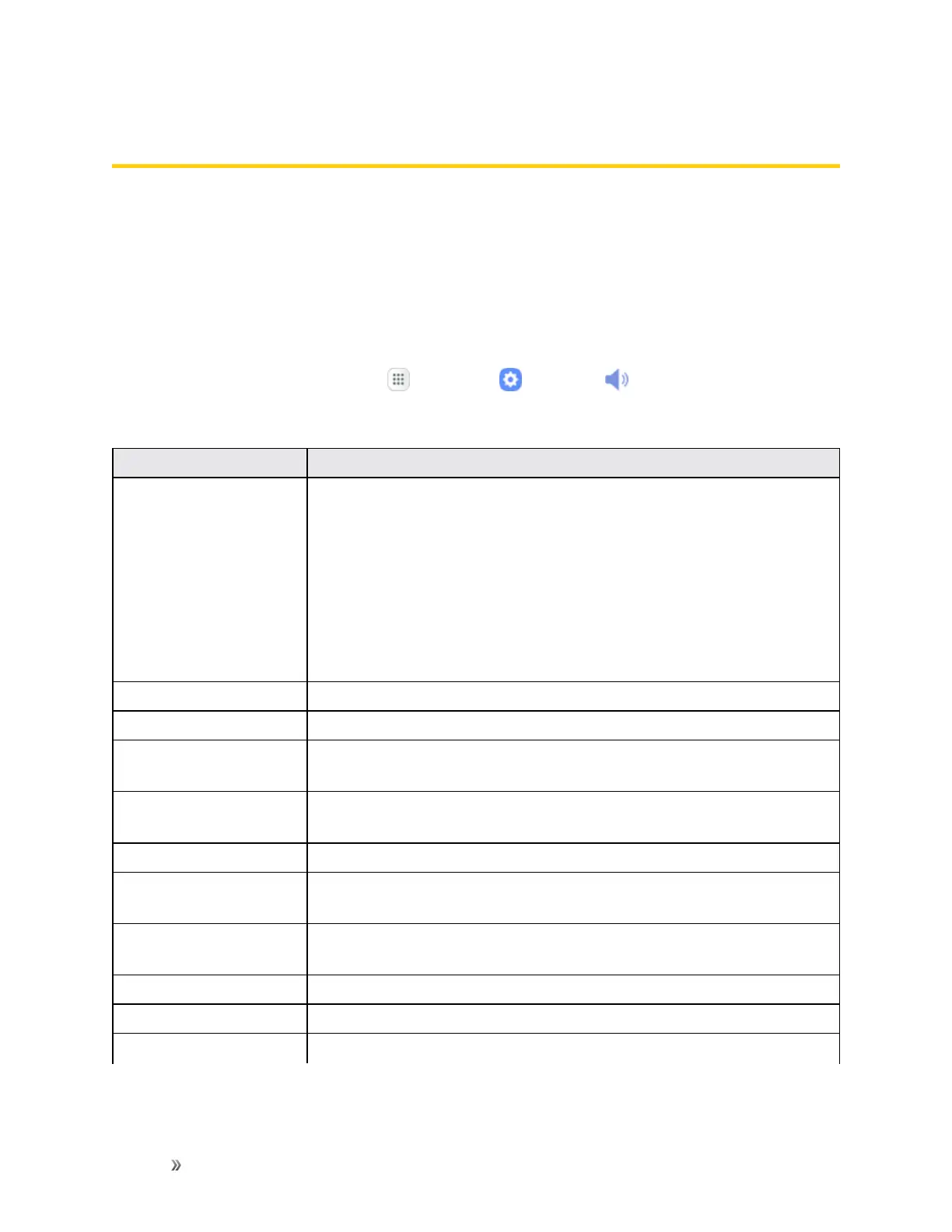
Fromthehomescreen,tapApps >Settings >Sounds .
ThetablebelowoutlinesyourSoundssettings.
Category Description
Sound mode
Setthesoundmodeforthephone.
n Sound:Yourphoneusesthesounds,vibrations,andvolumelevels
youhavechoseninSoundsettingsfornotificationsandalerts.
n Vibrate:Yourphonevibratesfornotificationsandalerts.Thisuses
theVibrationintensityyouchooseinSoundsettings.
n Mute:Yourphoneplaysnosoundsorvibrations.Onscreen
reminderswillstilloccur.
Vibrate while ringing
Setyourdevicetovibrateinadditiontoringingwhenyoureceiveacall.
Volume Setvolumeforringtones,media,systemfeatures,etc.
Vibration intensity
Settheamountofvibrationforincomingcalls,notifications,andhaptic
feedback.
Ringtone Setyourringtonesandnotificationsoundsforyourphone,apps,
keypad,andotherfeatures.
Vibration pattern
Choosefrompresetvibrationpatternsorcreateyourownpattern.
Notification sounds Chooseasoundfornotifications,suchasfornewmessagesandevent
reminders.
Do not disturb
ConfiguretheDonotdisturbfeaturetomutecallsandalertsatwilloron
aschedule,aswellassetexceptions.
Touch sounds
Playtoneswhenyoutouchortapthescreentomakeselections.
Screen lock sounds
Playsoundswhenlockingorunlockingthescreen.
Charging sound
Playasoundwhenachargerisconnected.














 To Next Page