Making Connections Internet and Social Networking 137
Your User Name
Whenyoubuyyourphoneandsignupforservice,youareautomaticallyassignedausername,
whichistypicallybasedonyournameandanumber,followedby“@sprintpcs.com.”(Forexample,
thethirdJohnSmithtosignupforSprintdataservicesmighthavejsmith003@sprintpcs.comashis
username.)
Whenyouusedataservices,yourusernameissubmittedtoidentifyyoutothenetwork.Youruser
nameisautomaticallyprogrammedintoyourphone.Youdonothavetoenterit.
Find Your User Name
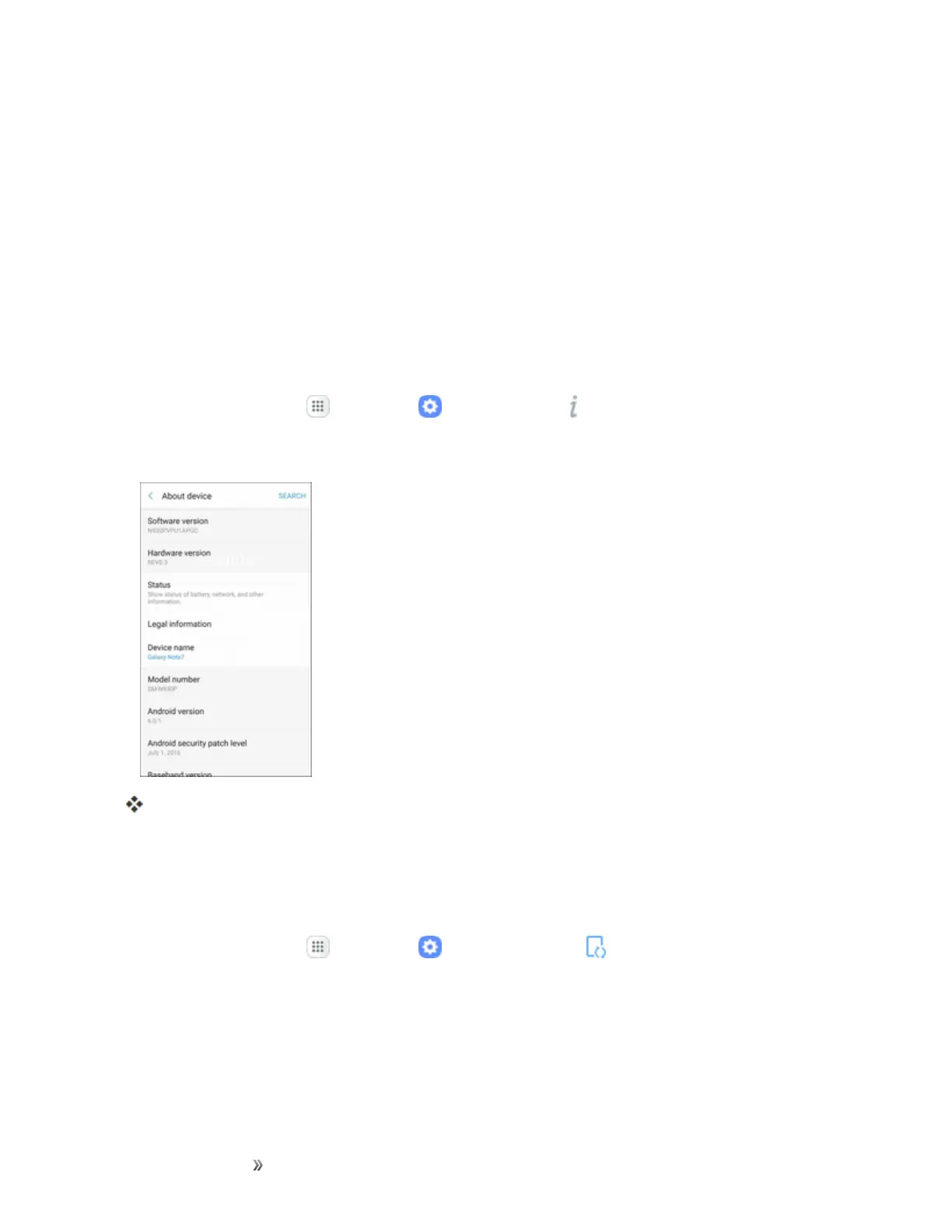
Youcanfindyourusernamethroughyourphone'sdevicemenu.
1.
Fromhome,tapApps >Settings >About device .
2. TapStatus.
Youwillseeyourusernameunderthe“Username”heading.
Update Your User Name
Ifyouchoosetochangeyourusernameandselectanewoneonline,ormakeanychangestoyour
services,youmustthenupdatetheprofileonyourphone.
1.
Fromhome,tapApps >Settings >System Update .














 To Next Page